
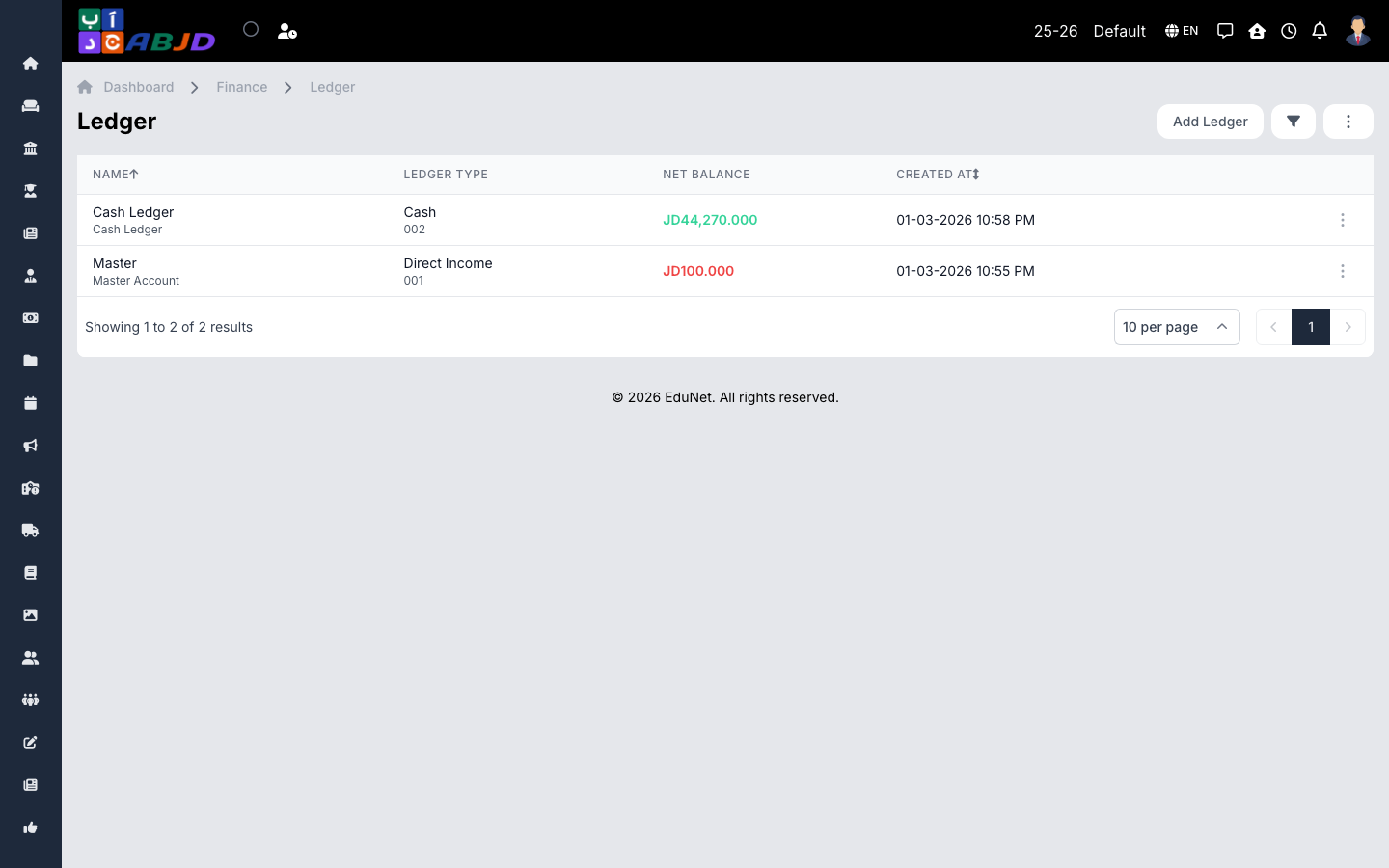
A ledger is an account that money moves in and out of — the school’s bank account, the front-desk cash box, or an income/expense category. Every transaction debits or credits a ledger, and fee collection posts into the ledger chosen at payment time.
Open it from the sidebar: Finance → Ledger.
Create a ledger
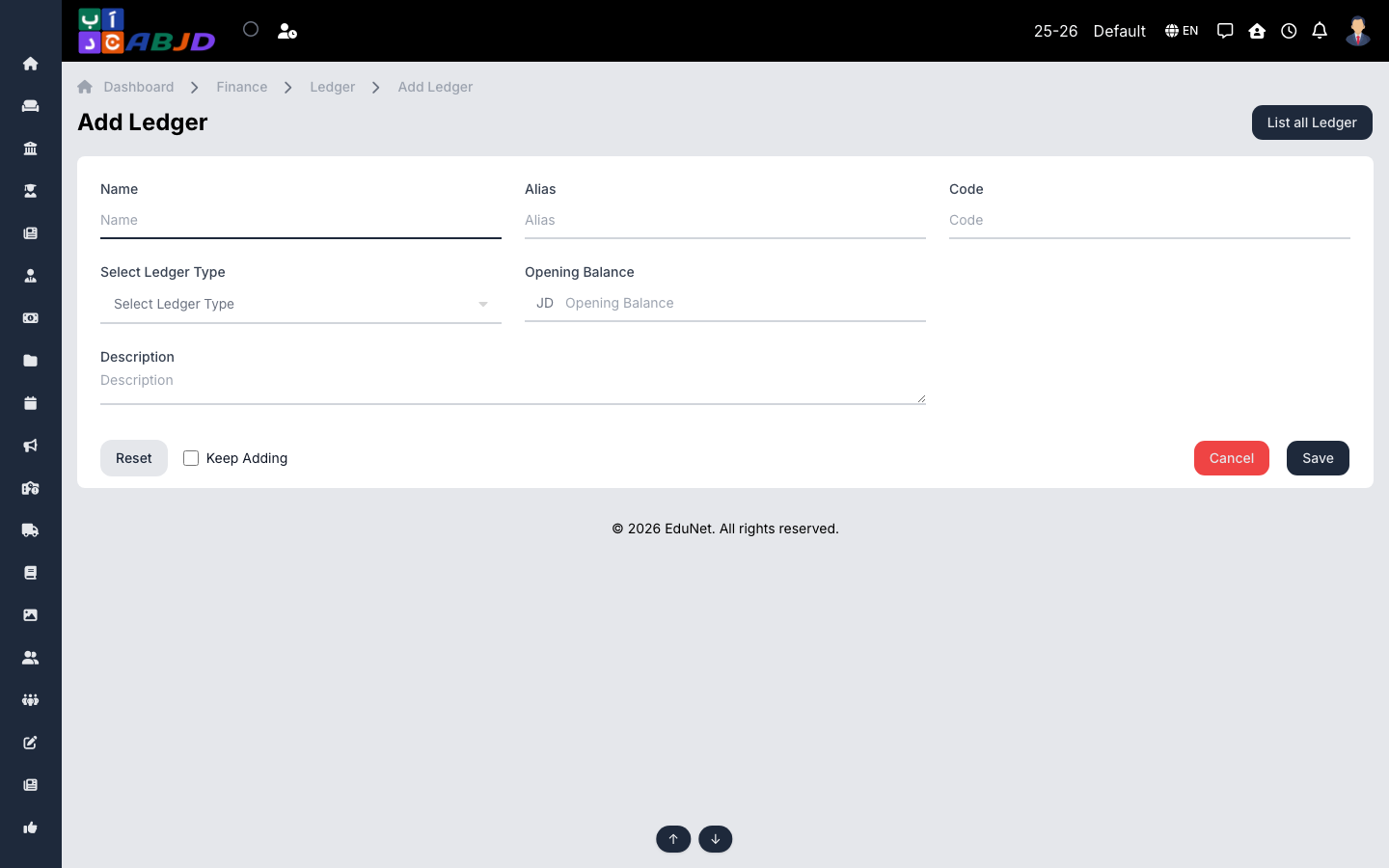
- Click Add Ledger.
- Enter the name and pick the ledger type (e.g. Bank Account, Cash).
- For bank accounts, fill in the account details; set an opening balance if the account already holds money.
- Click Save.
Row actions
- View / Edit — open or change the ledger.
- Duplicate — copy a ledger’s setup.
- Delete — only possible while the ledger has no transactions.
Tip: the Ledger Book report (Finance → Report) shows a running statement per ledger — use it to reconcile the cash box or bank statement.