
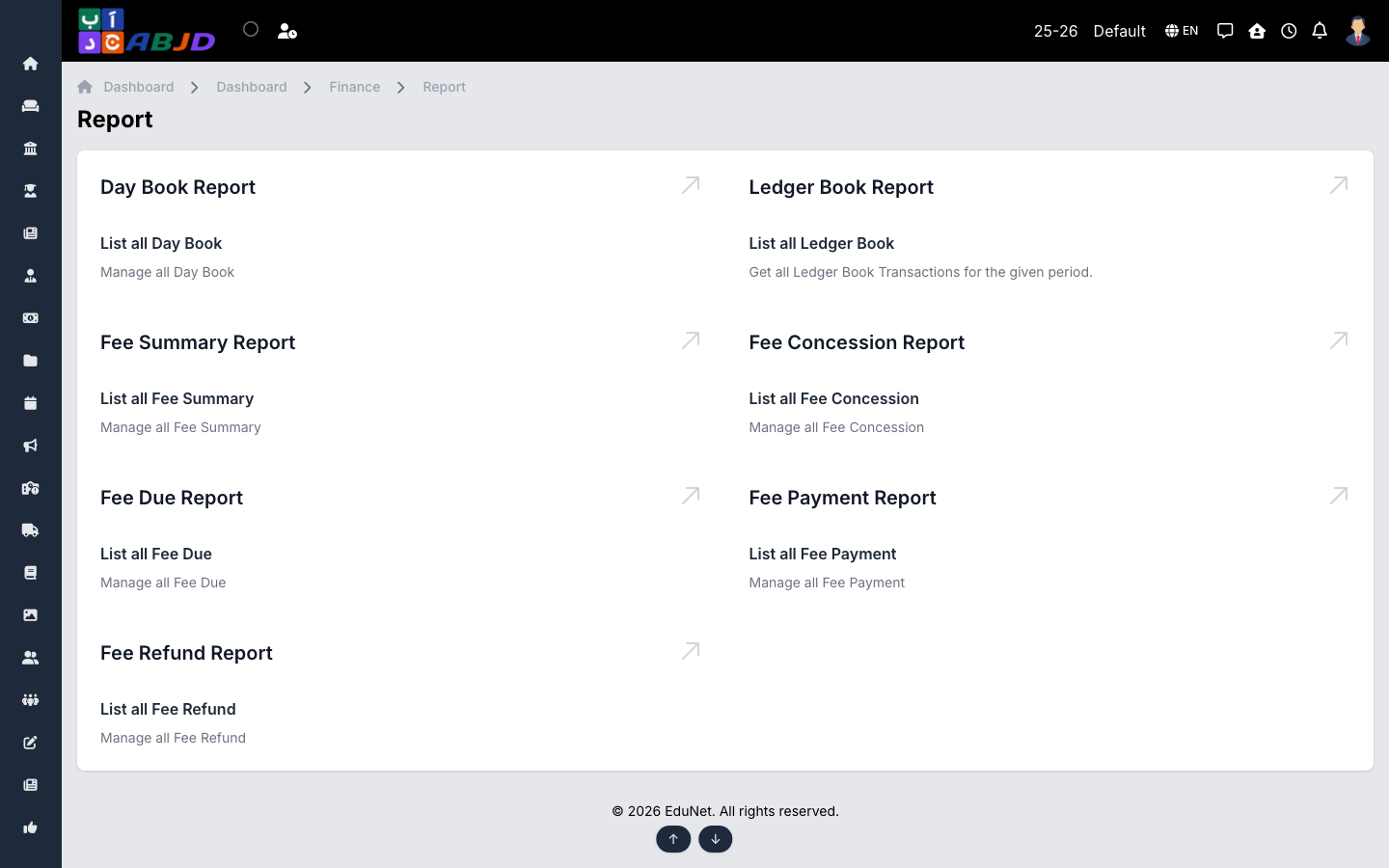
The Reports screen gathers the financial reports in one place. Every report can be filtered (by date range, course/batch, fee head…) and exported.
Open it from the sidebar: Finance → Report.
Available reports
- Fee Due — students with outstanding fees, with amounts per installment.
- Installment-wise Fee Due — dues broken down per installment across the school.
- Fee Payment — collections in a date range, filterable by method and head.
- Fee Summary — per-student totals: assigned, paid, concession, balance.
- Fee Concession / Concession Summary — what each discount scheme costs.
- Fee Refund — refunds issued in a period.
- Day Book — all transactions of a day across ledgers, for the daily close.
- Ledger Book — running statement of a single ledger for reconciliation.
Typical workflow
- Open the report and set the filters (period, dates, course…).
- Review the on-screen table.
- Export or print for the finance file.
Tip: for chasing unpaid fees, start from Fee Due, then let the system send reminders automatically (fee due reminders go to the guardian’s contact number).