
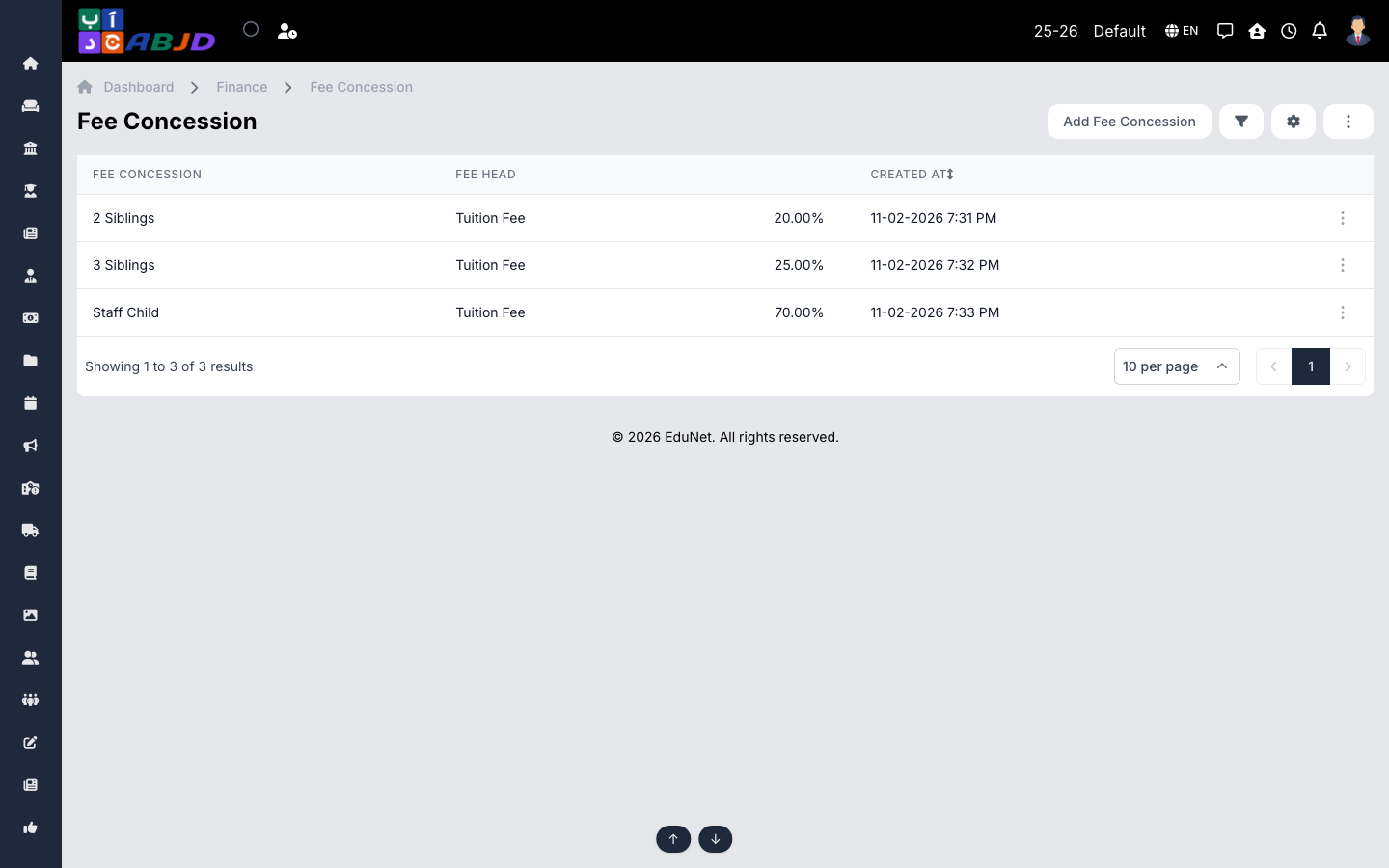
A fee concession is a named discount scheme — Sibling Discount, Staff Child, Scholarship. Each concession defines, per fee head, either a percentage or a fixed amount off. Concessions are then attached to individual students’ fee allocations.
Open it from the sidebar: Finance → Fee Concession.
Create a fee concession
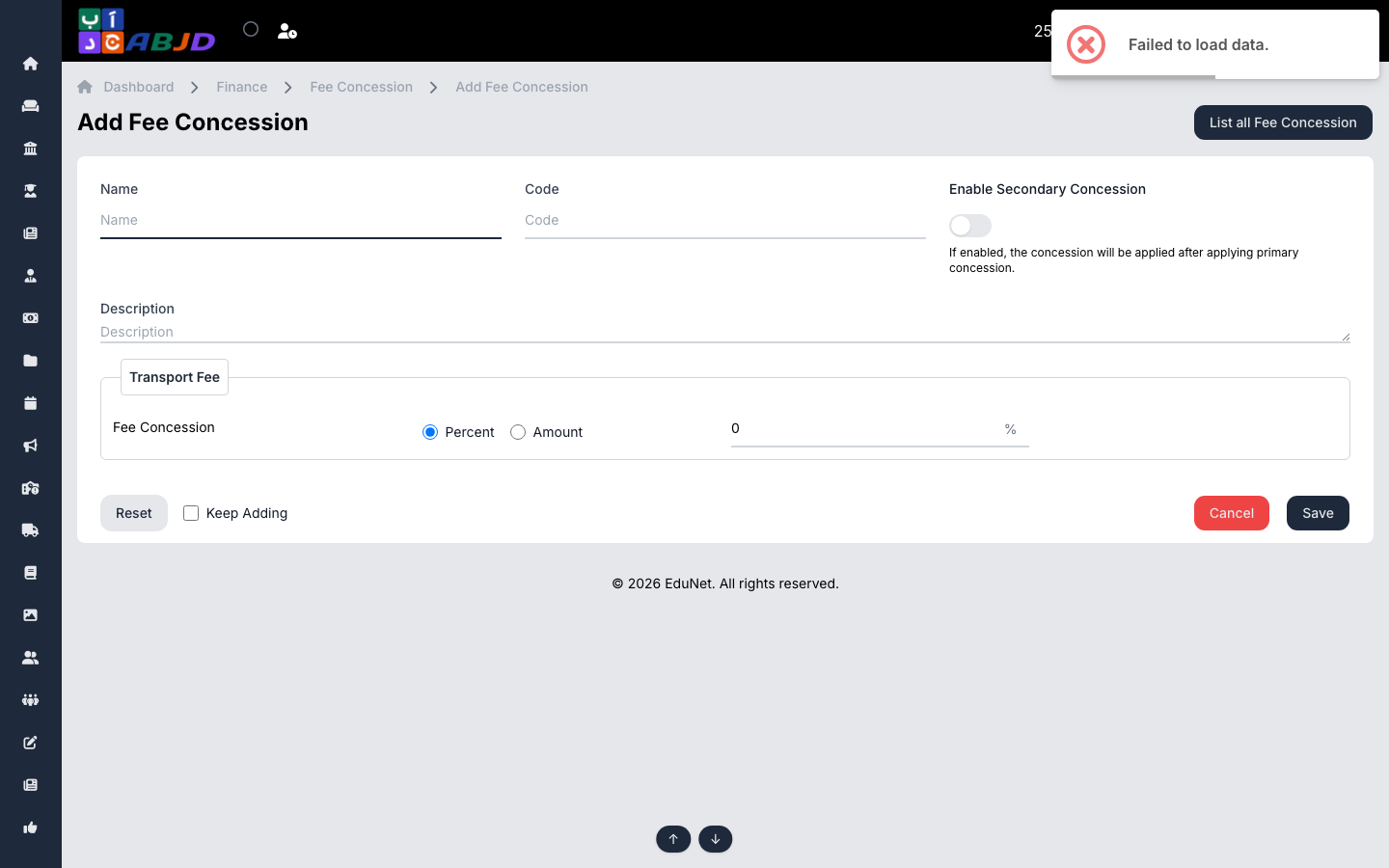
- Click Add Fee Concession.
- Enter the name and an optional code.
- For each fee head, choose Percent or Amount and enter the discount value.
- Optionally enable Secondary Concession — a discount applied after the primary concession (useful for stacking, e.g. sibling + early-payment).
- Click Save.
Row actions
- View / Edit — open or change the scheme.
- Duplicate — copy a scheme as a starting point.
- Delete — only possible while no student uses the concession.
Tip: the Fee Concession and Fee Concession Summary reports (Finance → Report) show exactly how much each scheme costs the school per period.