
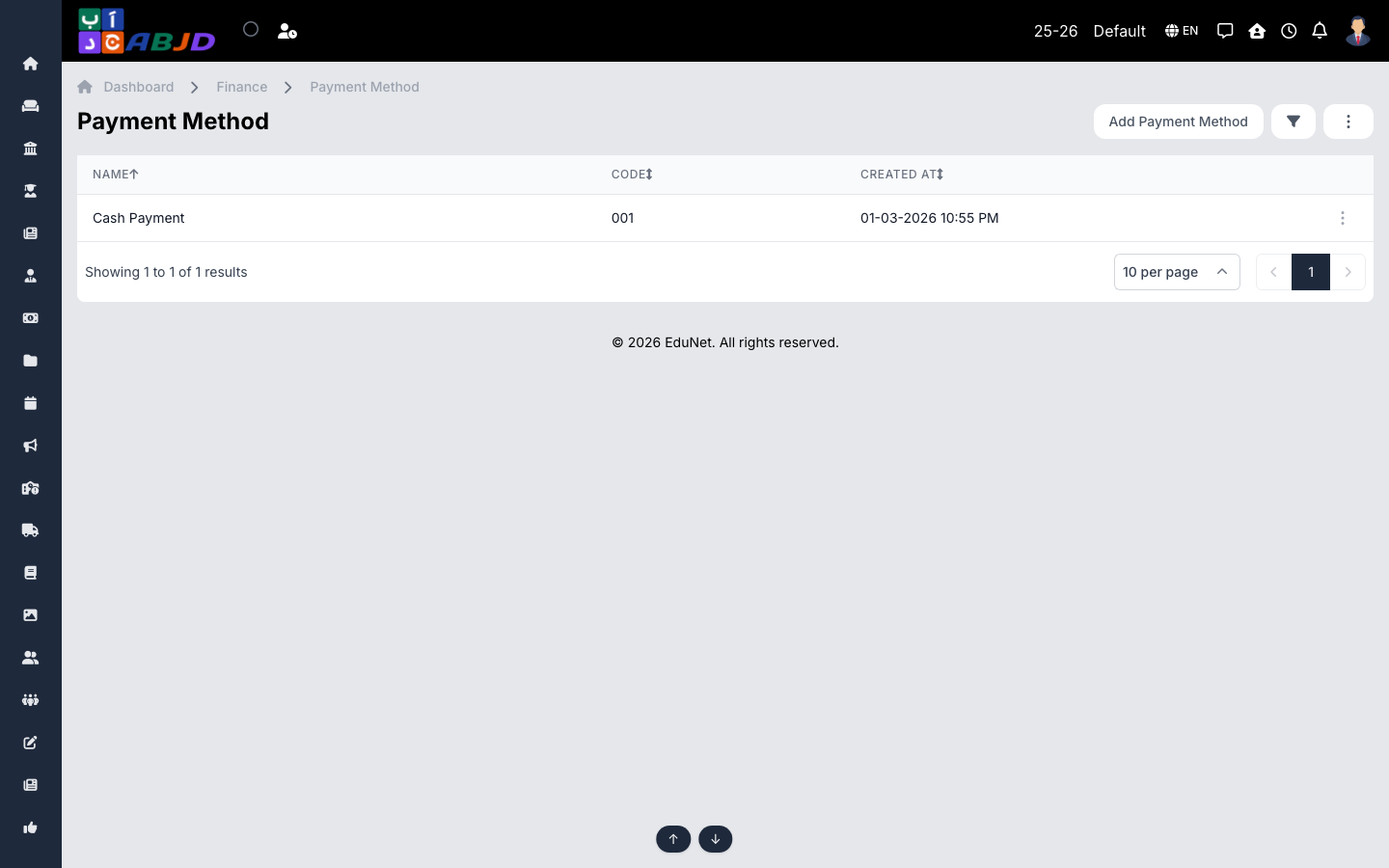
Payment methods are the ways a payer can settle a fee — cash, bank transfer, cheque, card, or an online gateway. Every receipt and transaction records which method was used, so set these up before collecting any fees.
Open it from the sidebar: Finance → Payment Method.
Create a payment method
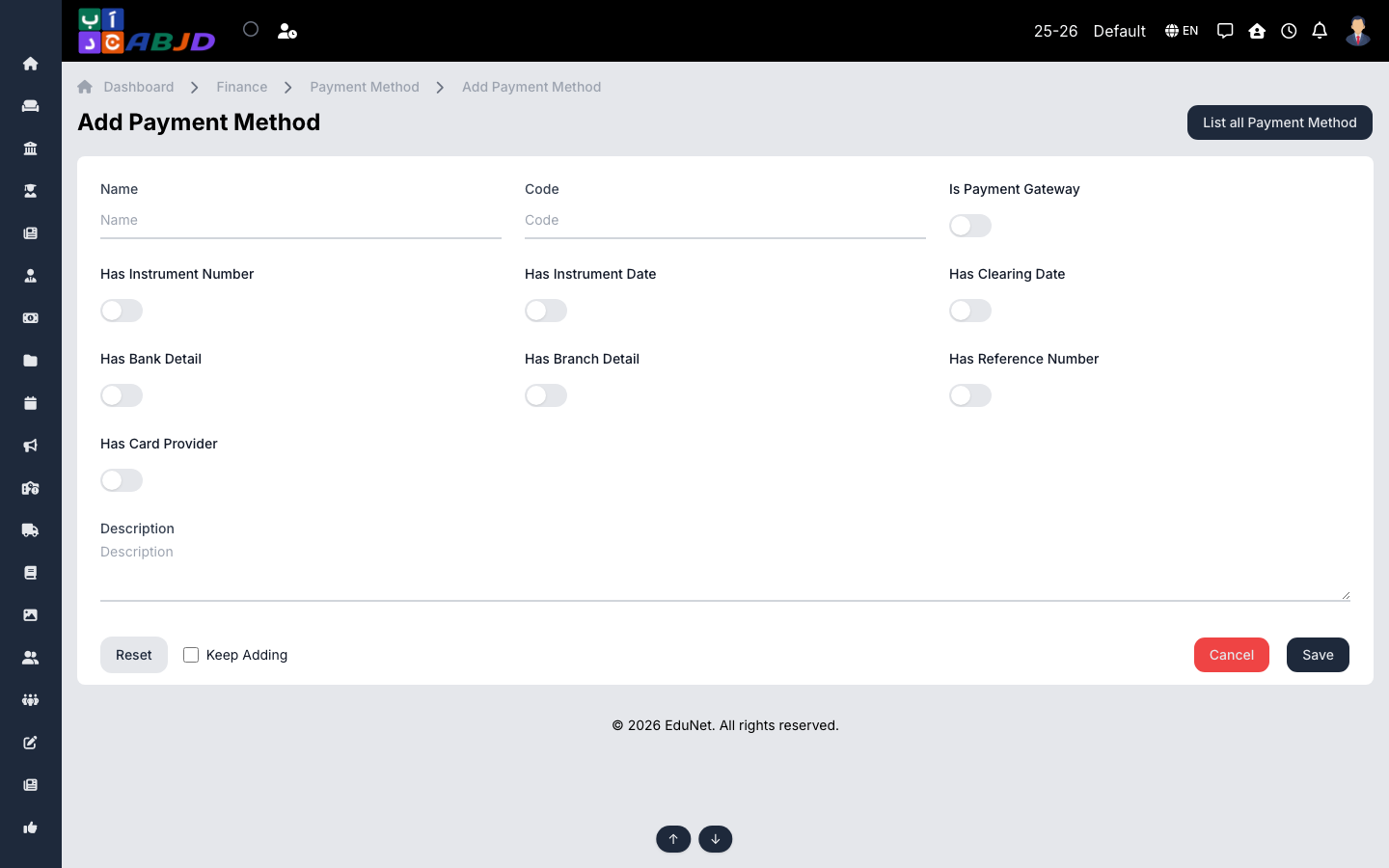
- Click Add Payment Method.
- Enter the name (e.g.
Cash,Bank Transfer,Cliq). - Choose whether the method requires extra details — for example a reference number, bank name or card provider — so cashiers are prompted for them at collection time.
- Click Save.
Row actions
- View / Edit — open or change the method’s details.
- Delete — only possible while no transactions use the method.
Tip: keep the list short and unambiguous — one entry per real-world channel makes the day-book and payment reports much easier to read.