
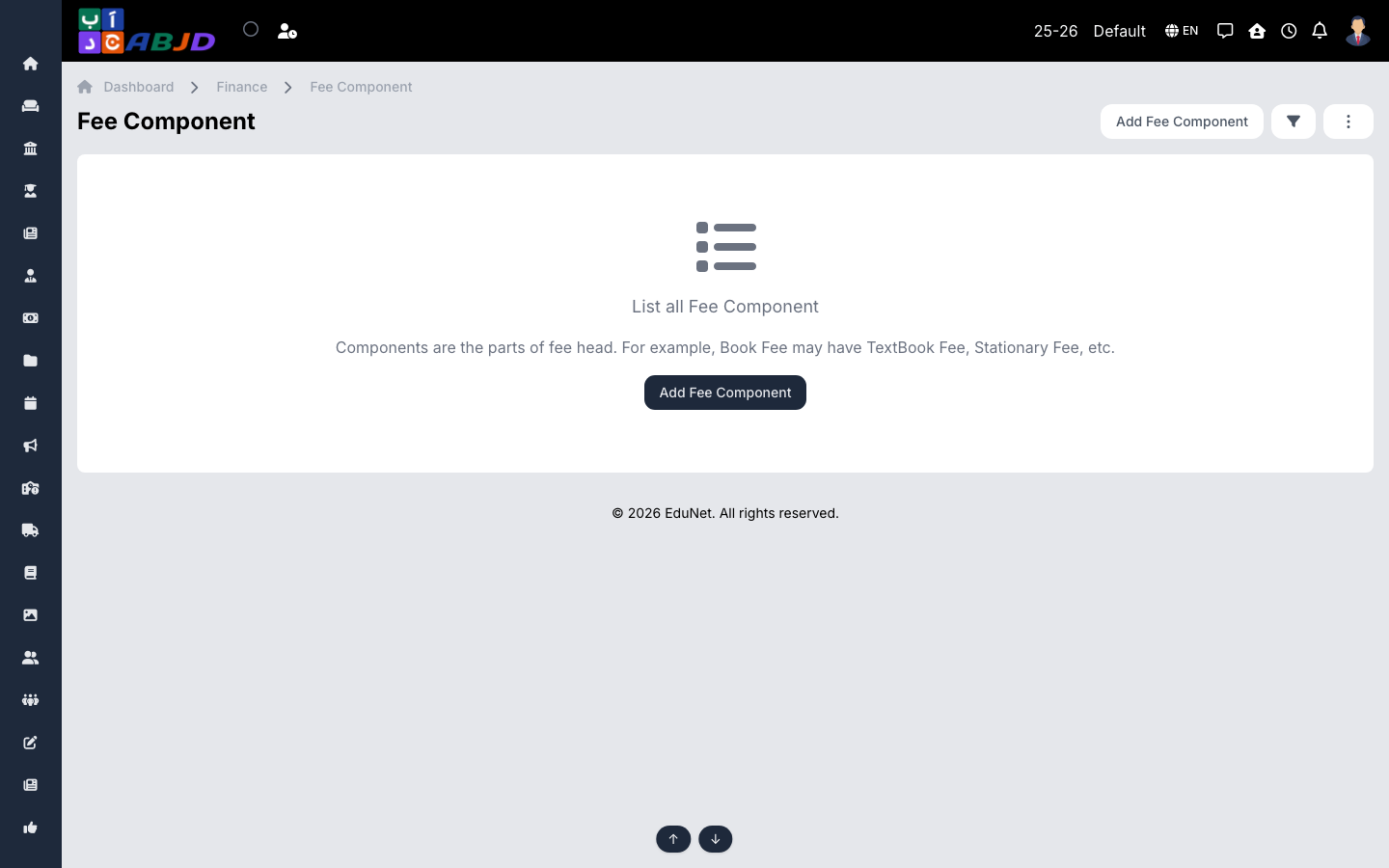
A fee component is a reusable preset that pairs fee heads with amounts. Instead of retyping the same amounts in every structure, define them once as a component and reuse it.
Open it from the sidebar: Finance → Fee Component.
Create a fee component
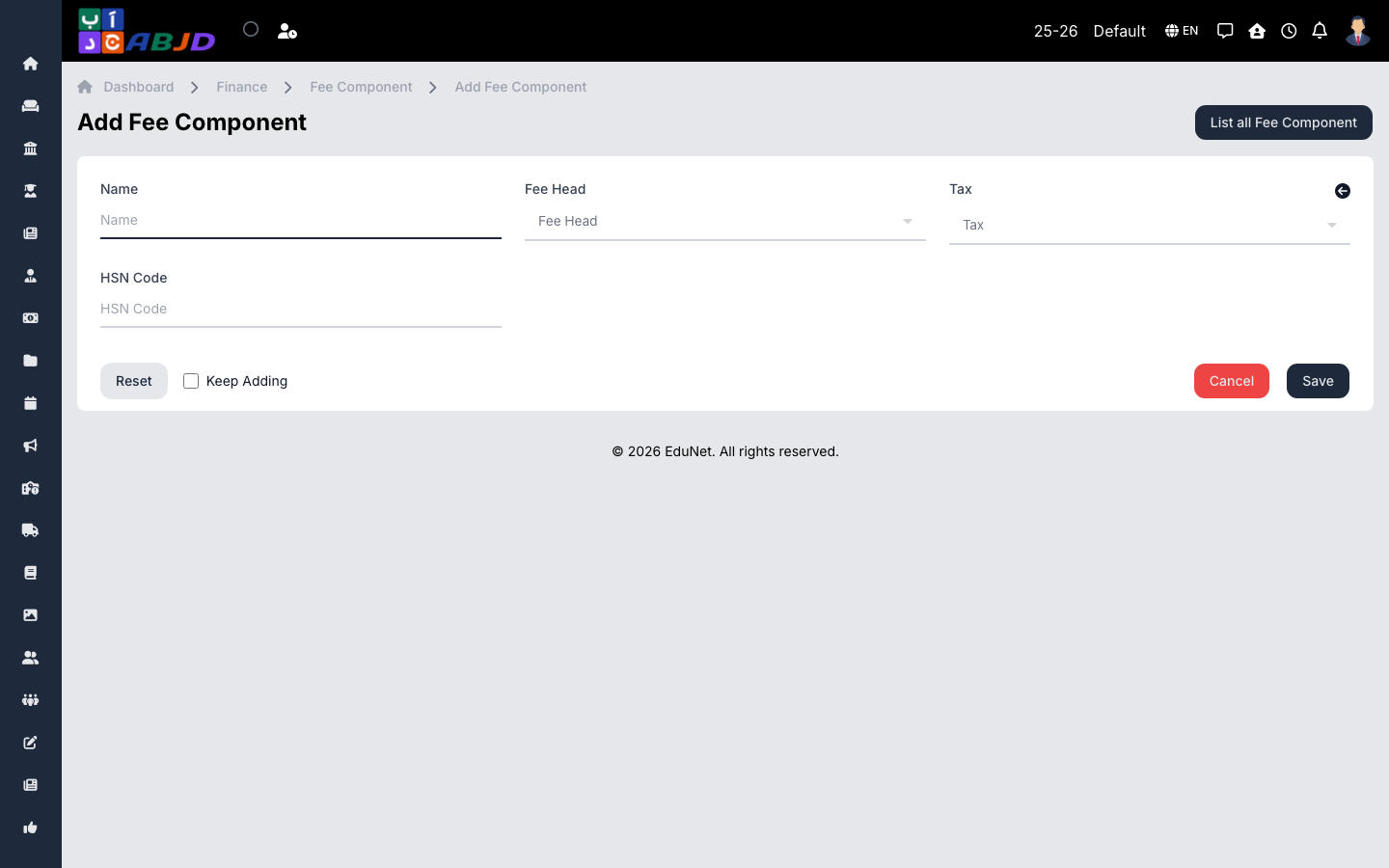
- Click Add Fee Component.
- Enter the name, then set the amount for each fee head the component covers.
- Click Save.
Row actions
- Edit — change the amounts or heads.
- Duplicate — copy a component to build a variant (e.g. next year’s amounts).
- Delete — only possible while the component is unused.