
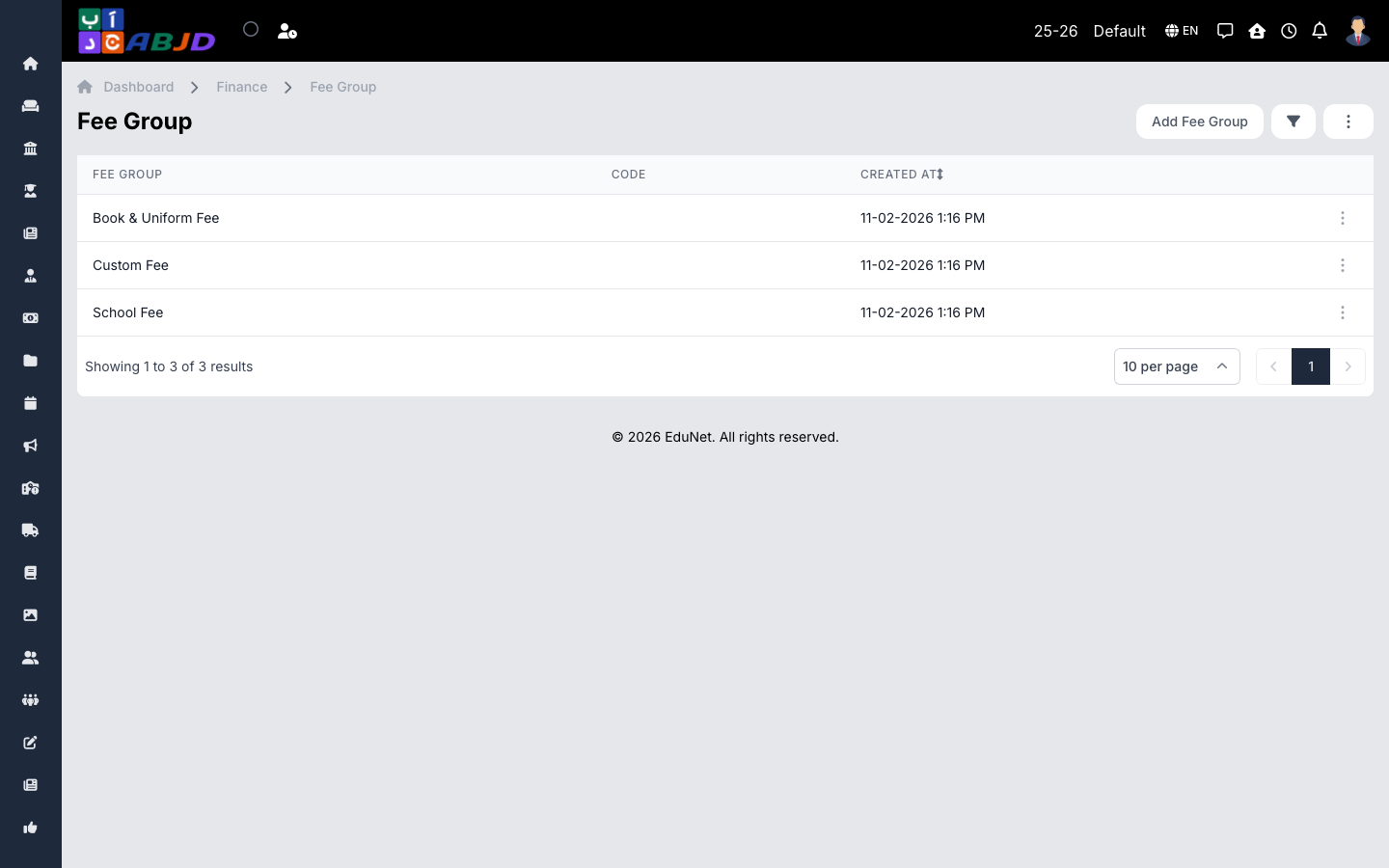
A fee group is a container for related fee heads — for example Tuition, Transport or Activities. Groups keep the fee structure organised and let reports summarise collections by category.
Open it from the sidebar: Finance → Fee Group.
Create a fee group
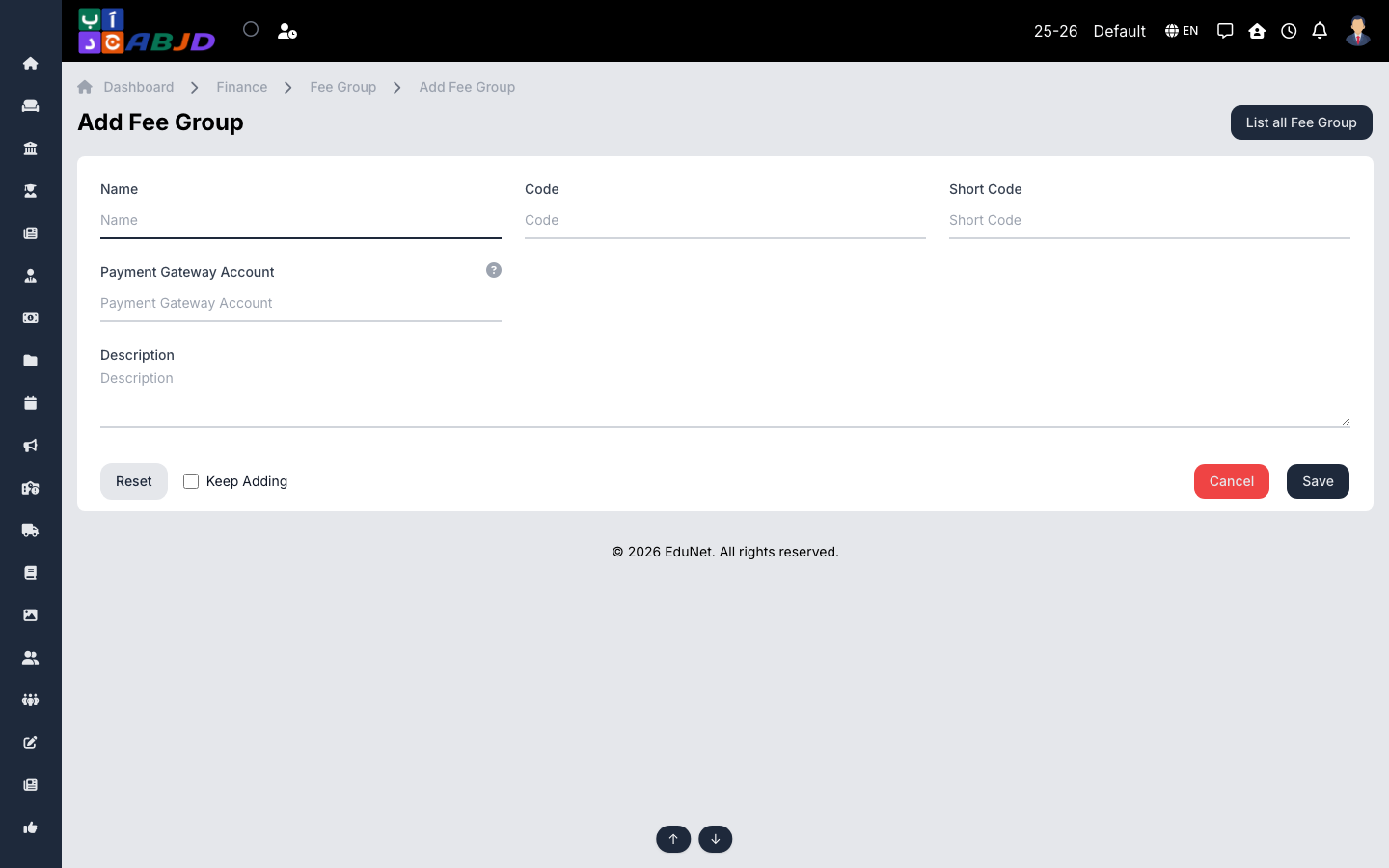
- Click Add Fee Group.
- Enter the name (e.g.
Tuition Fees) and an optional description. - Click Save.
Row actions
- View / Edit — open or change the group.
- Duplicate — copy the group as a starting point for a similar one.
- Delete — only possible while no fee heads belong to the group.
Tip: create groups first — fee heads are assigned to a group when they are created, so a clear group list makes the rest of the fee setup faster.