
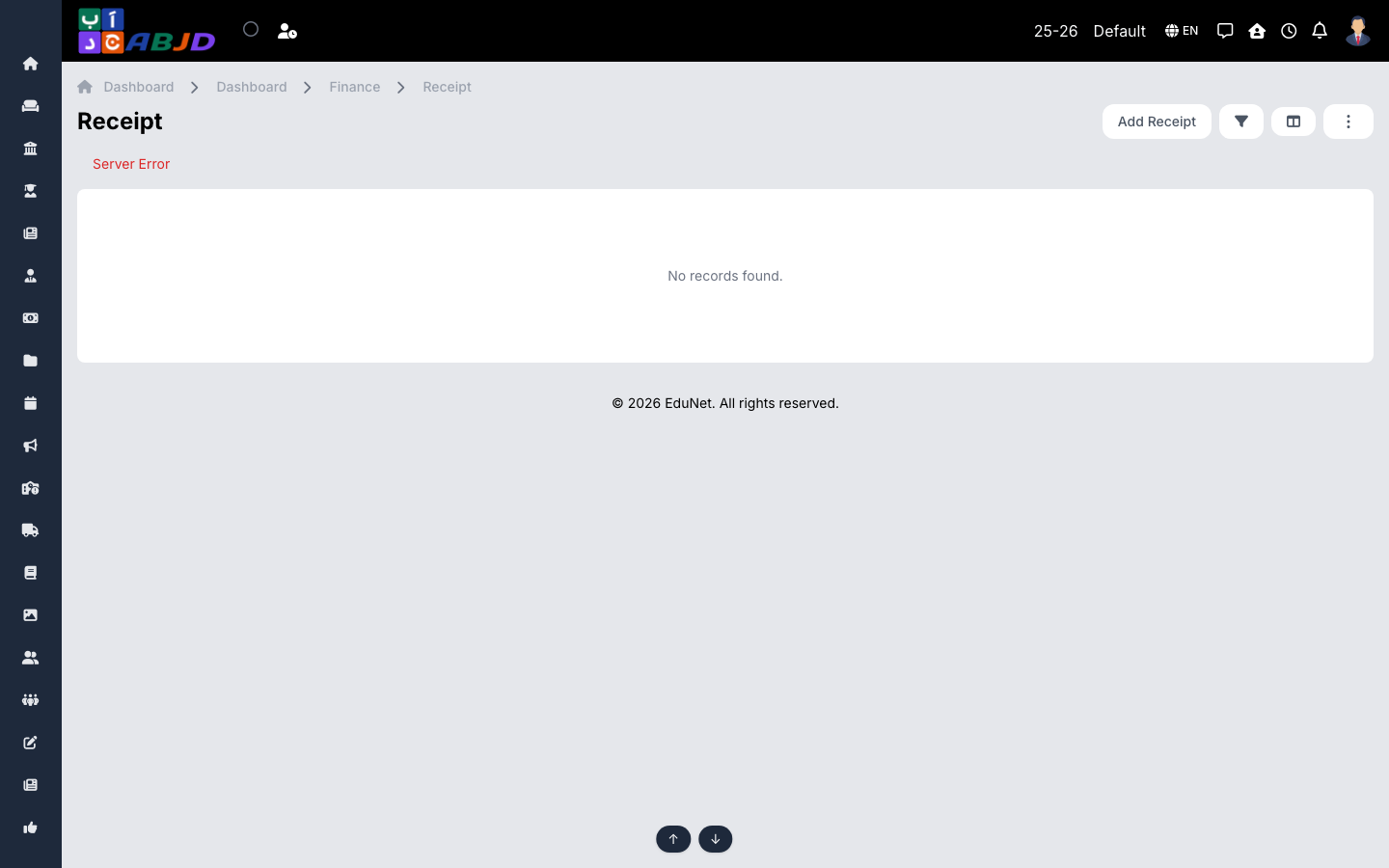
Receipts record one-off collections that are not part of a student’s fee structure — a lost book charge, an event ticket, a payment from an employee or an external party. Each receipt posts into a ledger like any other transaction.
Open it from the sidebar: Finance → Receipt.
Issue a receipt
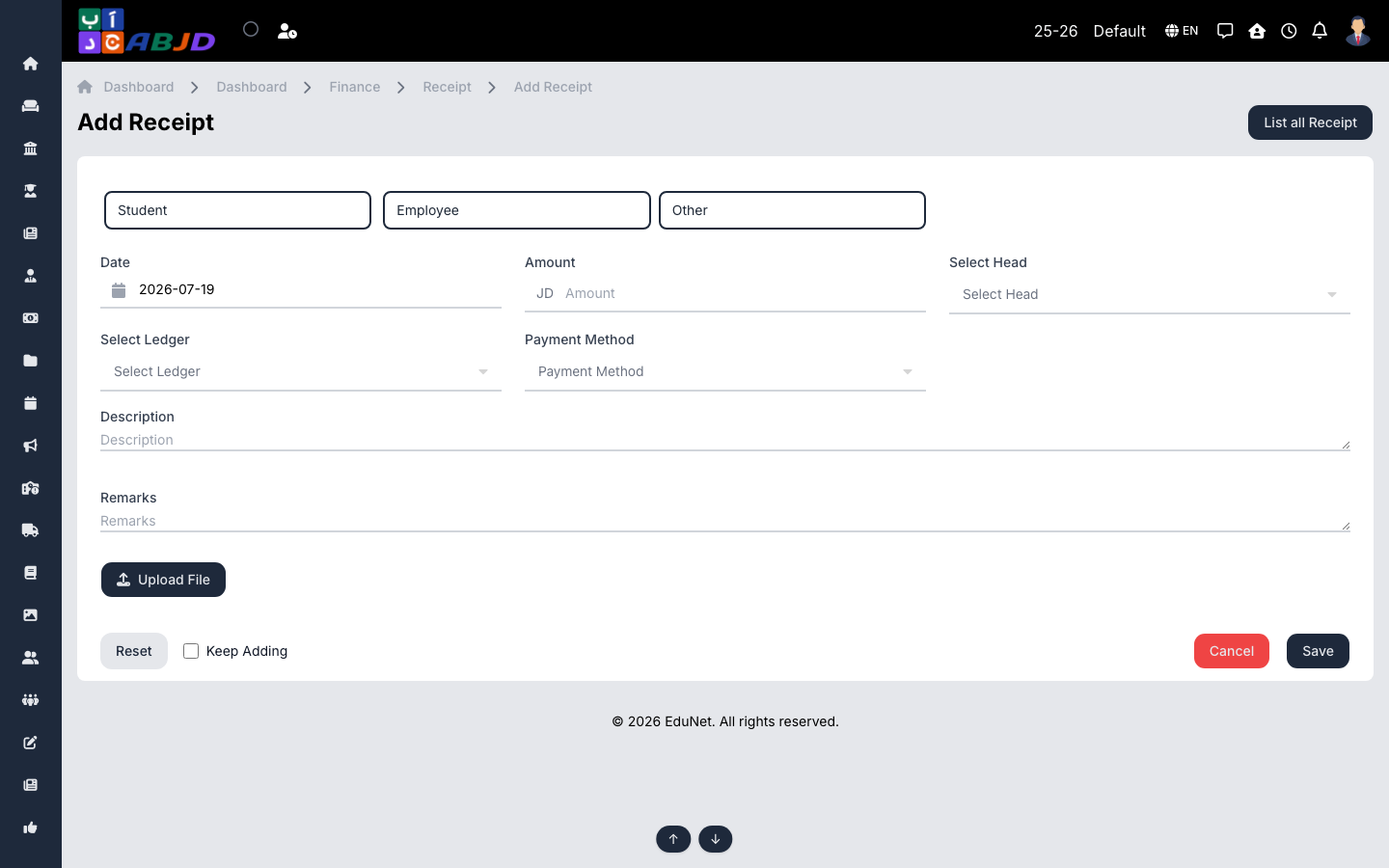
- Click Add Receipt.
- Choose the payer type — Student, Employee or Other — and pick the person (or enter the external payer’s details).
- Set the date, amount, the fee head it belongs to, the receiving ledger and the payment method.
- Optionally add a description/remarks and upload a file.
- Click Save. Tick Keep Adding to issue several receipts in a row.
Row actions
- View / Edit — open or correct the receipt.
- Duplicate — copy a receipt for a similar collection.
- Cancel / Delete — void an erroneous receipt.