
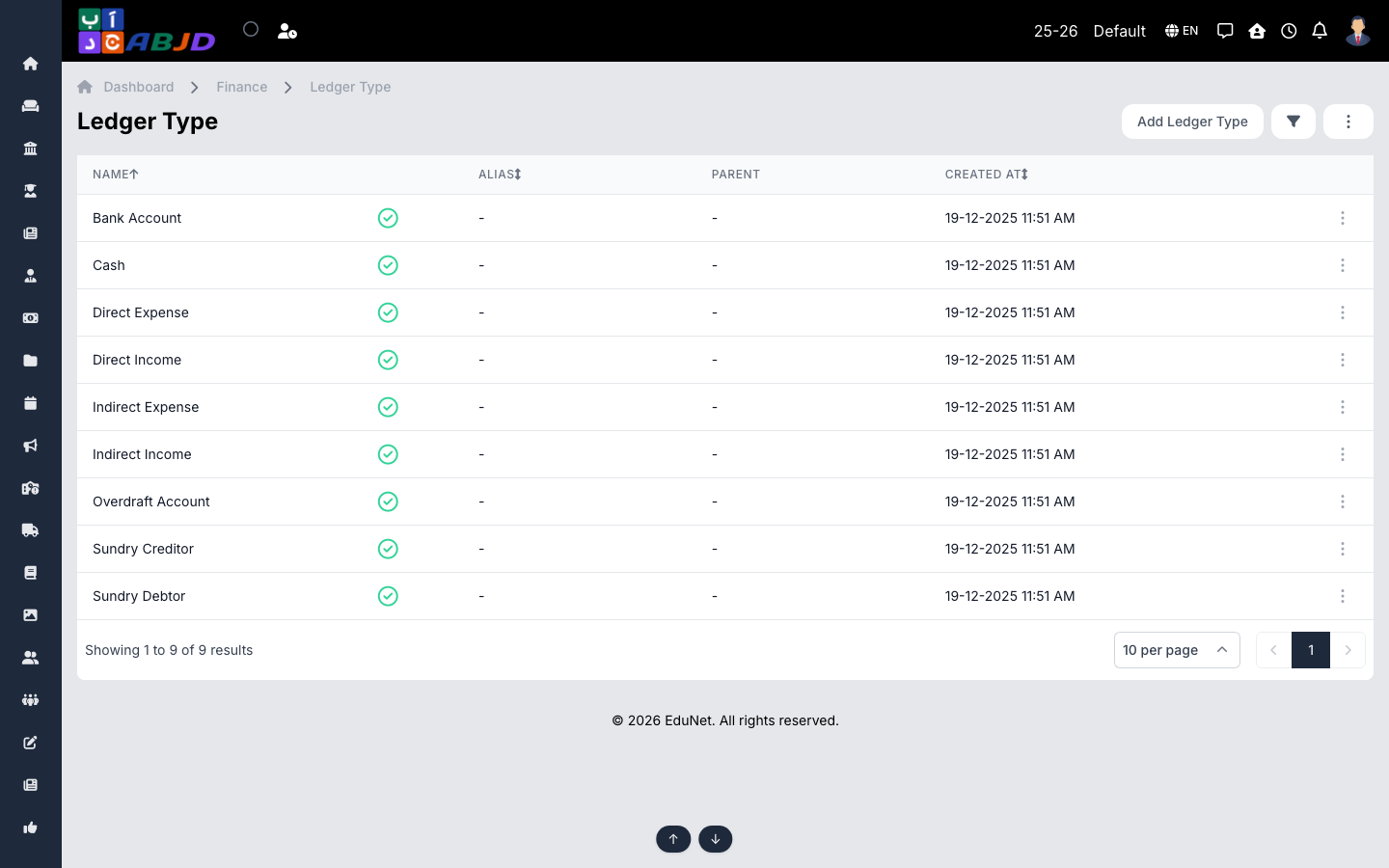
A ledger type classifies ledgers into categories such as Bank Account, Cash, Expense or Income. Types determine how ledgers behave in transactions and how they are grouped in the ledger book report.
Open it from the sidebar: Finance → Ledger Type.
Create a ledger type
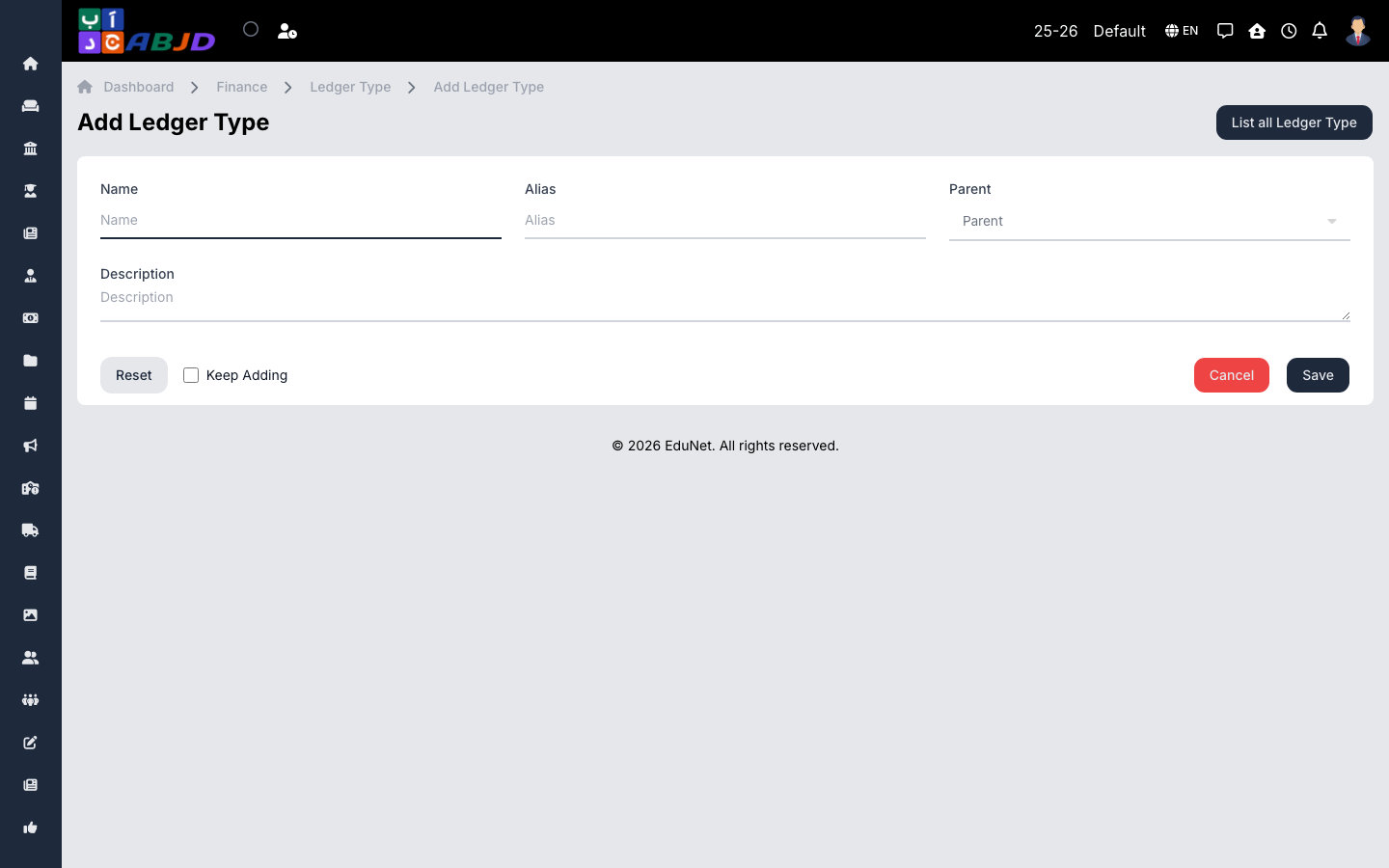
- Click Add Ledger Type.
- Enter the name and pick the category it represents.
- Click Save.
Row actions
- View / Edit — open or change the type.
- Duplicate — copy the type.
- Delete — only possible while no ledgers use the type.