
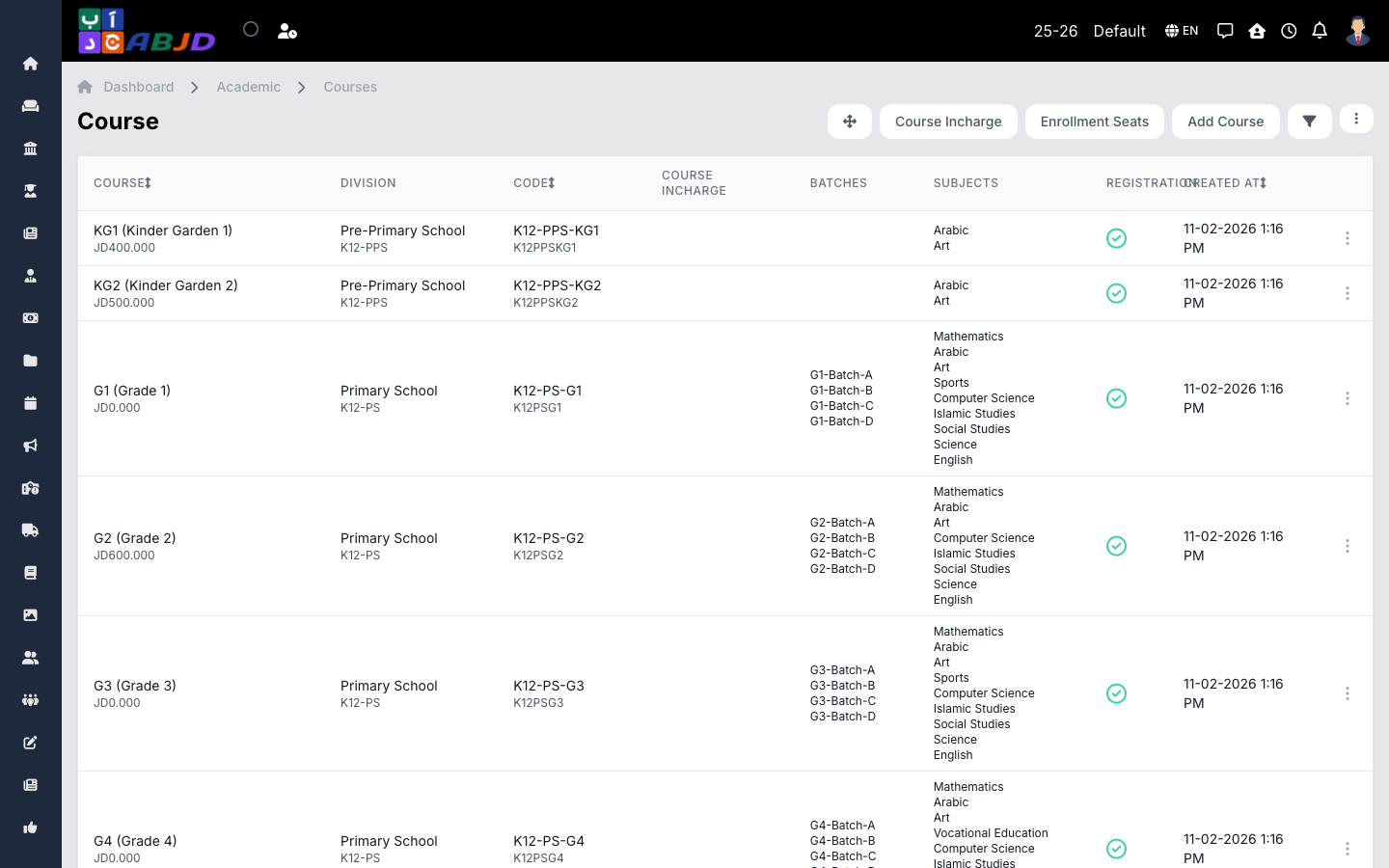
A course is a grade level — Grade 1, Grade 2, and so on — inside a division. Students are admitted to a course and then placed in one of its batches (class sections). The course also controls whether it accepts registrations and what the registration fee is.
Open it from the sidebar: Academic → Courses.
Create a course
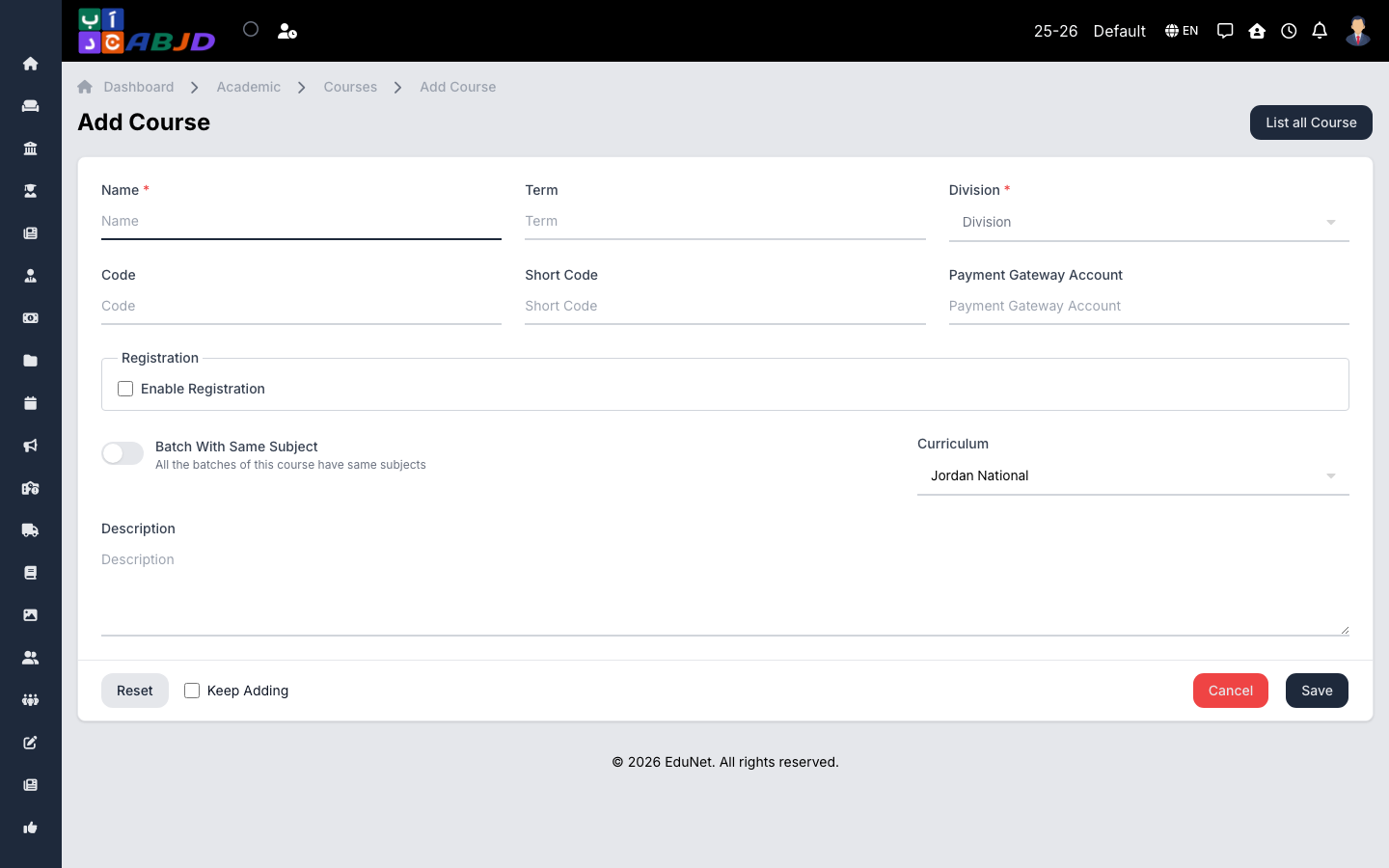
- Click Add Course.
- Select the division the course belongs to.
- Enter the course name (e.g.
Grade 5), an optional code, and position for ordering. - To accept new student registrations, enable registration and set the registration fee (can be 0).
- Click Save.
Row actions
- View / Edit — open or change the course.
- Delete — only possible while the course has no batches or students.
A course with registration disabled will not appear as an option in the new registration form.