
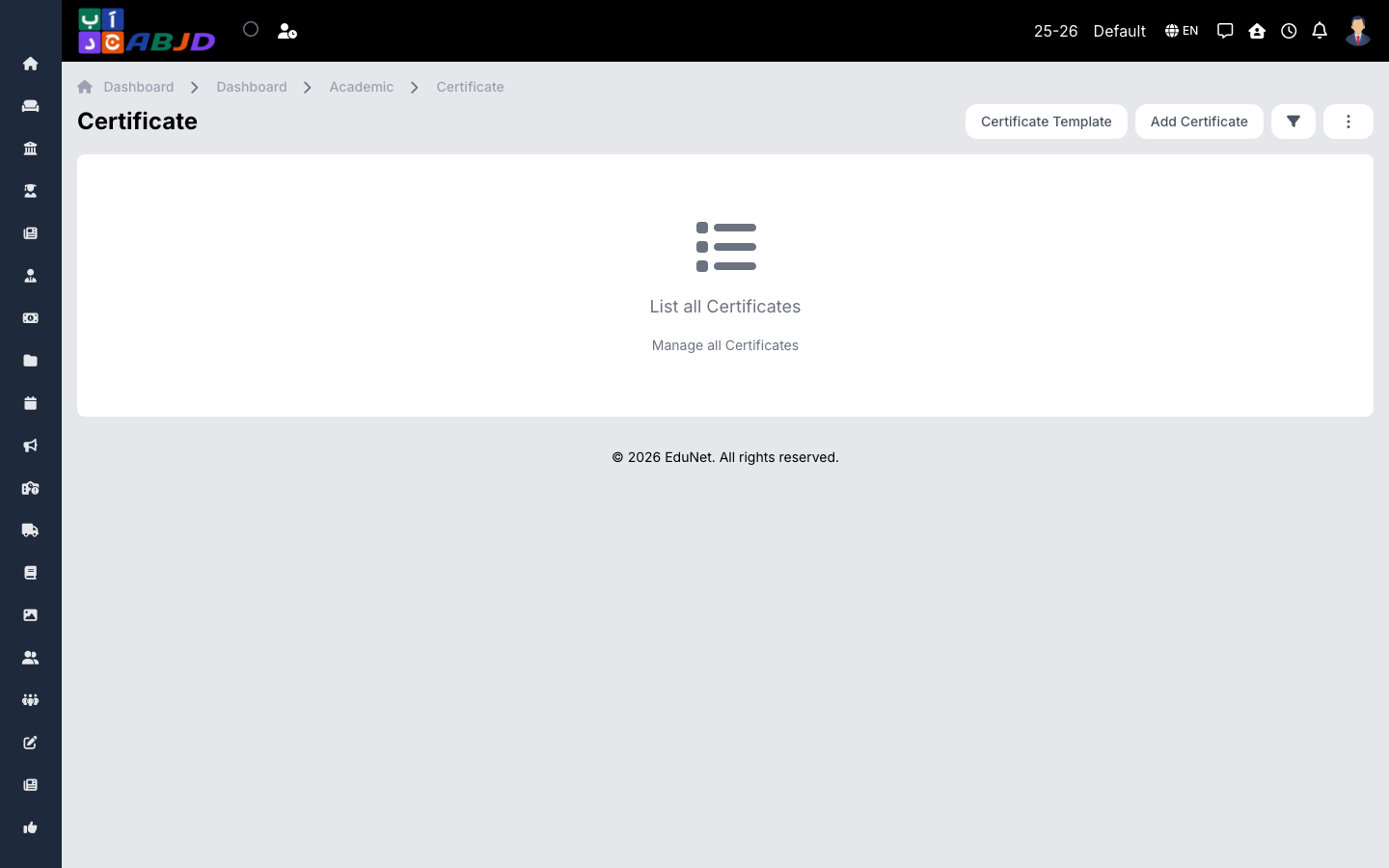
The certificates module issues documents — completion certificates, transfer certificates, custom letters — generated from certificate templates with placeholders that fill automatically from the student or employee record.
Open it from the sidebar: Academic → Certificate.
Issue a certificate
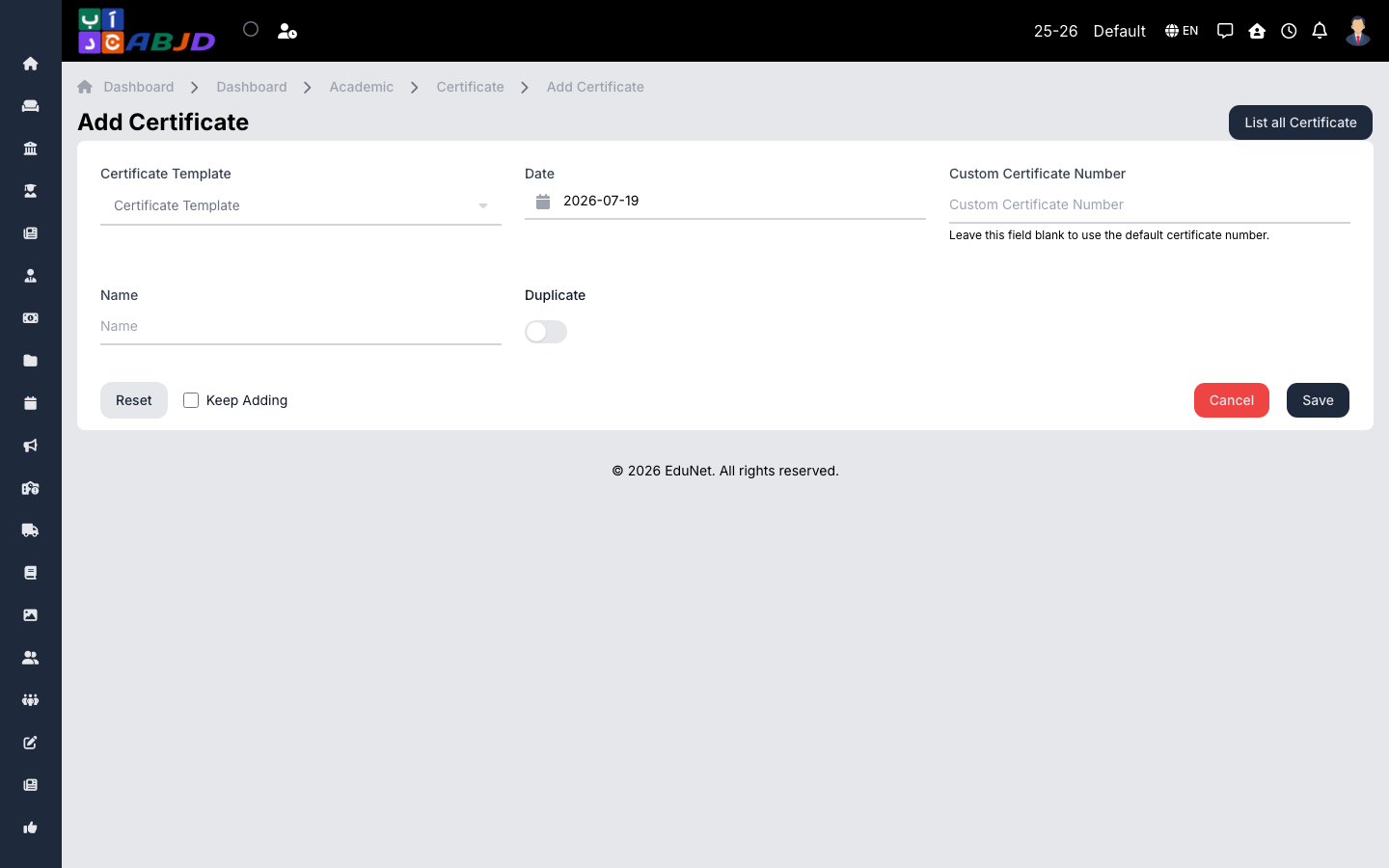
- First make sure a suitable template exists under Academic → Certificate Templates (a template defines the layout and the variables such as name, course, dates).
- Click Add Certificate.
- Choose the template and the student/employee the certificate is for.
- Fill any remaining custom fields and click Save.
- Open the certificate and use Print / Export PDF.
Row actions
- View — preview and print the issued certificate.
- Edit / Delete — correct or remove an issued certificate.
Each issued certificate keeps its serial number, so re-printing produces the same document.