
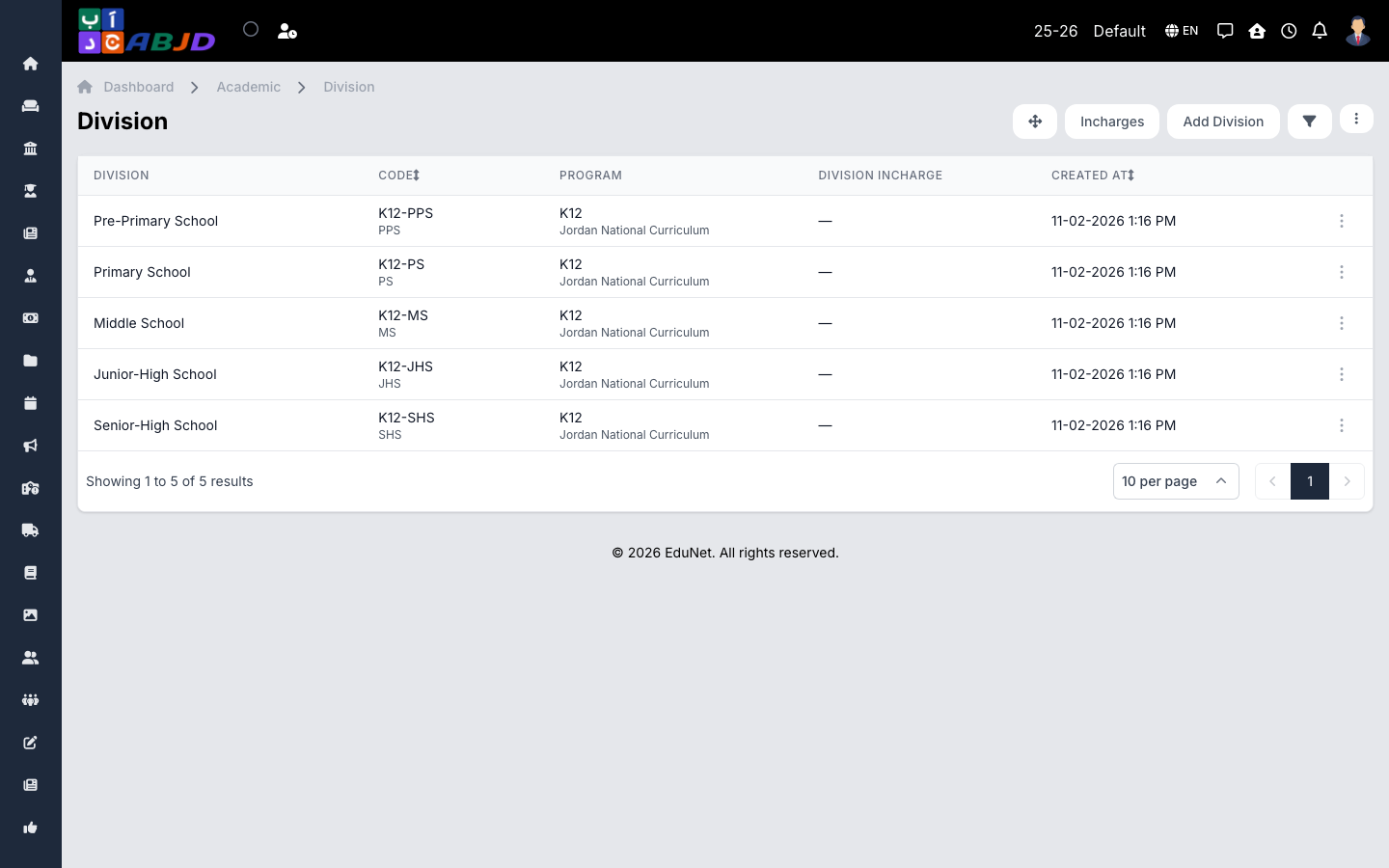
A division groups related courses inside an academic period — typically a school stage such as Kindergarten, Primary, or Secondary. Courses are created under a division, so set your divisions up right after creating the period.
Open it from the sidebar: Academic → Divisions.
Create a division
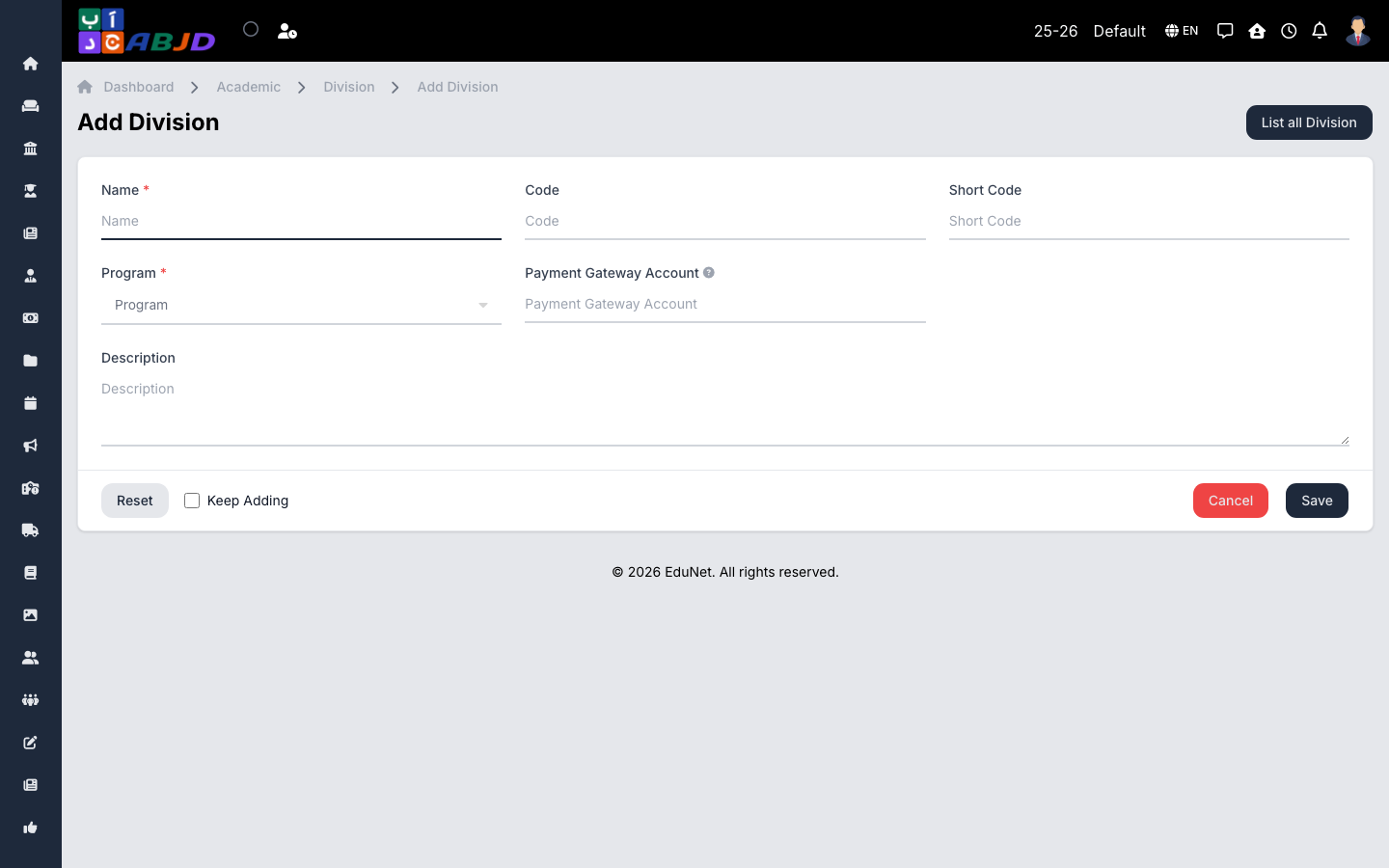
- Click Add Division.
- Enter the division name (e.g.
Primary) and an optional code and description. - Optionally assign a program if your school organizes divisions under programs.
- Click Save.
Row actions
- View / Edit — open or change the division.
- Delete — only possible while the division has no courses.
Divisions belong to the selected period. If you switch periods in the header, the list shows that period’s divisions.