
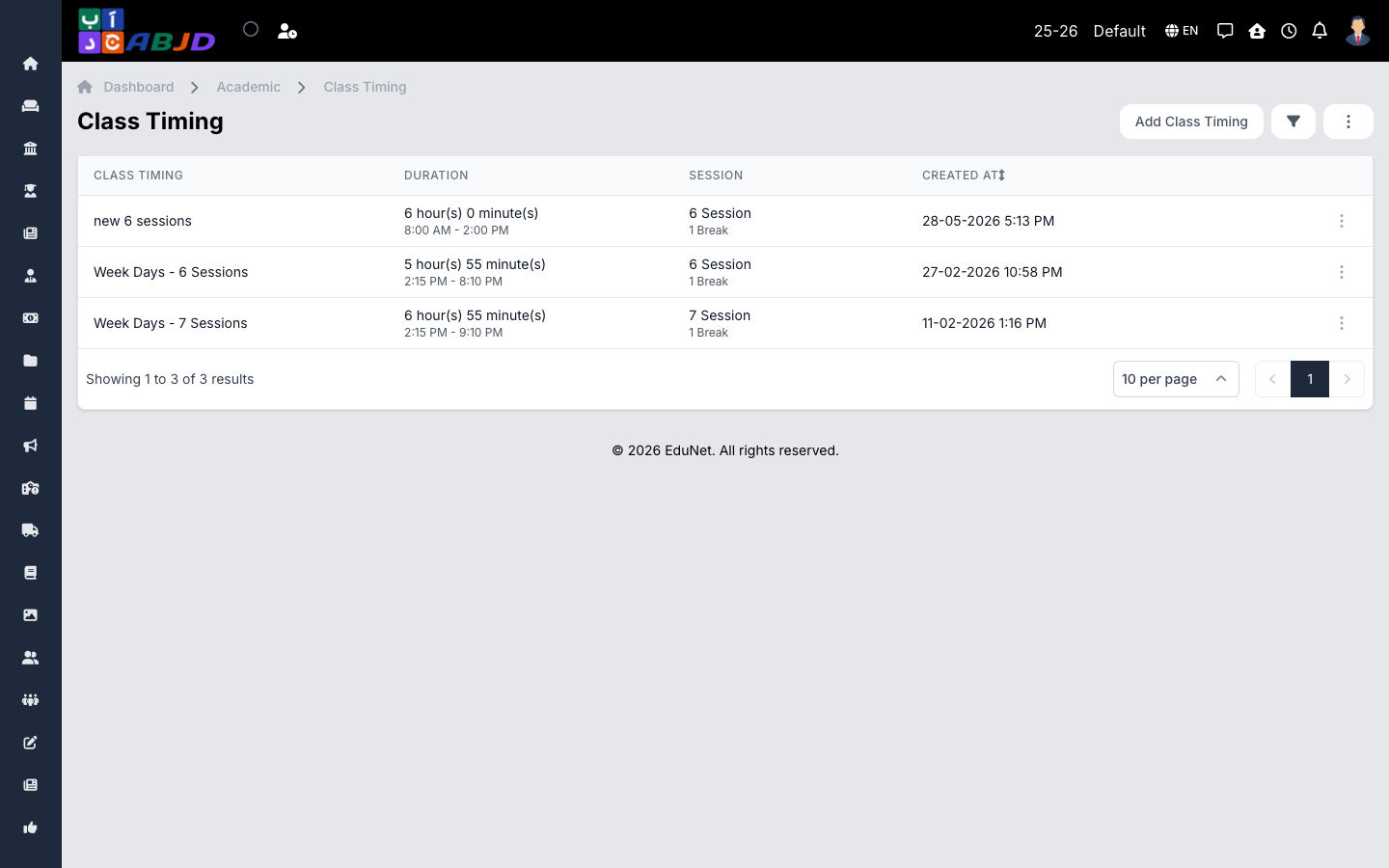
Class timings define the daily bell schedule — the ordered list of lesson slots with start and end times (including breaks). Timetables are built on top of a class timing, so create the timing before building timetables.
Open it from the sidebar: Academic → Class Timings.
Create a class timing
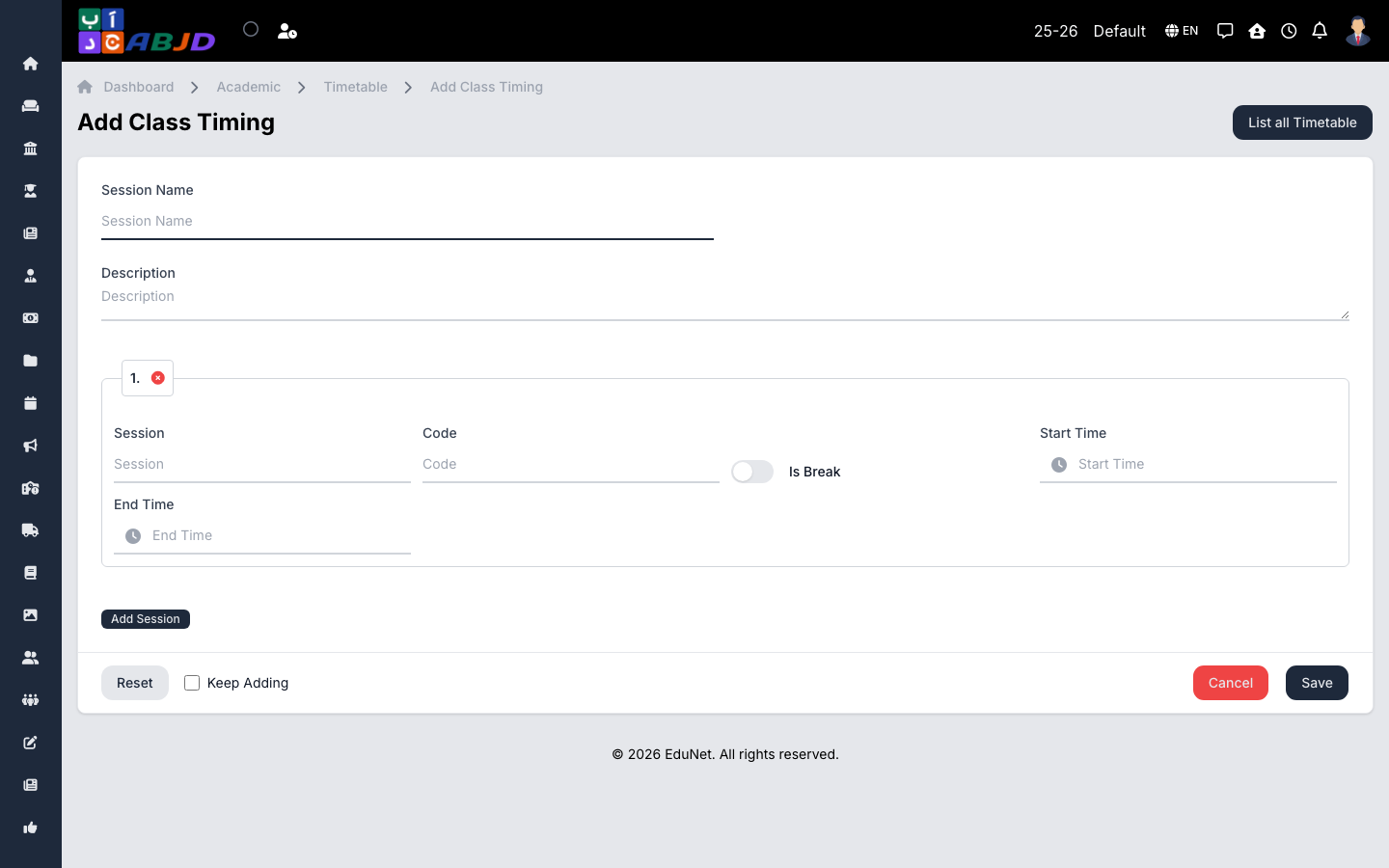
- Click Add Class Timing.
- Enter a name (e.g.
Regular Day). - Add the sessions/slots one by one: name (Period 1, Break, Period 2 …), start time, end time, and mark break slots as breaks.
- Click Save.
Row actions
- View / Edit — open or change the timing and its slots.
- Delete — only possible while no timetable uses the timing.
You can maintain more than one class timing — for example a shorter Ramadan schedule — and pick the right one per timetable.