
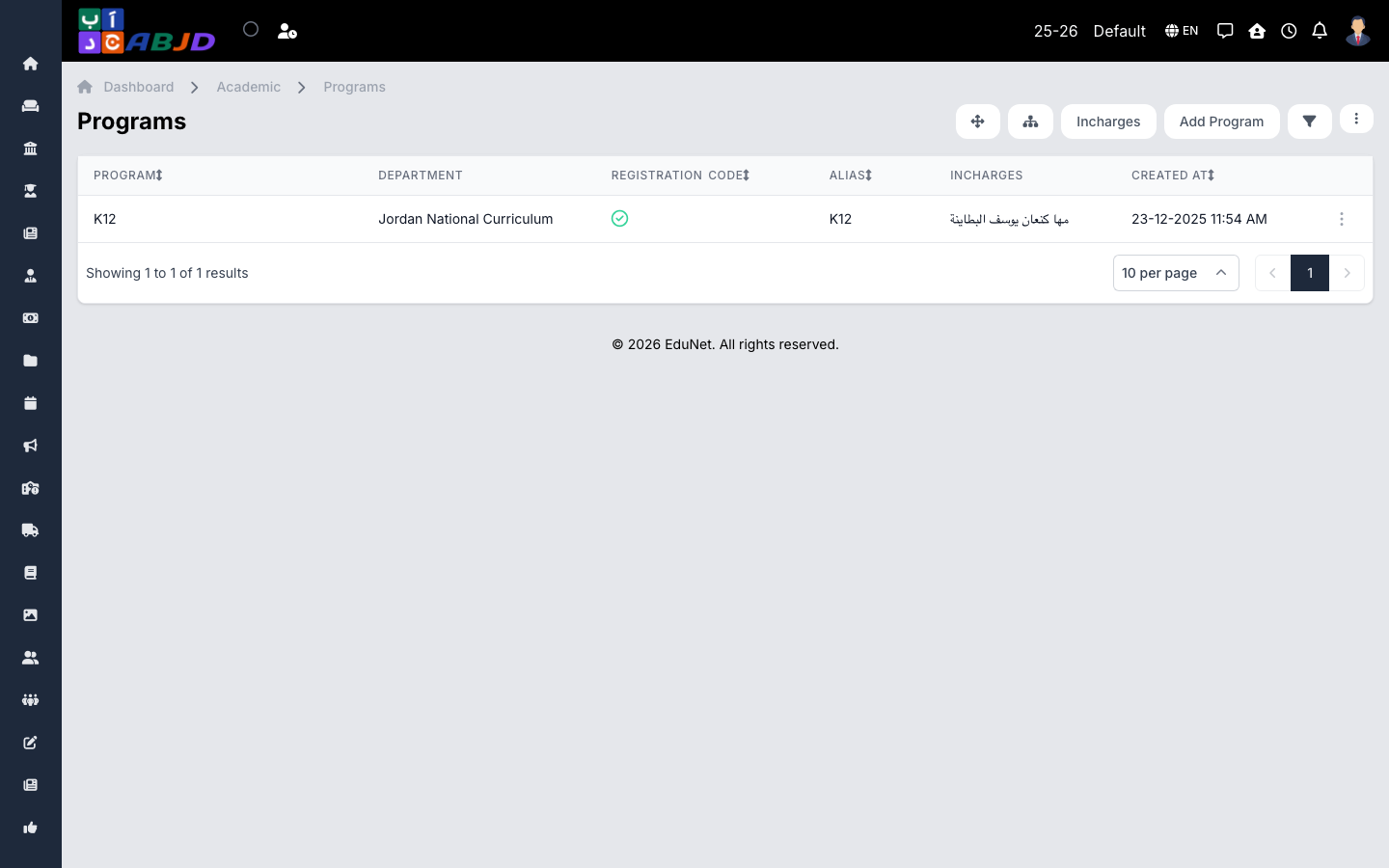
A program is the top level of the academic structure — for example National Curriculum or International Section. Schools with a single curriculum usually keep one program; schools running parallel curricula create one per track.
Open it from the sidebar: Academic → Programs.
Create a program
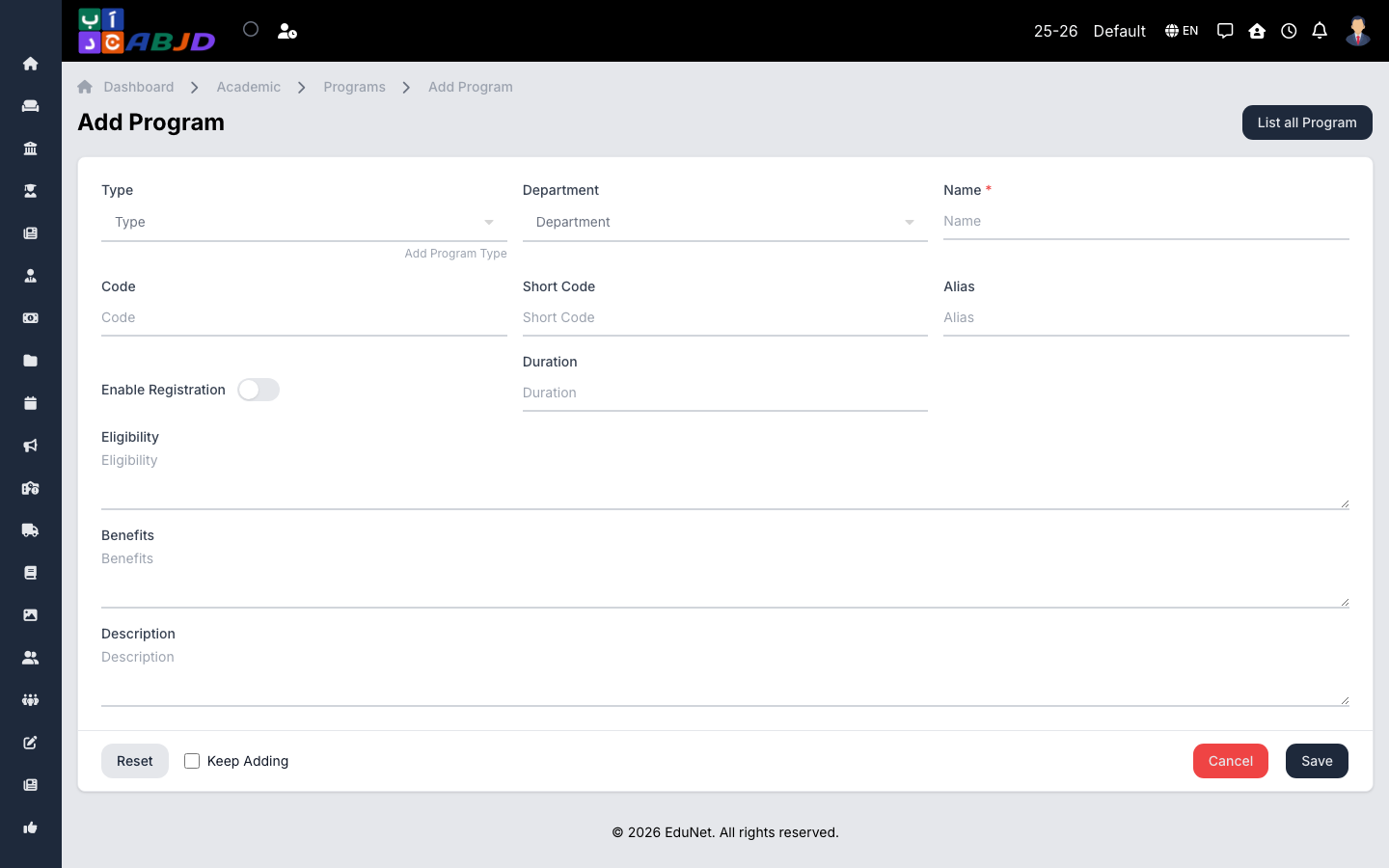
- Click Add Program.
- Enter the program name, an optional code, and its type.
- Enable registration on the program if online registrations should be accepted for it.
- Click Save.
Row actions
- View / Edit — open or change the program.
- Delete — only possible while the program has no divisions or periods attached.