
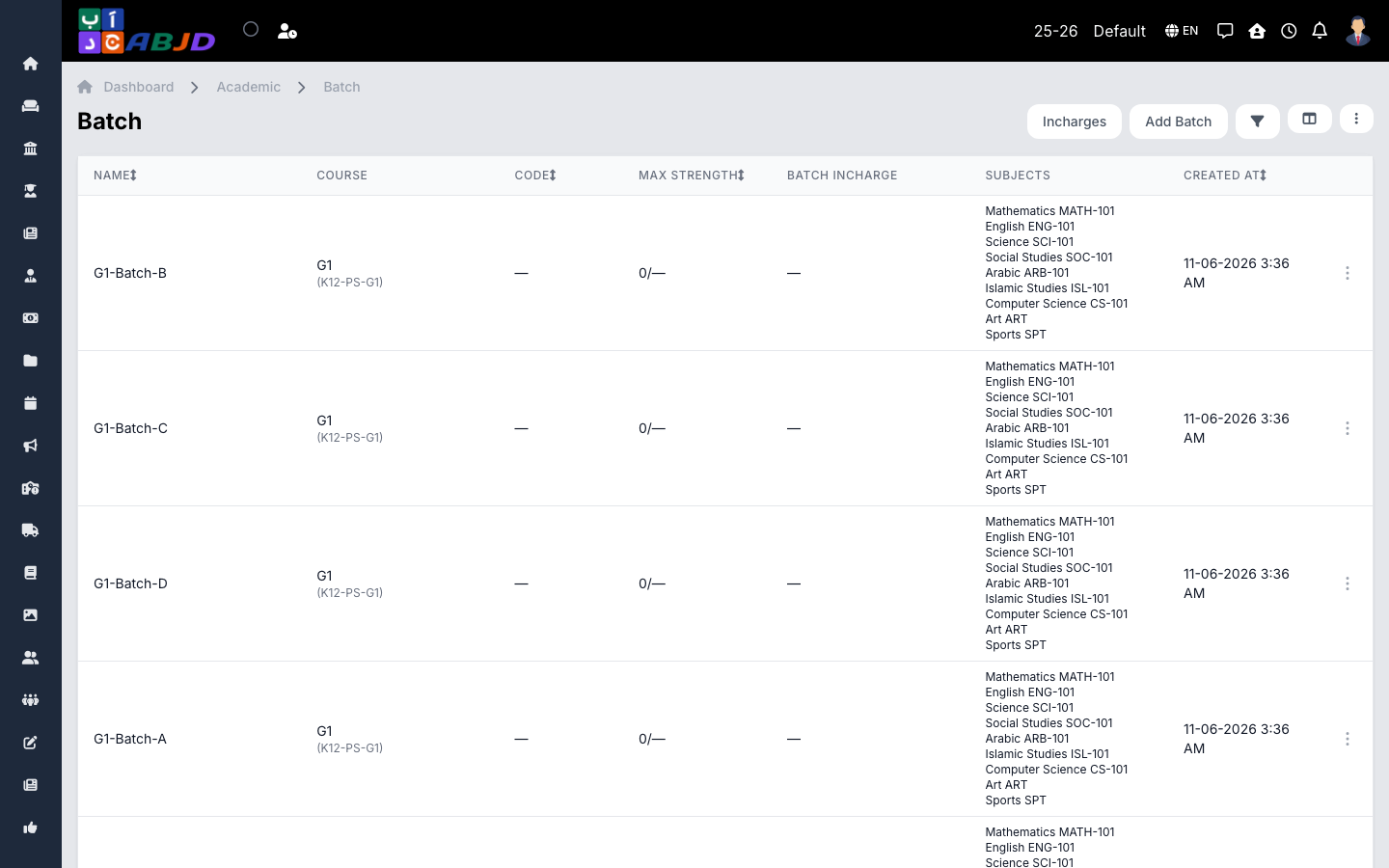
A batch is a class section within a course — for example Grade 5 — A and Grade 5 — B. Students, attendance, timetables, and exams are all organized at batch level.
Open it from the sidebar: Academic → Batches.
Create a batch
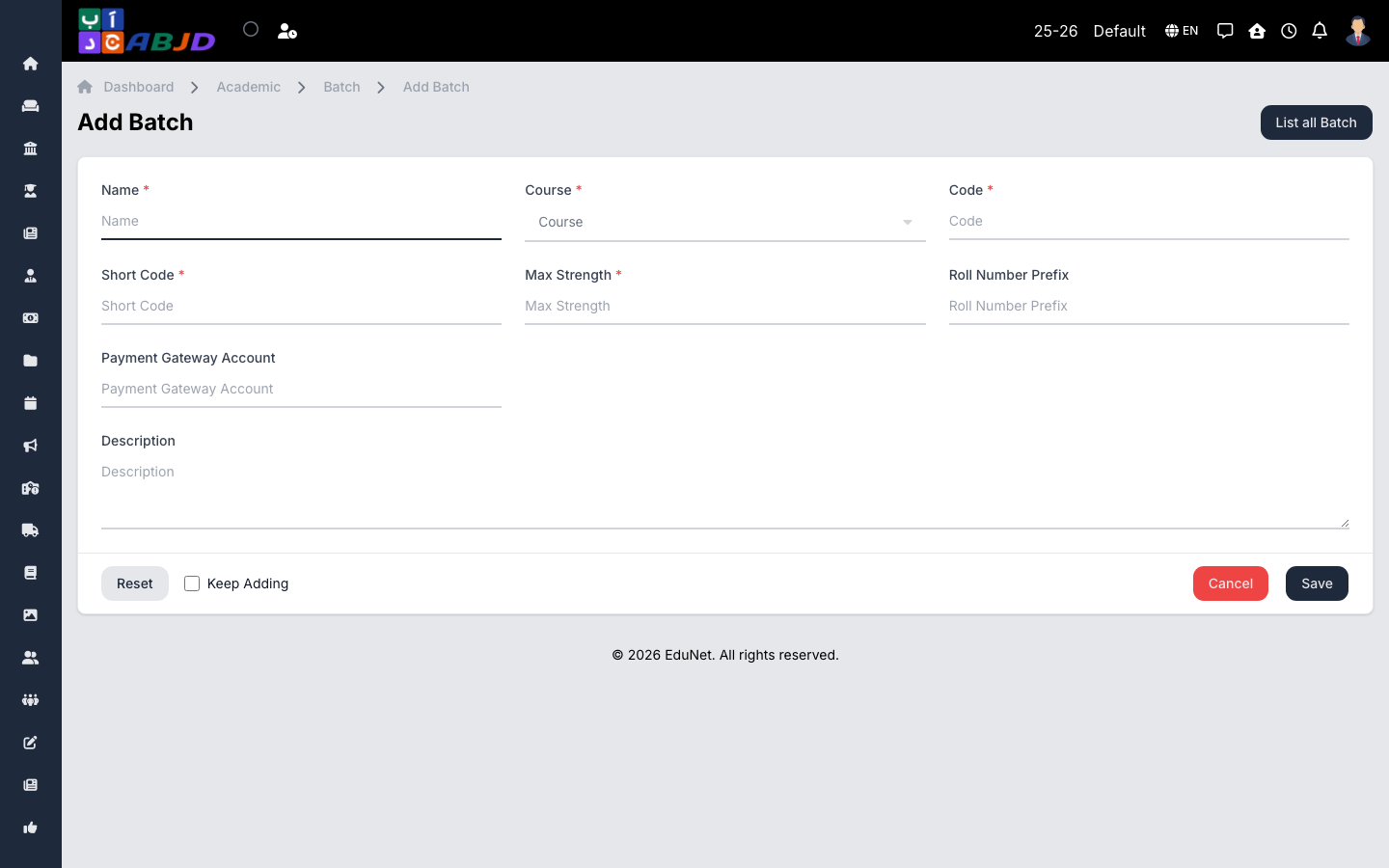
- Click Add Batch.
- Select the course the batch belongs to.
- Enter the batch name (e.g.
A), an optional code, and the maximum strength if you want a seat limit. - Click Save.
Row actions
- View / Edit — open or change the batch.
- Delete — only possible while the batch has no students.
Subjects are attached to batches (or courses) from Academic → Subjects; the timetable for the batch is built from Academic → Timetable.