
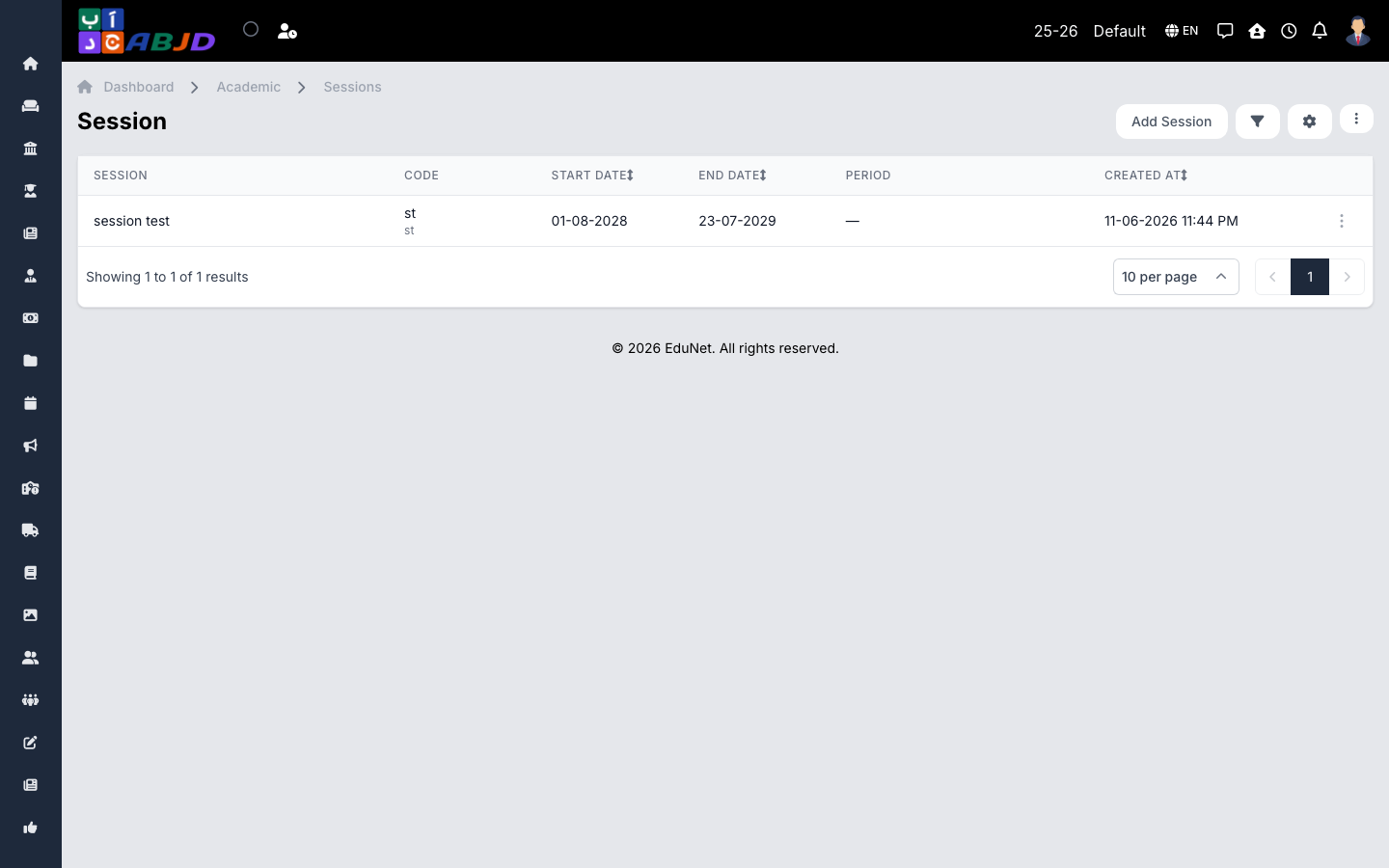
A session is an optional grouping above periods — useful when a school year is split into multiple terms that should be reported together. If your school runs one period per year, you may not need sessions at all.
Open it from the sidebar: Academic → Sessions.
Create a session
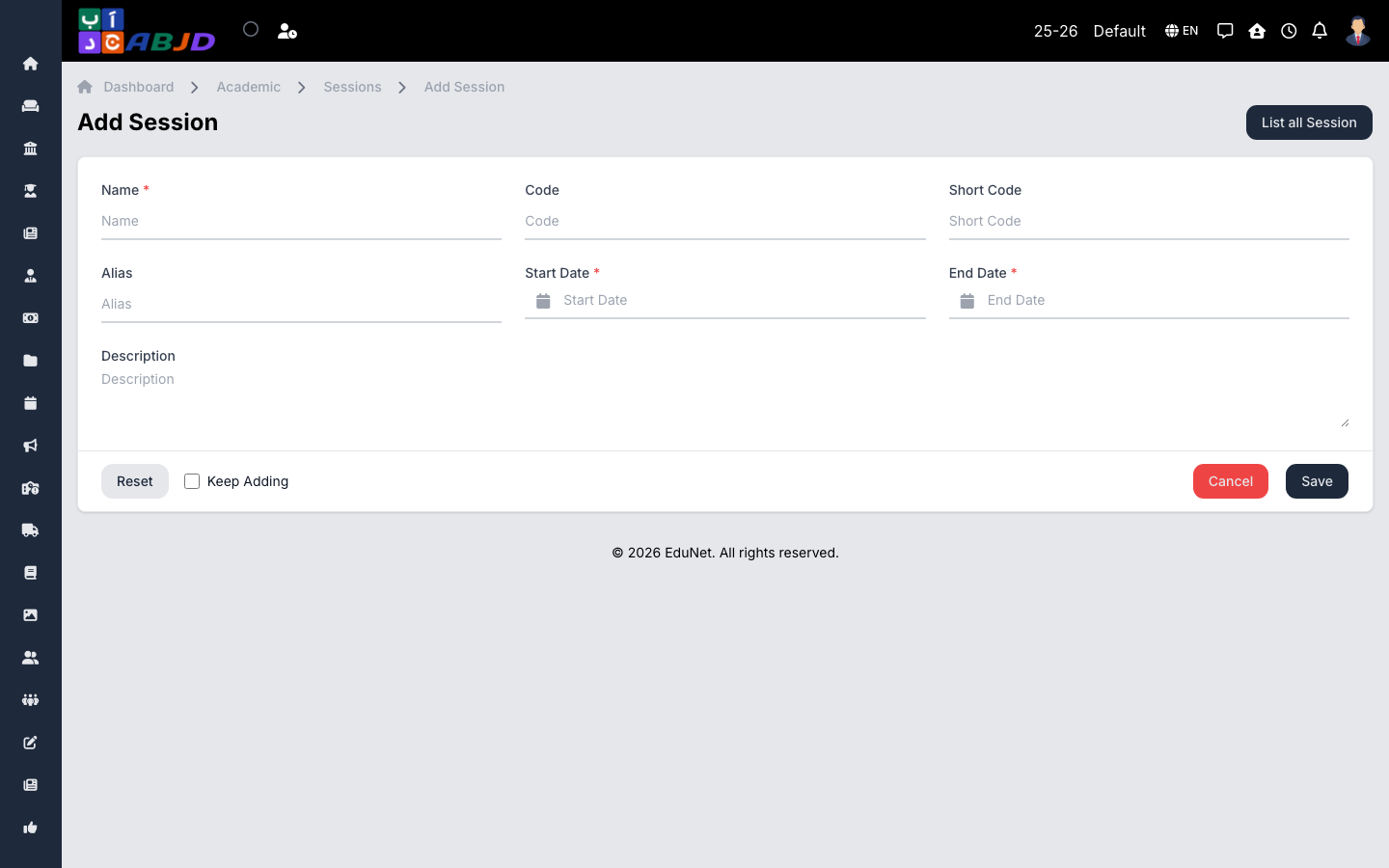
- Click Add Session.
- Enter the session name (e.g.
2026-2027) and its start and end dates. - Click Save.
- When creating or editing a period, link it to the session.
Row actions
- View / Edit — open or change the session.
- Delete — only possible while no period is linked to the session.