
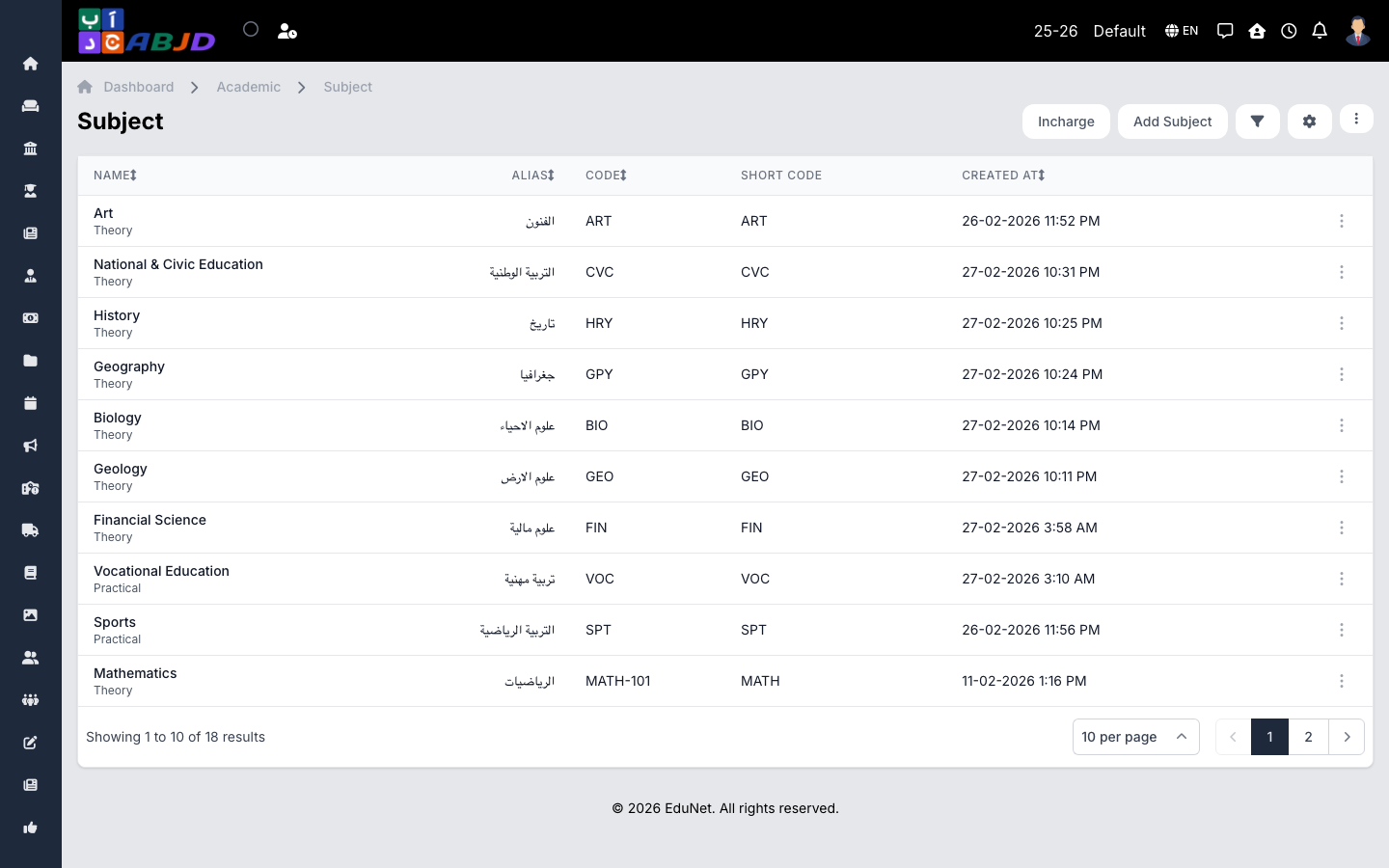
Subjects are the taught materials — Mathematics, Arabic, Science — that exams, timetables, assignments, and marks are recorded against.
Open it from the sidebar: Academic → Subjects.
Create a subject
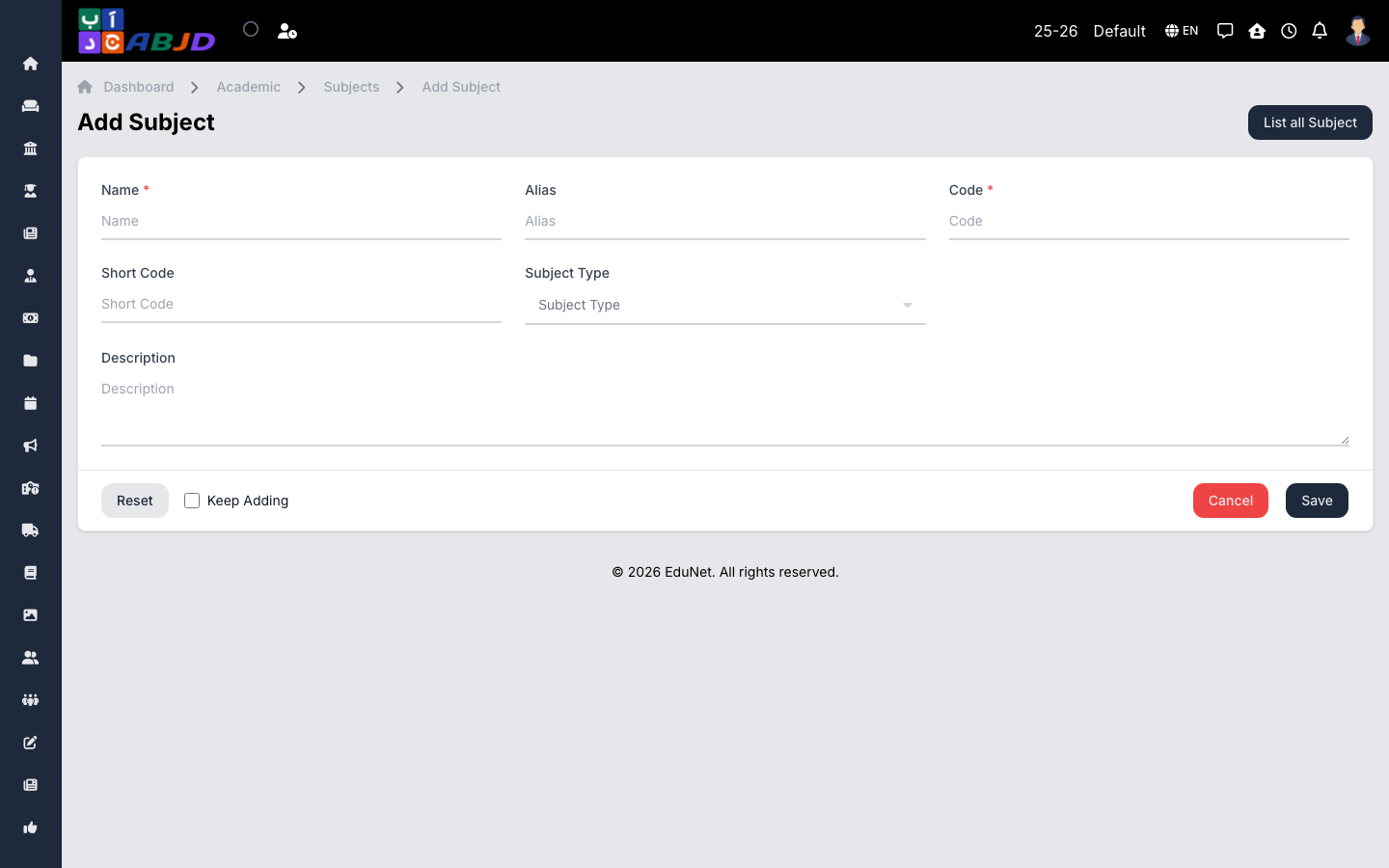
- Click Add Subject.
- Enter the subject name, an optional code, and its type (subject types are managed under Academic config).
- Attach the subject to the relevant courses/batches so it appears in their timetables and exams.
- Set optional properties: maximum marks contribution, elective flag, position for ordering.
- Click Save.
Row actions
- View / Edit — open or change the subject.
- Delete — only possible while no marks, timetable slots, or resources reference the subject.
Teachers are linked to subjects through subject incharges, which control which teacher records marks and attendance for that subject.