
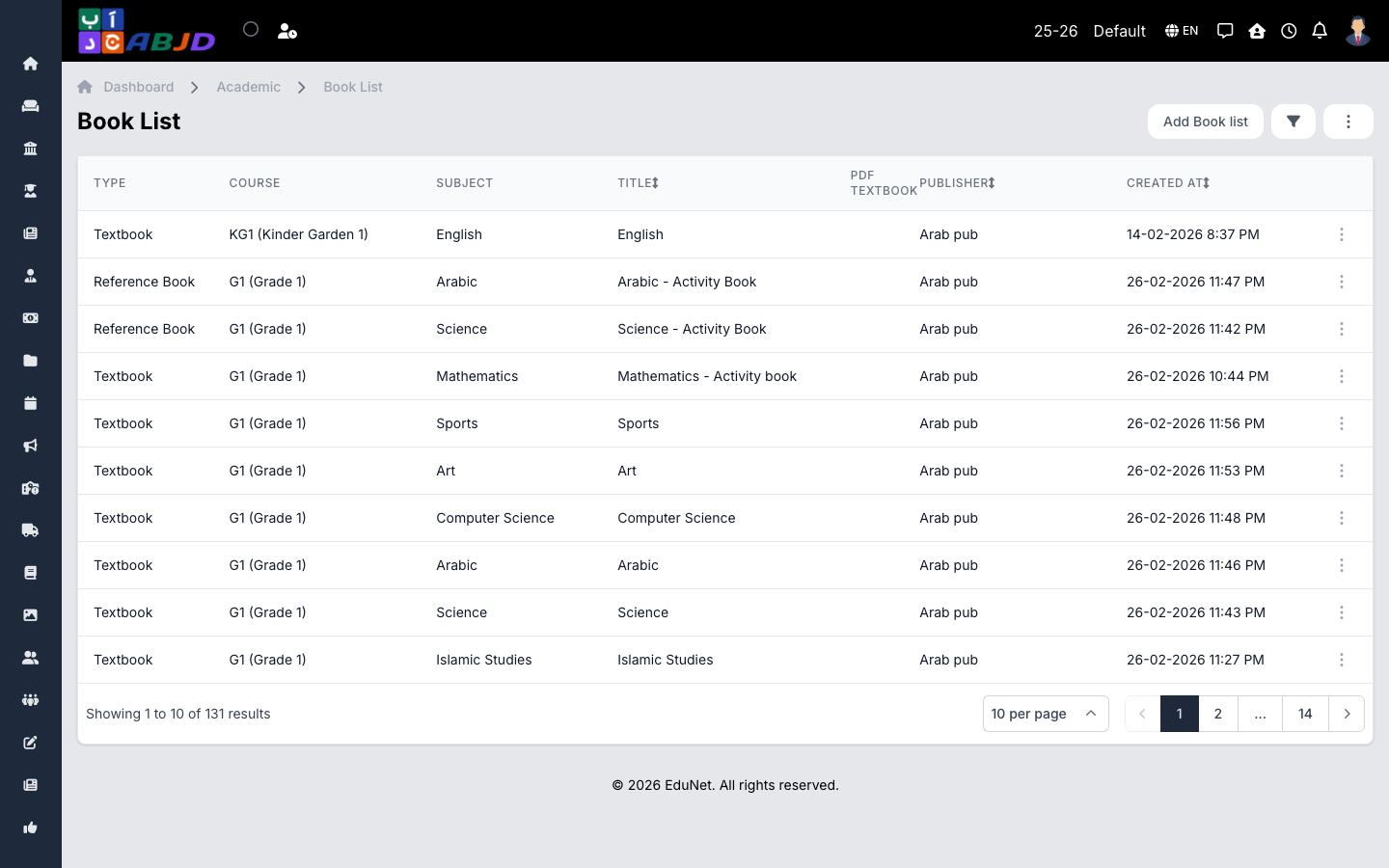
Book lists record the required books and materials per course for the academic period, so the list can be shared with parents at the start of the year.
Open it from the sidebar: Academic → Book List.
Create a book list
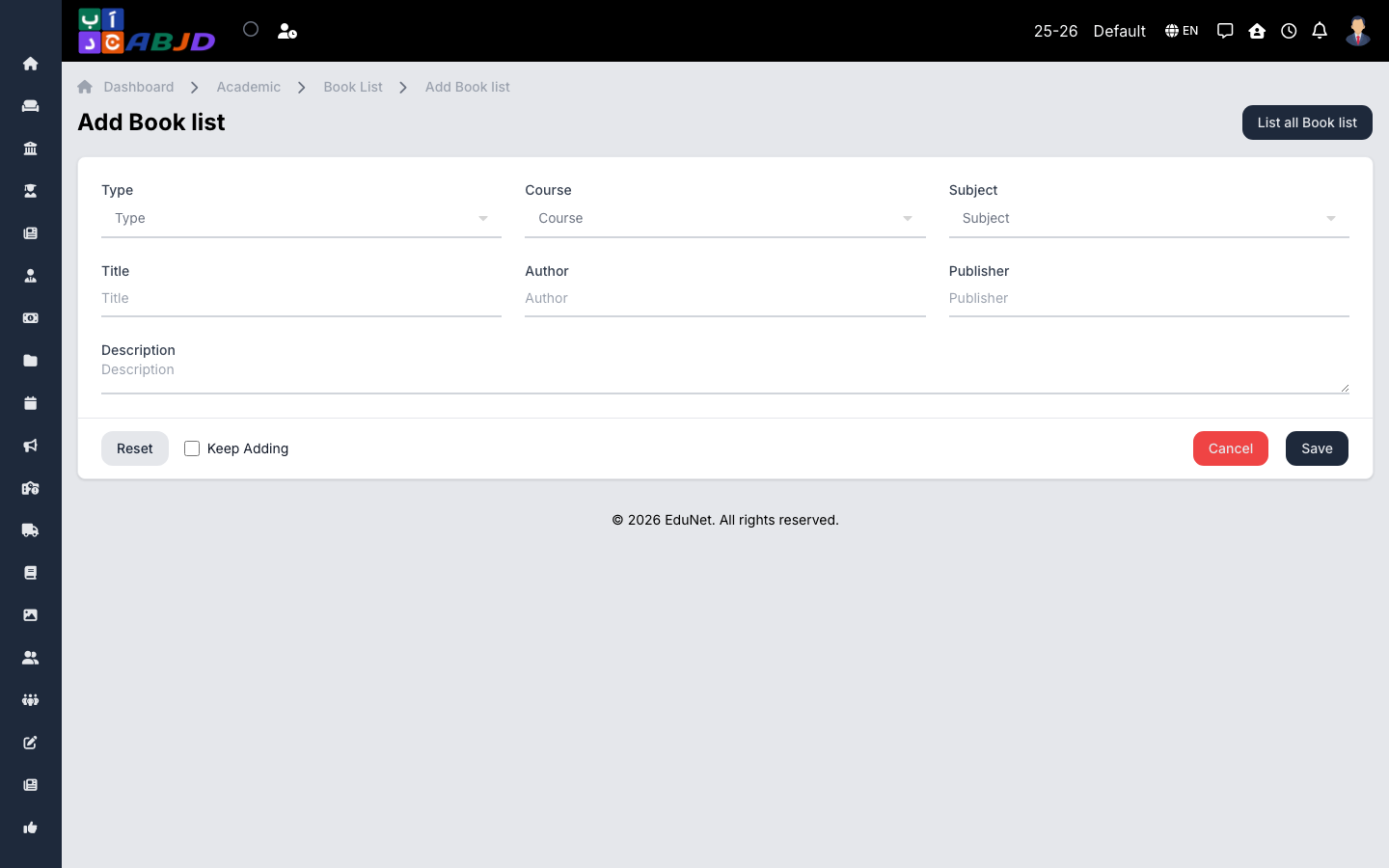
- Click Add Book List.
- Select the course.
- Add the books: title, subject, publisher/notes as needed.
- Click Save.
Row actions
- View / Edit — open or change the list.
- Delete — removes the book list for that course.