
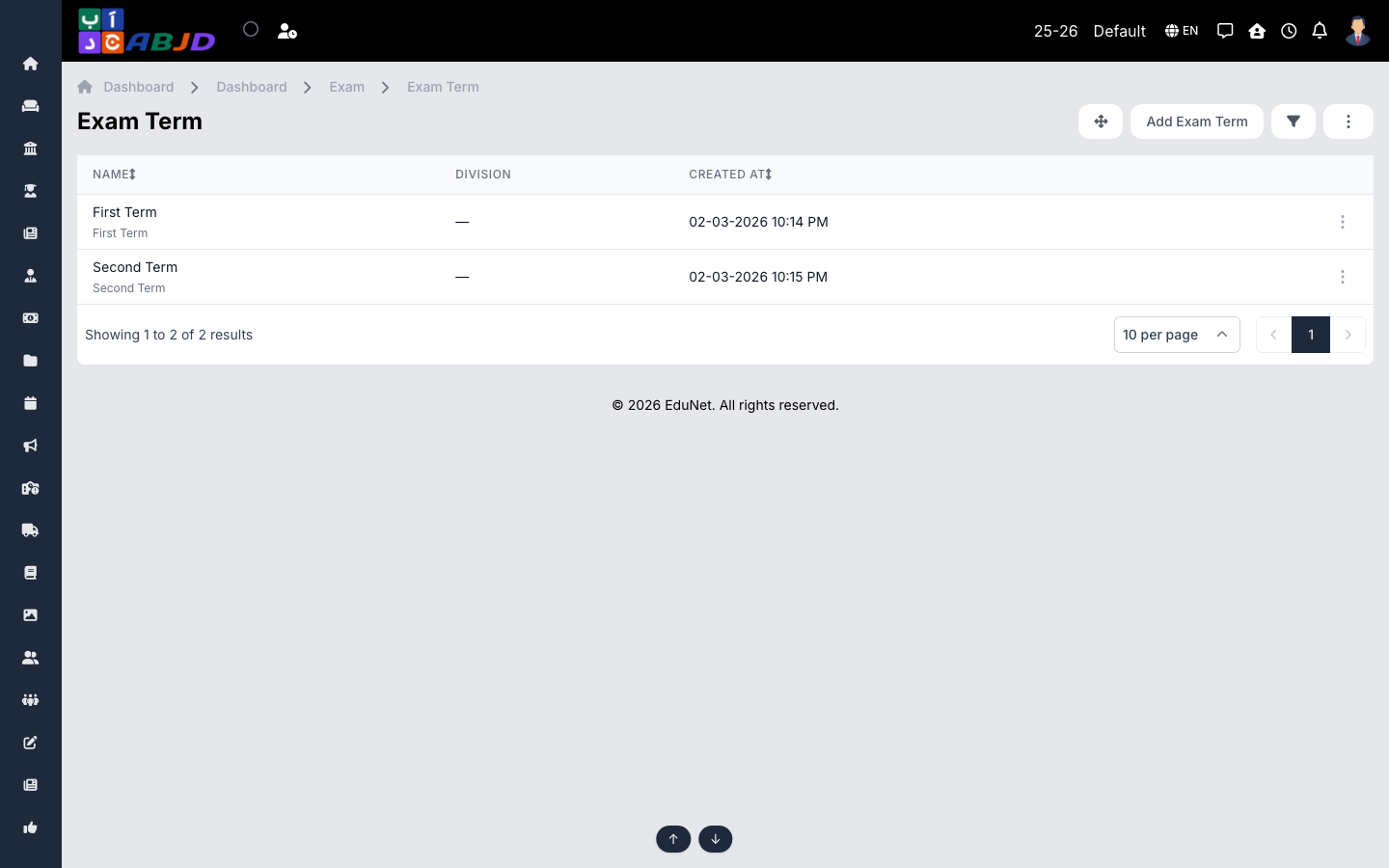
An exam term divides the academic year for assessment purposes — typically First Term and Second Term. Every exam belongs to a term, and marksheets can be produced per term or for the full year.
Open it from the sidebar: Exam → Exam Term.
Create an exam term
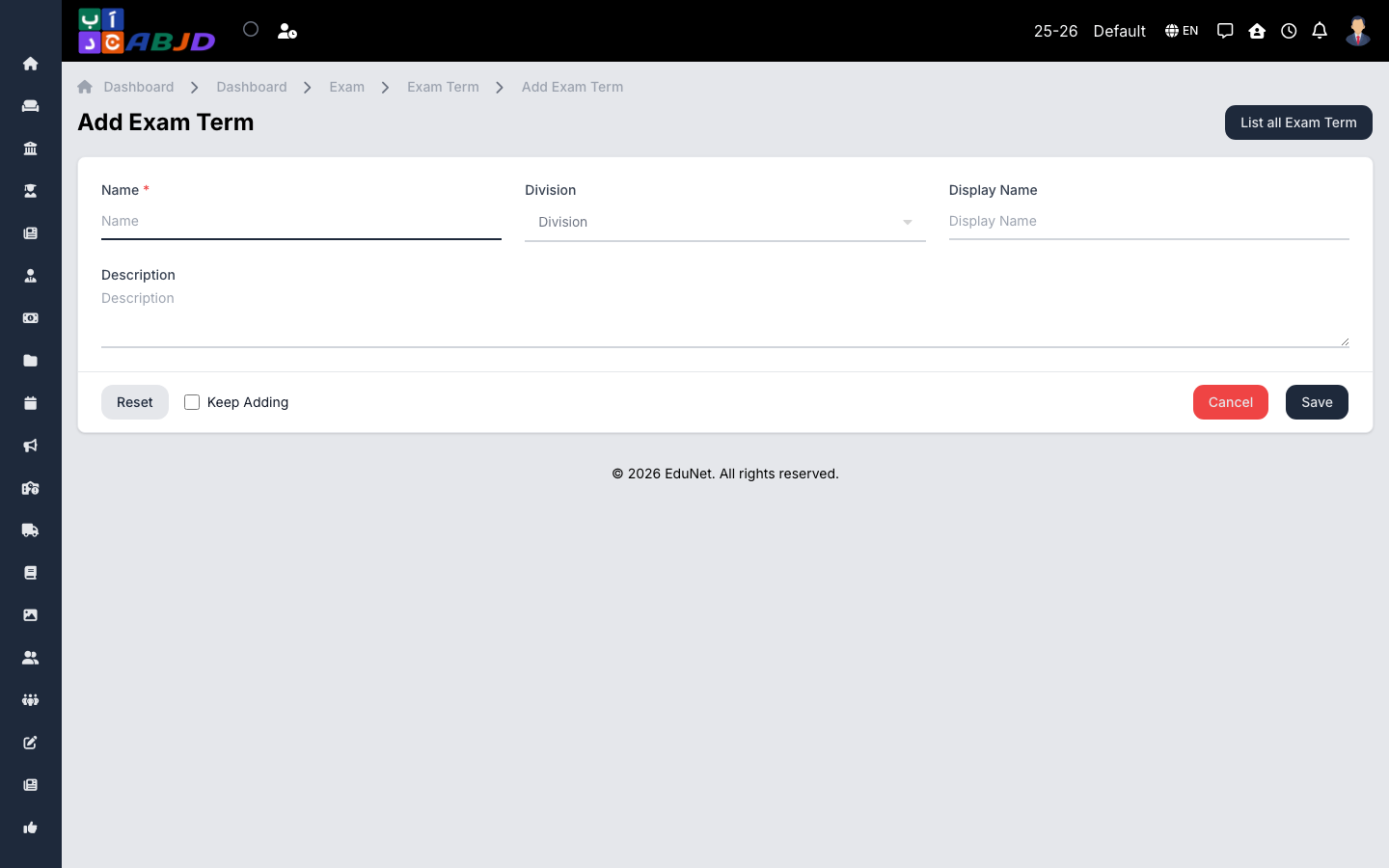
- Click Add Exam Term.
- Enter the name (e.g.
First Term) and an optional code. - Select the division(s) the term applies to.
- Click Save.
Row actions
- View / Edit — open or change the term.
- Delete — only possible while no exams belong to the term.