
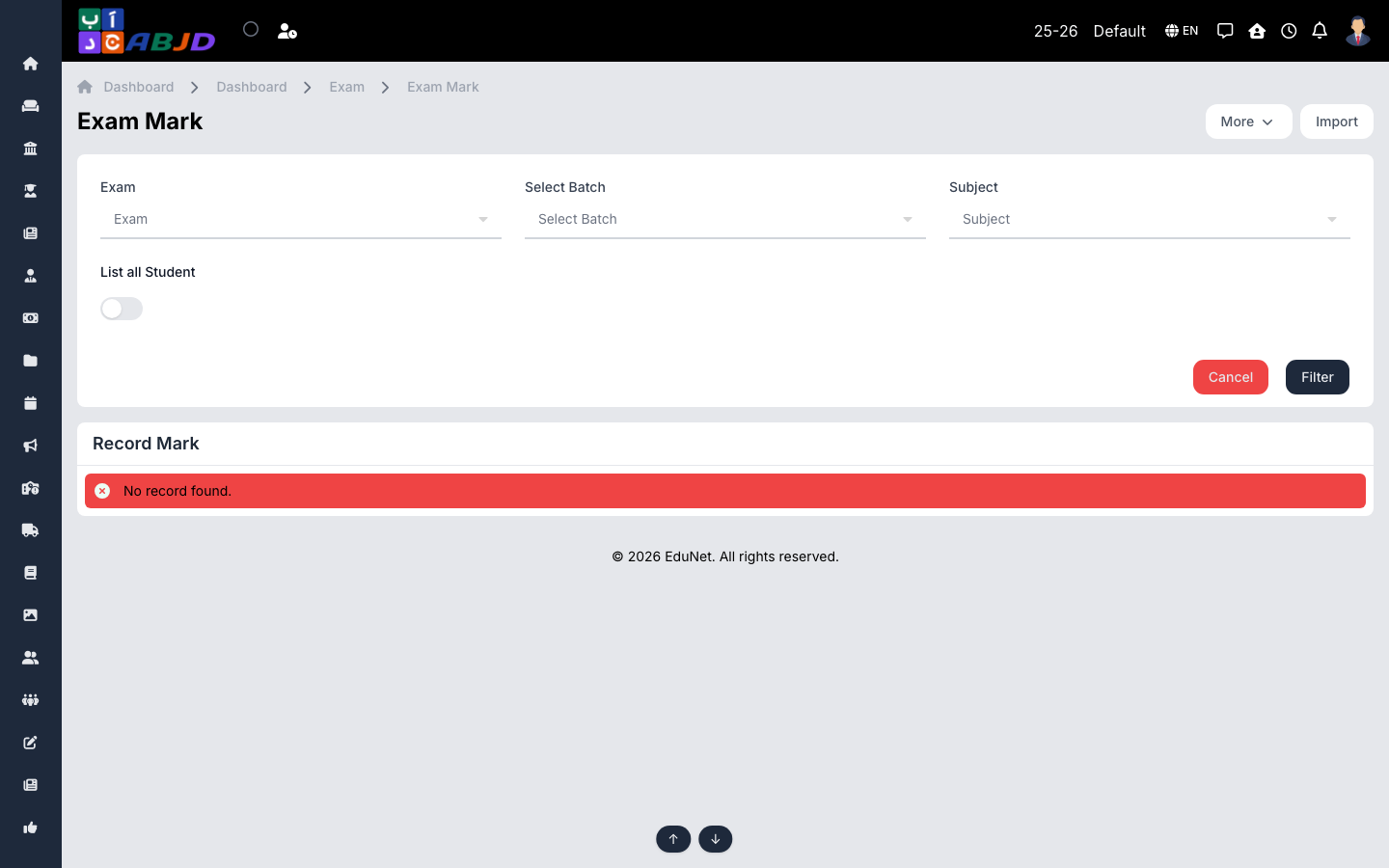
Exam Mark is where teachers record marks. Pick the exam, batch and subject; the screen lists the students with a mark column per assessment component.
Open it from the sidebar: Exam → Exam Mark.
Record marks
- Select the exam, batch and subject, then click Filter.
- Enter each student’s mark in the Record Mark table (one column per assessment component; absent students can be flagged).
- Save — totals are computed automatically using the exam’s conversion and weightage.
Import
Use Import to upload marks from a spreadsheet instead of typing them — useful for large batches.
Tip: marks flow straight into marksheet processing — no re-entry needed. Correcting a mark here and re-processing the marksheet updates the report card.