
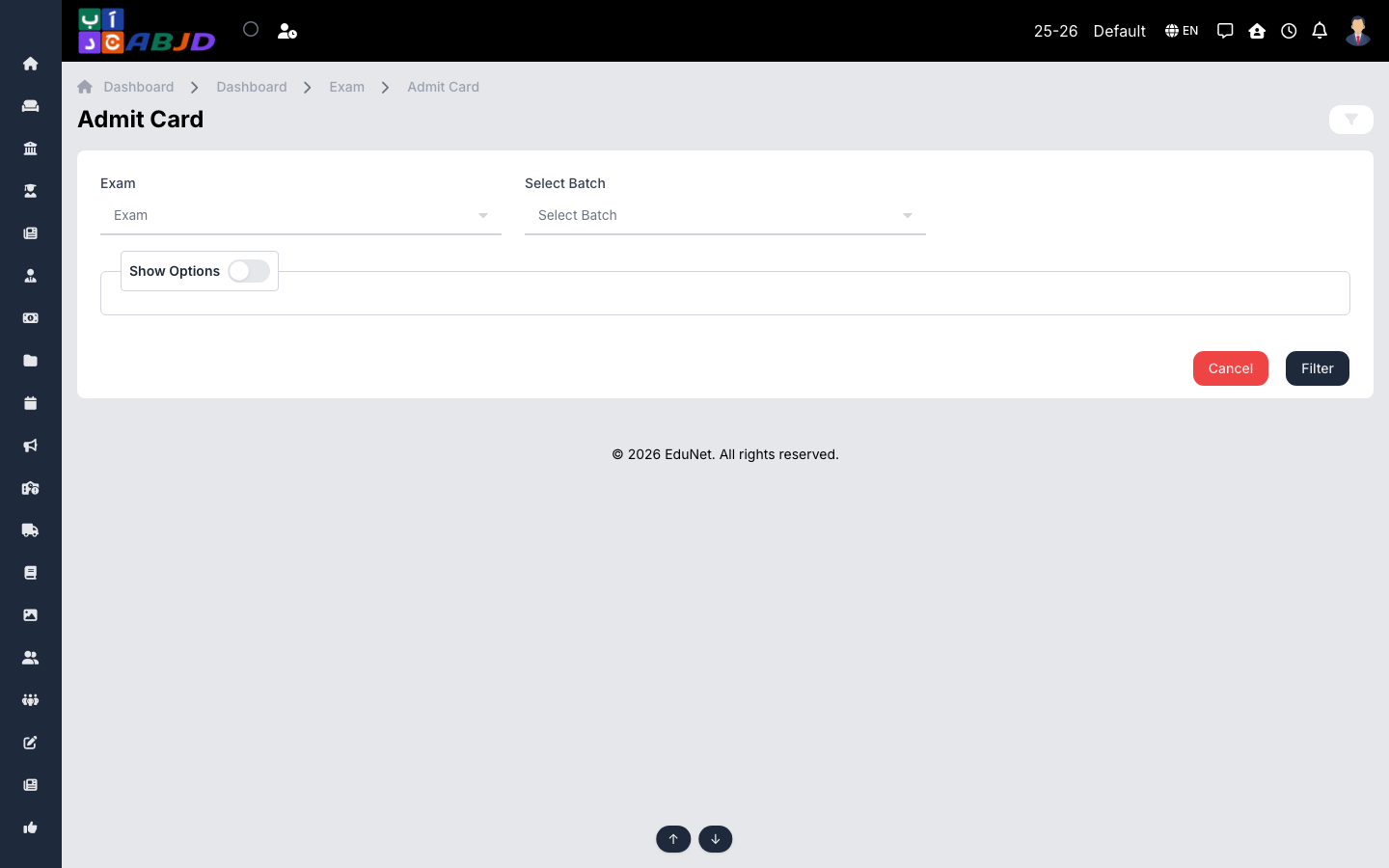
Admit Card prints hall tickets for a scheduled exam — student details plus the subject/date table from the exam schedule.
Open it from the sidebar: Exam → Admit Card.
Print admit cards
- Select the exam and the batch.
- Optionally narrow down to specific students.
- Generate and print — one card per student, ready to distribute.
Tip: the schedule must exist first (Exam → Exam Schedule); the card reads its subject and date rows from there.