
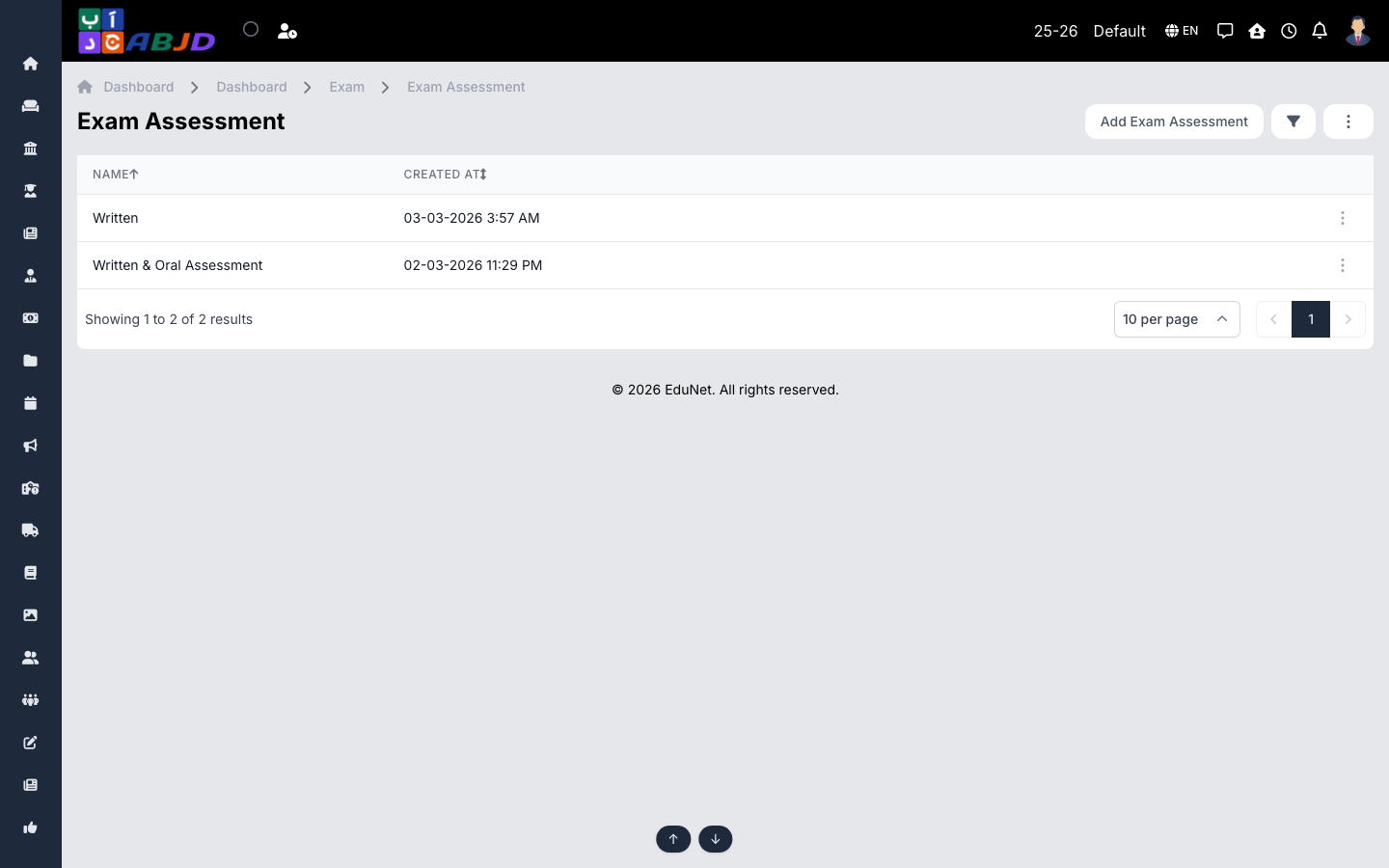
An assessment defines the format of an exam — which components are scored (e.g. Theory, Practical, Class Activity) and the maximum mark of each. Exams reference an assessment so mark entry shows the right columns.
Open it from the sidebar: Exam → Assessment.
Create an assessment
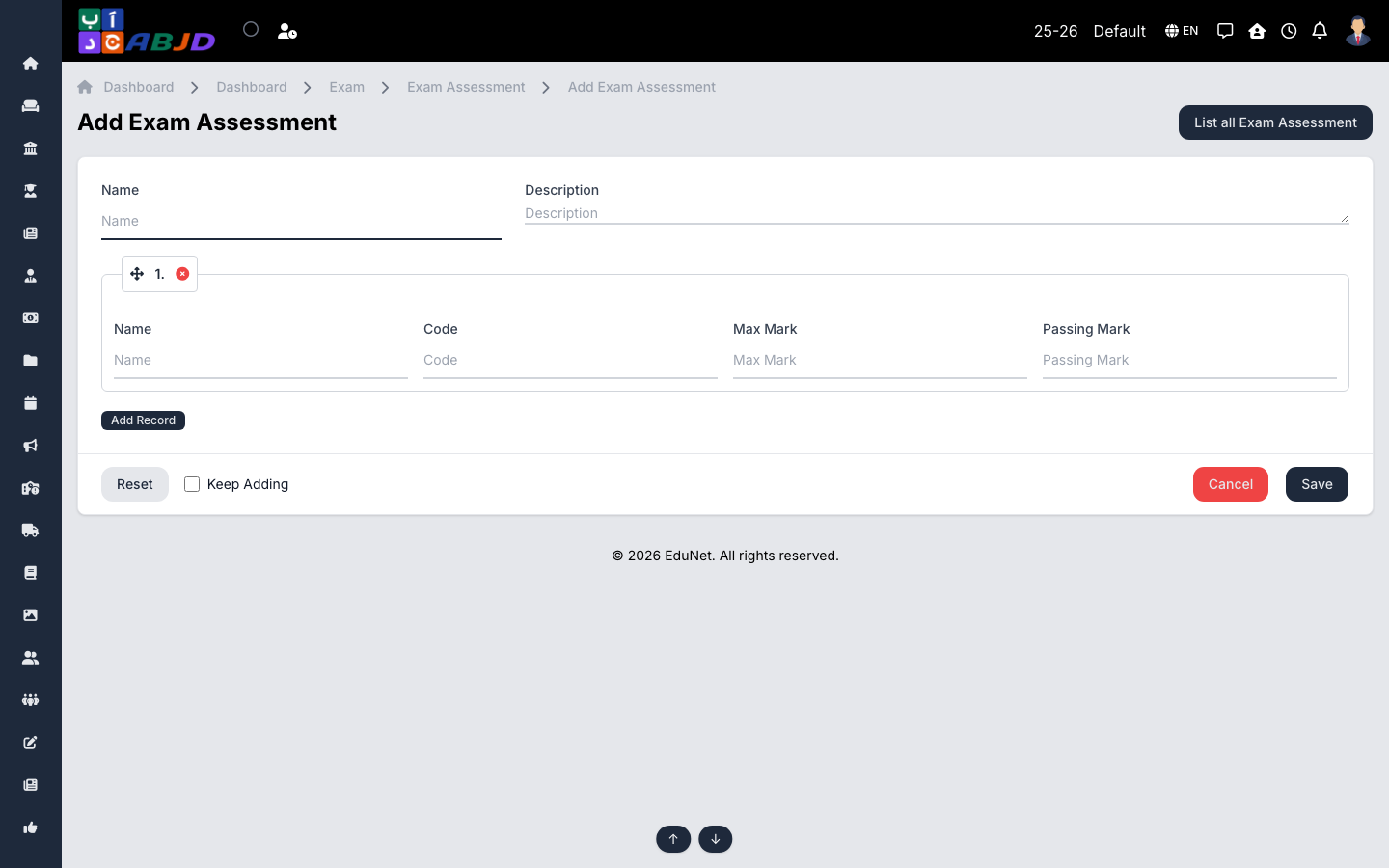
- Click Add Assessment.
- Enter the name (e.g.
Standard 100-mark). - Add the components with their names and maximum marks.
- Click Save.
Row actions
- View / Edit — open or change the format.
- Delete — only possible while no exam uses the format.