
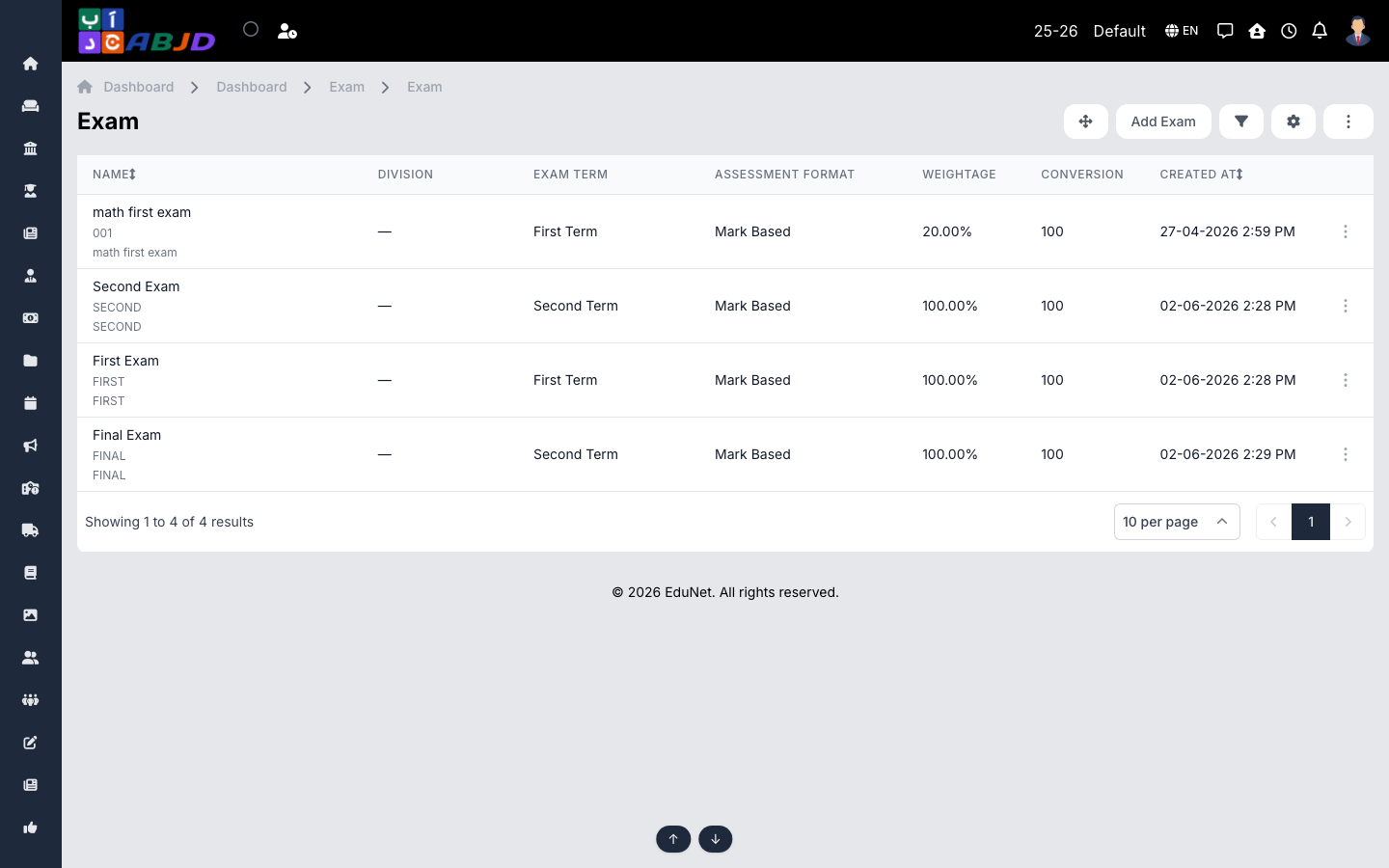
An exam is a named assessment — First Exam, Midterm, Final Exam — linked to an exam term and an assessment format. Its weightage controls how much it contributes to the final result and conversion normalises raw marks (e.g. convert to 100).
Open it from the sidebar: Exam → Exam.
Create an exam
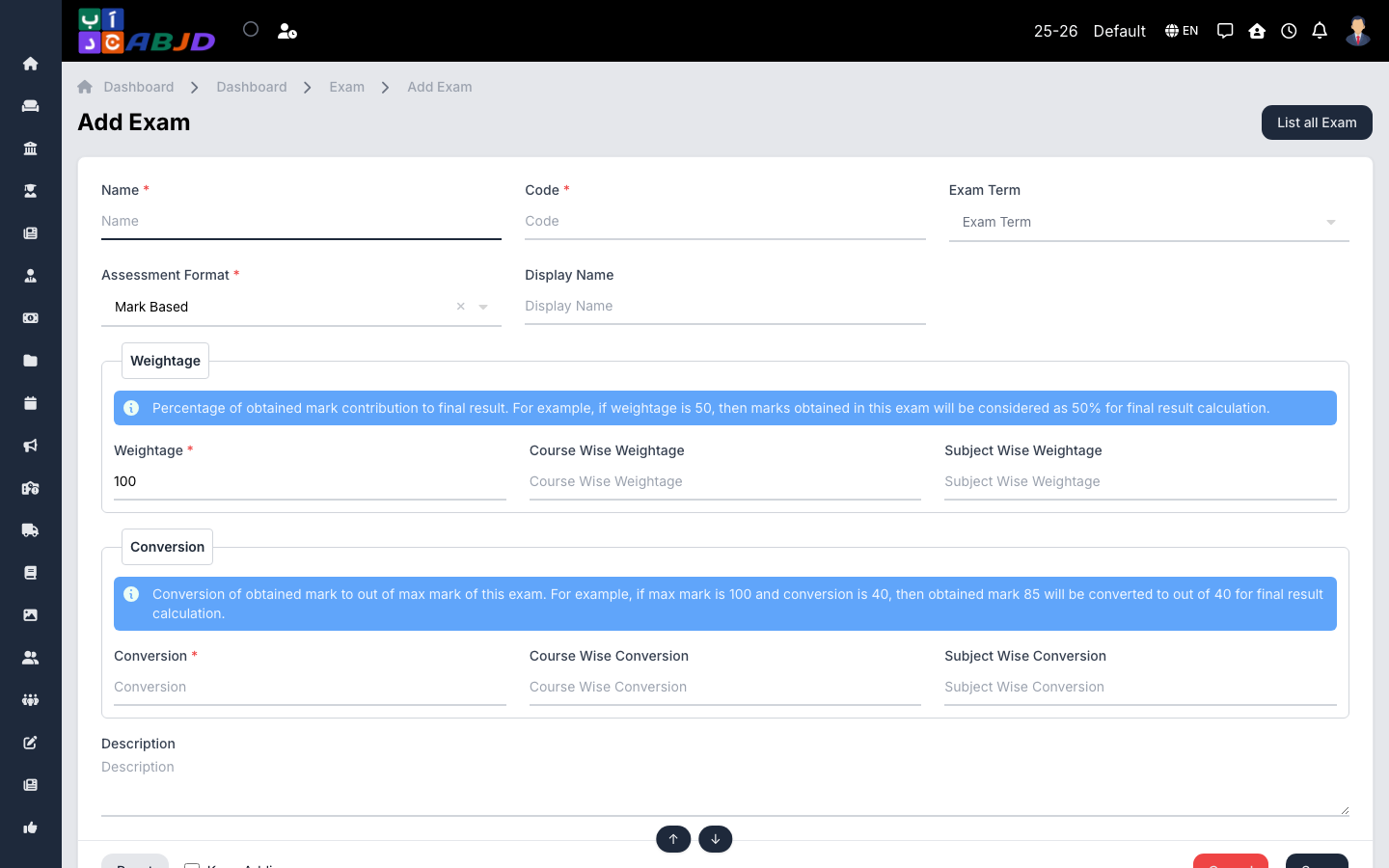
- Click Add Exam.
- Enter the name and an optional code/shortcode.
- Pick the exam term and the assessment format (e.g. Mark Based).
- Set the weightage (%) and the conversion scale.
- Click Save.
Row actions
- View / Edit — open or change the exam.
- Delete — only possible while no schedules or marks exist for it.
Tip: weightages of a term’s exams should add up to the share you want the term to carry in the final marksheet.