
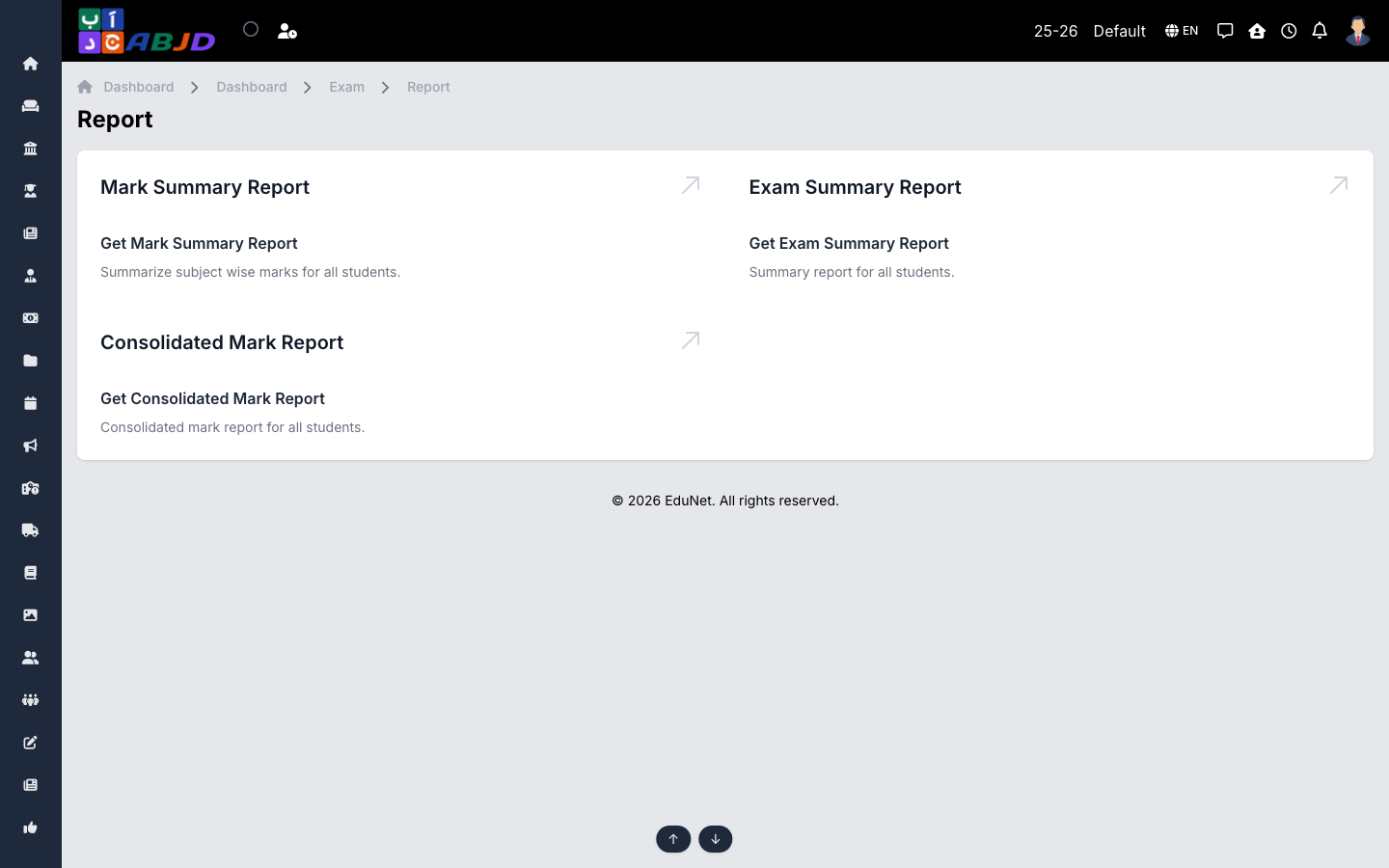
The Reports screen gathers exam analytics in one place, filterable by batch, subject and exam.
Open it from the sidebar: Exam → Report.
Available reports
- Mark Summary — per-student marks across the exams of a batch/subject.
- Exam Summary — batch-level overview of an exam: averages, highest/lowest, pass rates.
- Consolidated Mark — all subjects and exams of a batch in one consolidated table.
Typical workflow
- Open the report and set the filters.
- Review the table on screen.
- Export or print for academic review meetings.