
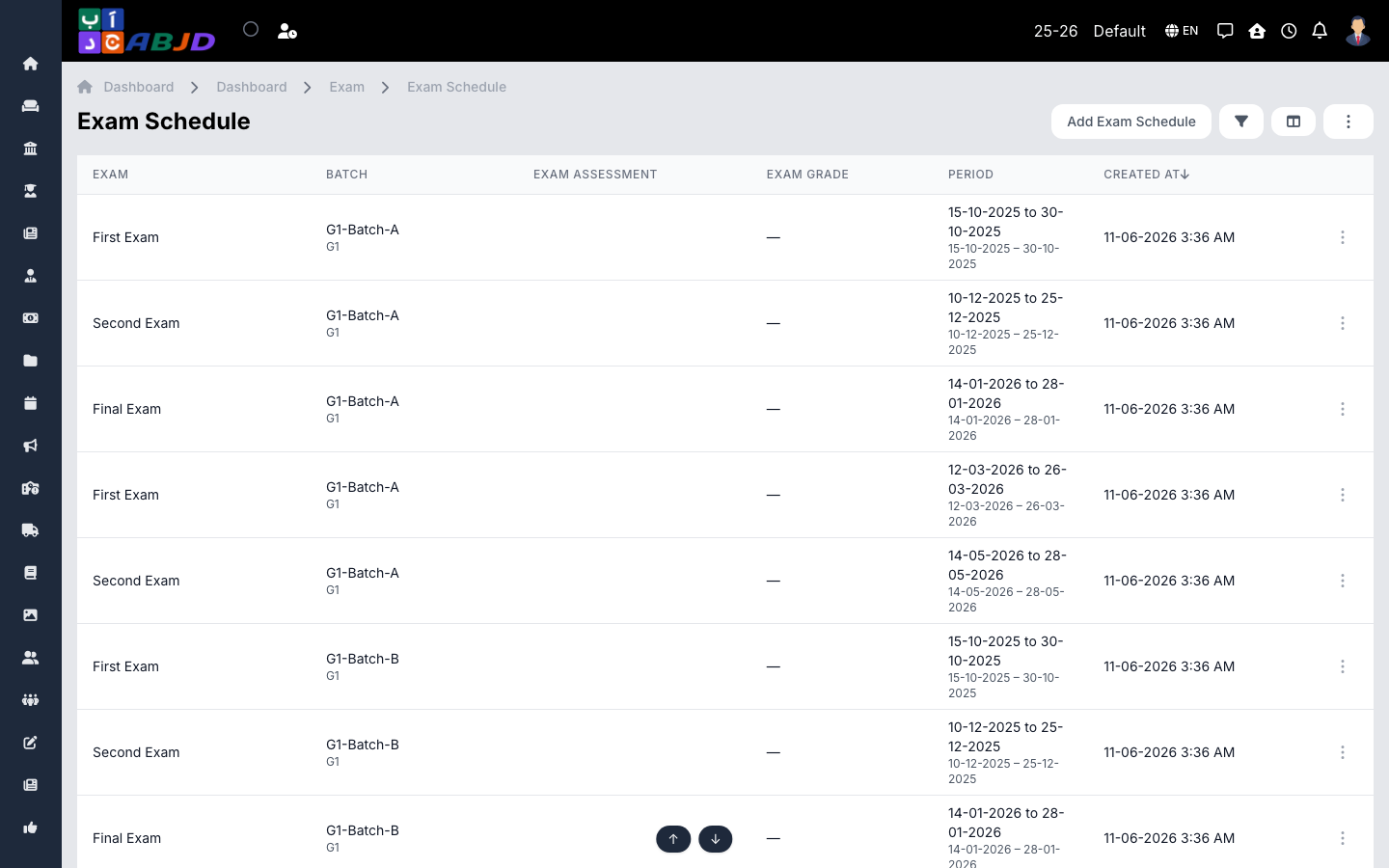
An exam schedule assigns an exam to a batch with concrete dates and subjects — which subject is examined on which day. Schedules drive admit cards, exam attendance and mark entry.
Open it from the sidebar: Exam → Exam Schedule.
Create an exam schedule
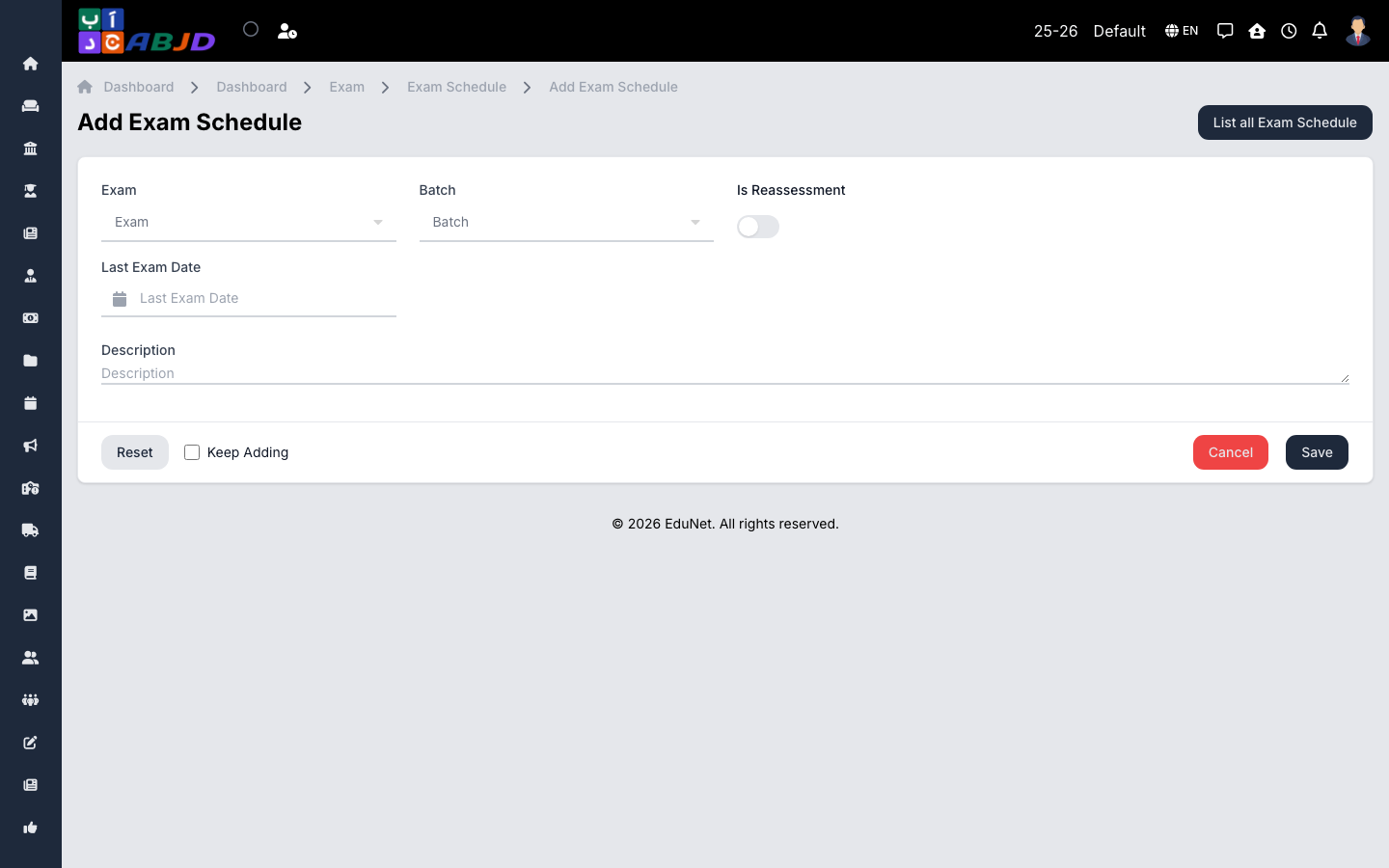
- Click Add Exam Schedule.
- Select the exam and the batch.
- Add a row per subject: date, start/end time and the maximum/pass marks if they differ from the assessment defaults.
- Click Save.
Row actions
- View / Edit — open or change the schedule.
- Delete — only possible before marks are recorded.
Tip: once the schedule exists, Admit Card can print hall tickets and Exam Mark opens mark entry for exactly these subjects.