
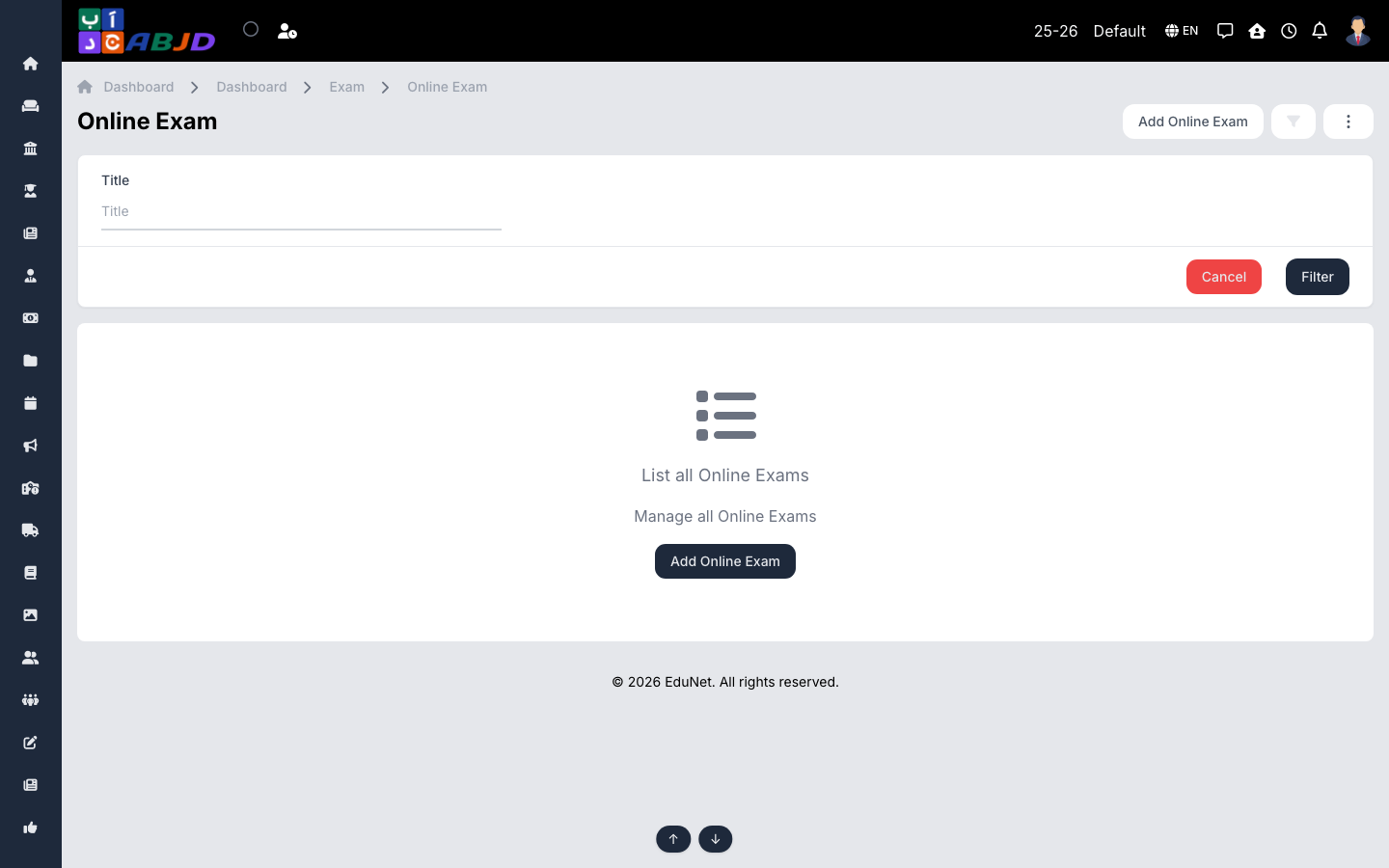
Online exams are taken digitally from the student portal or mobile app. You define the exam window and the questions; the system collects submissions and scores objective questions automatically.
Open it from the sidebar: Exam → Online Exam.
Create an online exam
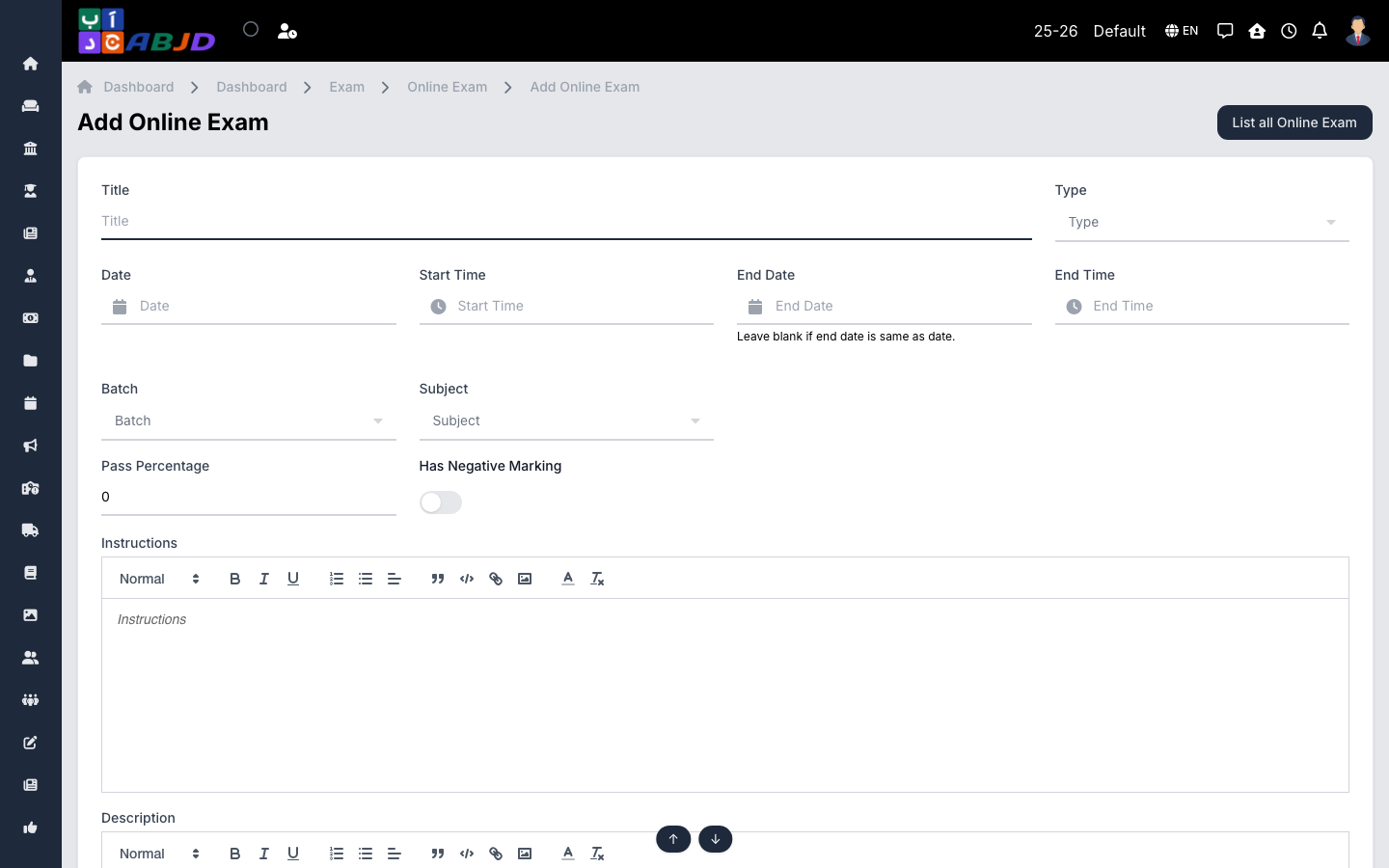
- Click Add Online Exam.
- Enter the name, pick the batch and subject, and set the date, start time and duration.
- Set the maximum/pass marks and publishing options, then click Save.
- Open the exam and use Add Question to build the paper (multiple choice or descriptive). Questions can be reordered.
- Publish the exam — students see it in their app when the window opens.
Row actions
- View — see submissions and per-student results.
- Edit / Delete — allowed until students start submitting.