
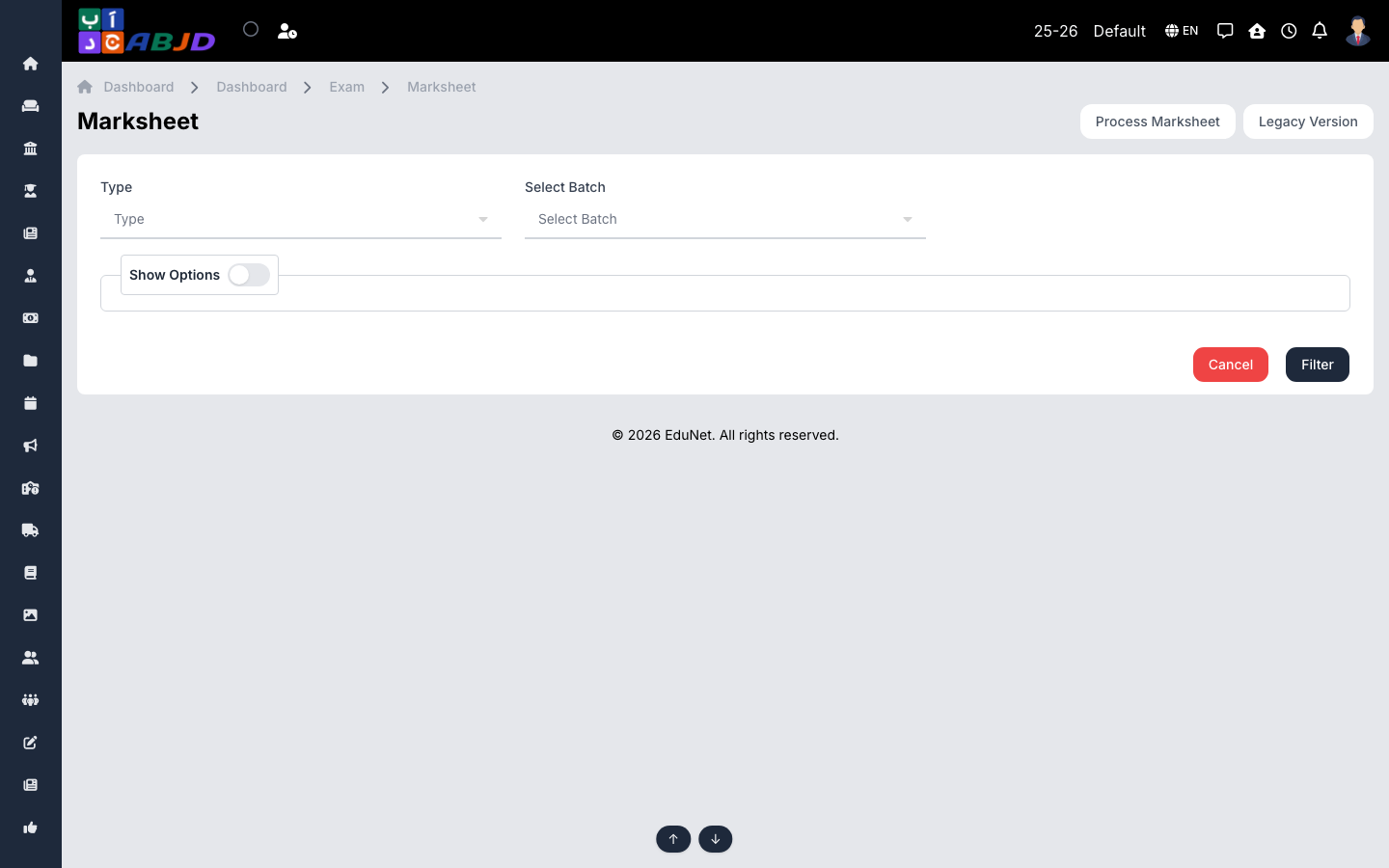
The Marksheet screen produces report cards. Process consolidates recorded marks (applying weightages, conversions, grades and observations) and the marksheet view prints the final cards.
Open it from the sidebar: Exam → Marksheet.
Produce marksheets
- Open Process Marksheet, choose the batch and the term/exams to include, and run the processing.
- Return to Marksheet, select the batch and view the processed results.
- Print the cards — per student or the whole batch.
Tip: re-run processing after any mark correction; the marksheet always reflects the latest processed data, and the grading scale (Exam → Exam Grade) controls the printed grades.