
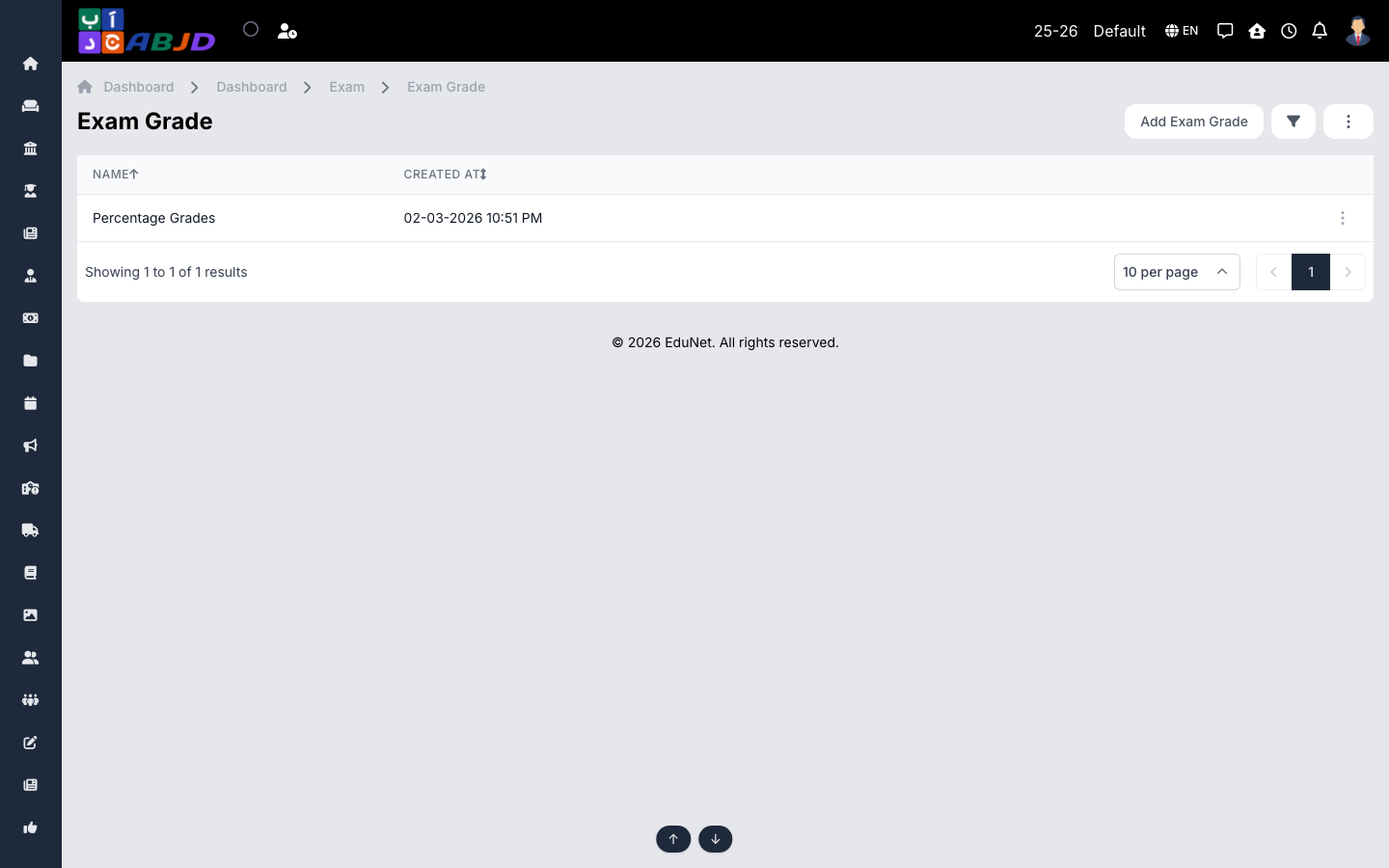
An exam grade is a grading scale: a set of mark ranges, each mapped to a grade label (e.g. 90–100 → A) with an optional description. Scales are used when processing marksheets to print grades next to marks.
Open it from the sidebar: Exam → Exam Grade.
Create a grading scale
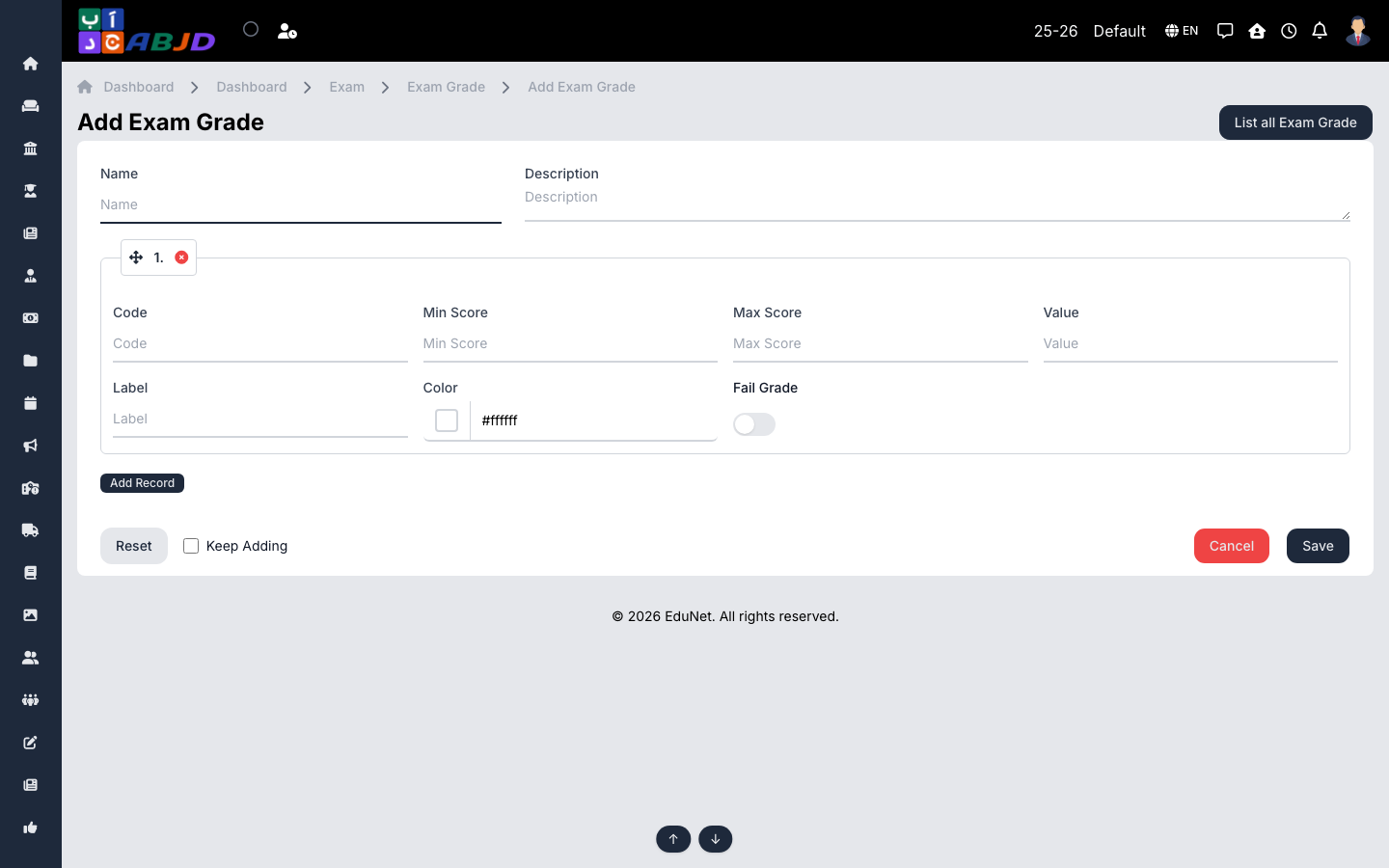
- Click Add Exam Grade.
- Enter the scale’s name (e.g.
Primary Scale). - Add the grade rows — for each, set the range (min/max %) and the grade label.
- Click Save.
Row actions
- View / Edit — open or change the scale.
- Delete — only possible while the scale is unused.
Tip: ranges must not overlap and should cover 0–100 so every mark maps to a grade.