
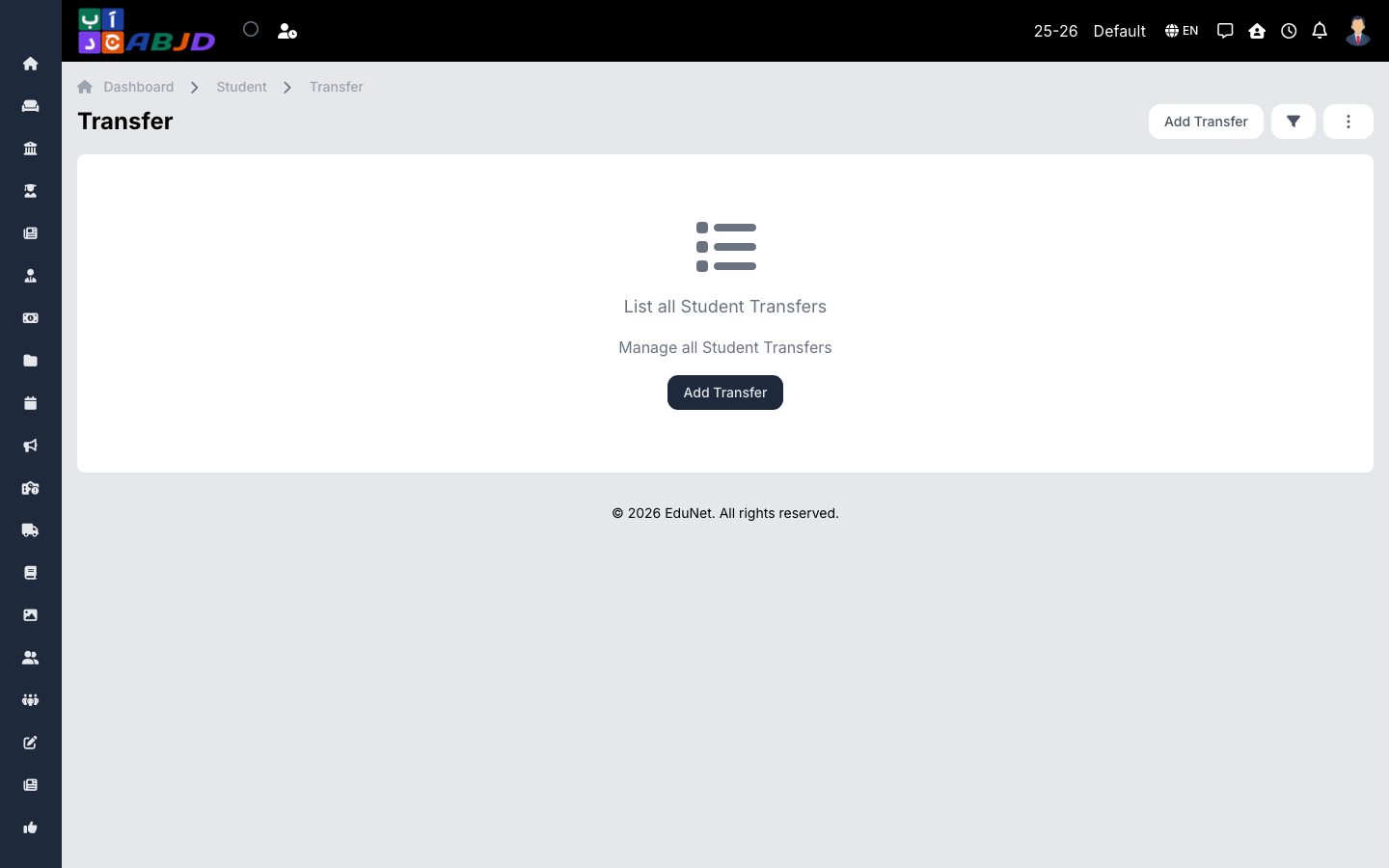
Transfers is the register of students who left the school — the completed counterpart of Transfer Requests.
Open it from the sidebar: Student → Transfer.
Record a transfer
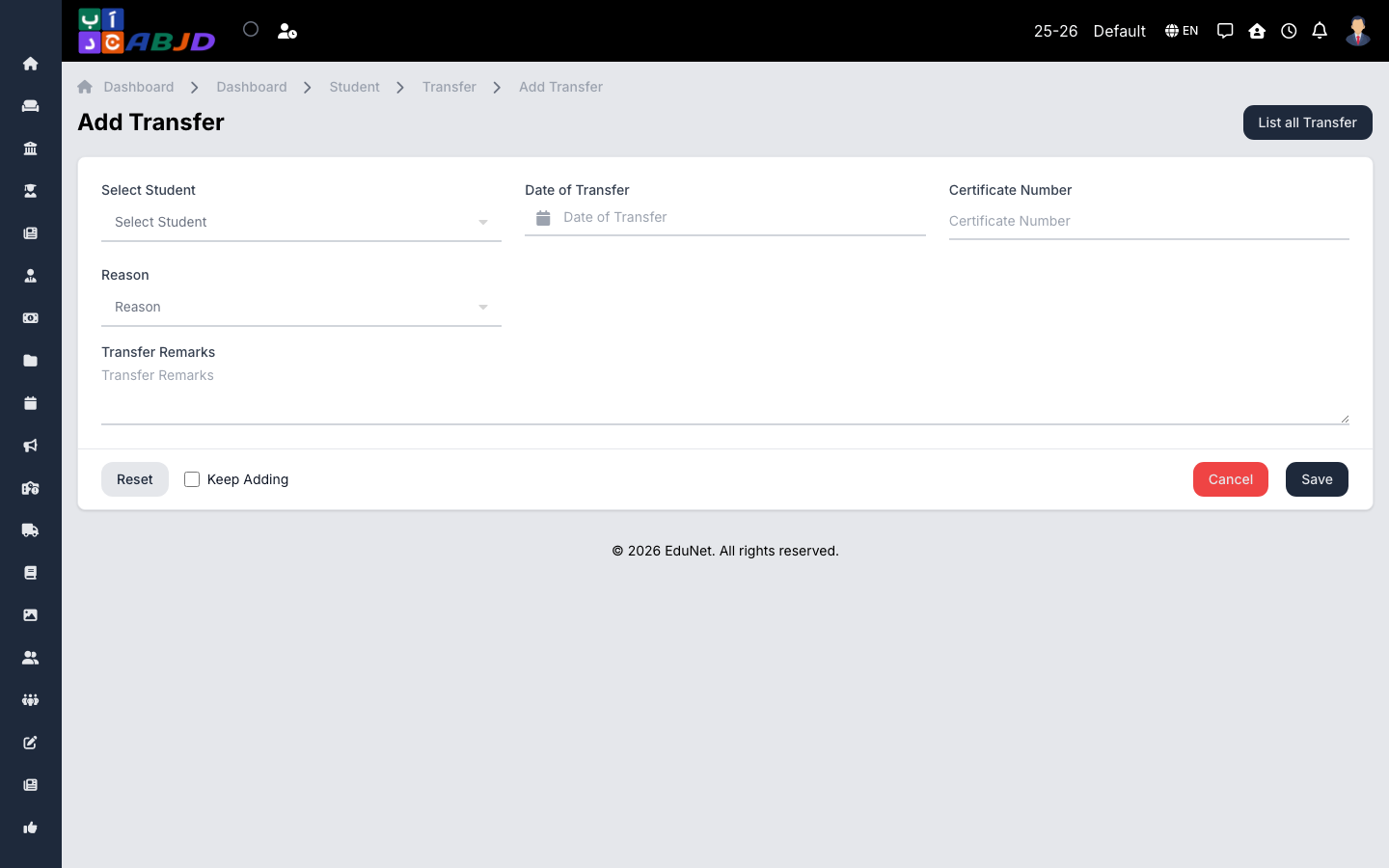
- Click Add Transfer.
- Select the student and the transfer date.
- Enter the destination and reason, and attach the transfer certificate if issued (see Certificates).
- Click Save — the student’s enrollment is closed as of the transfer date.
Transferred students remain fully visible in their historical periods for reporting.