
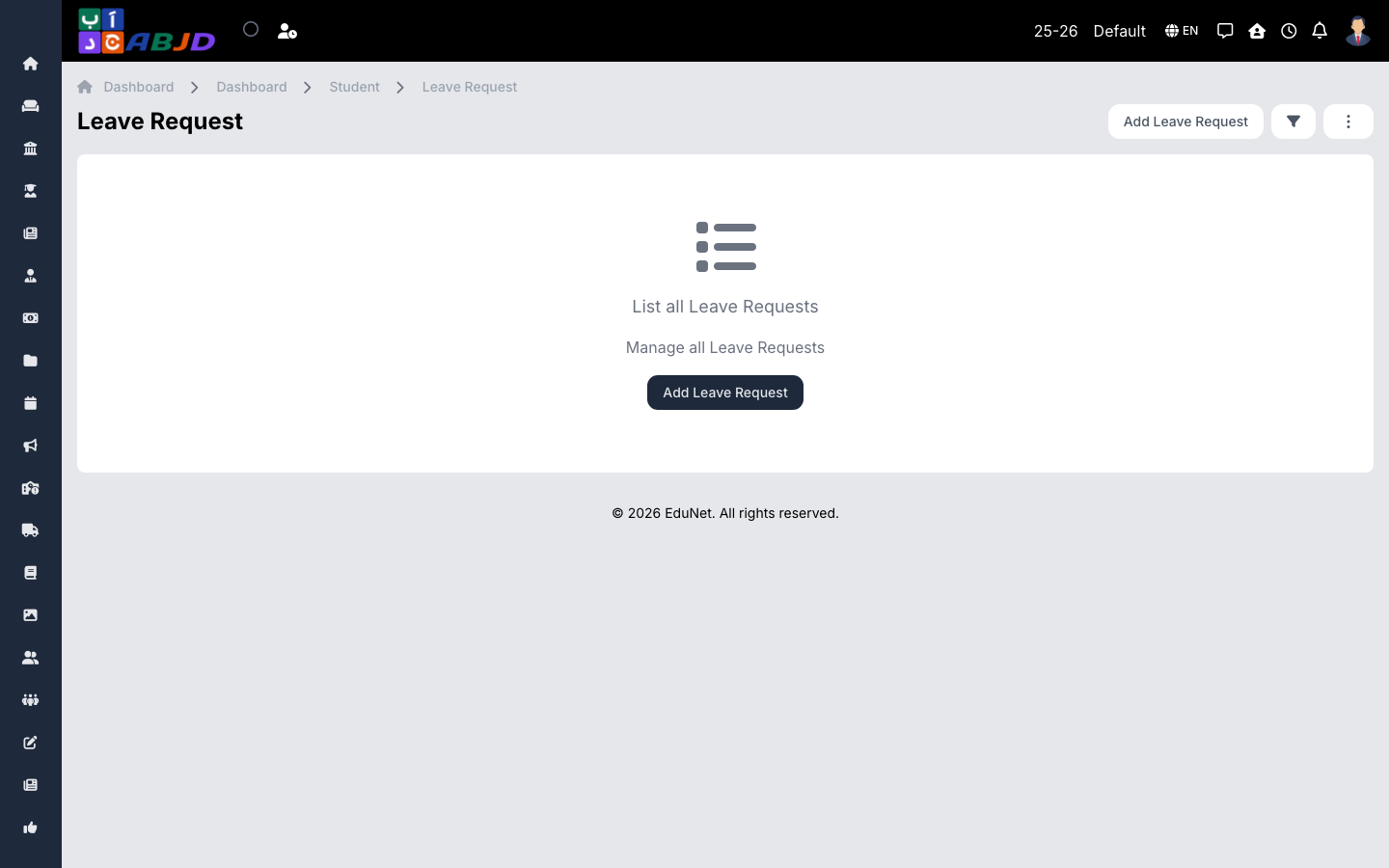
Leave requests track planned student absences — submitted by staff on behalf of the family or from the mobile app — and their approval status. Approved leave is reflected against attendance.
Open it from the sidebar: Student → Leave Request.
Create a leave request
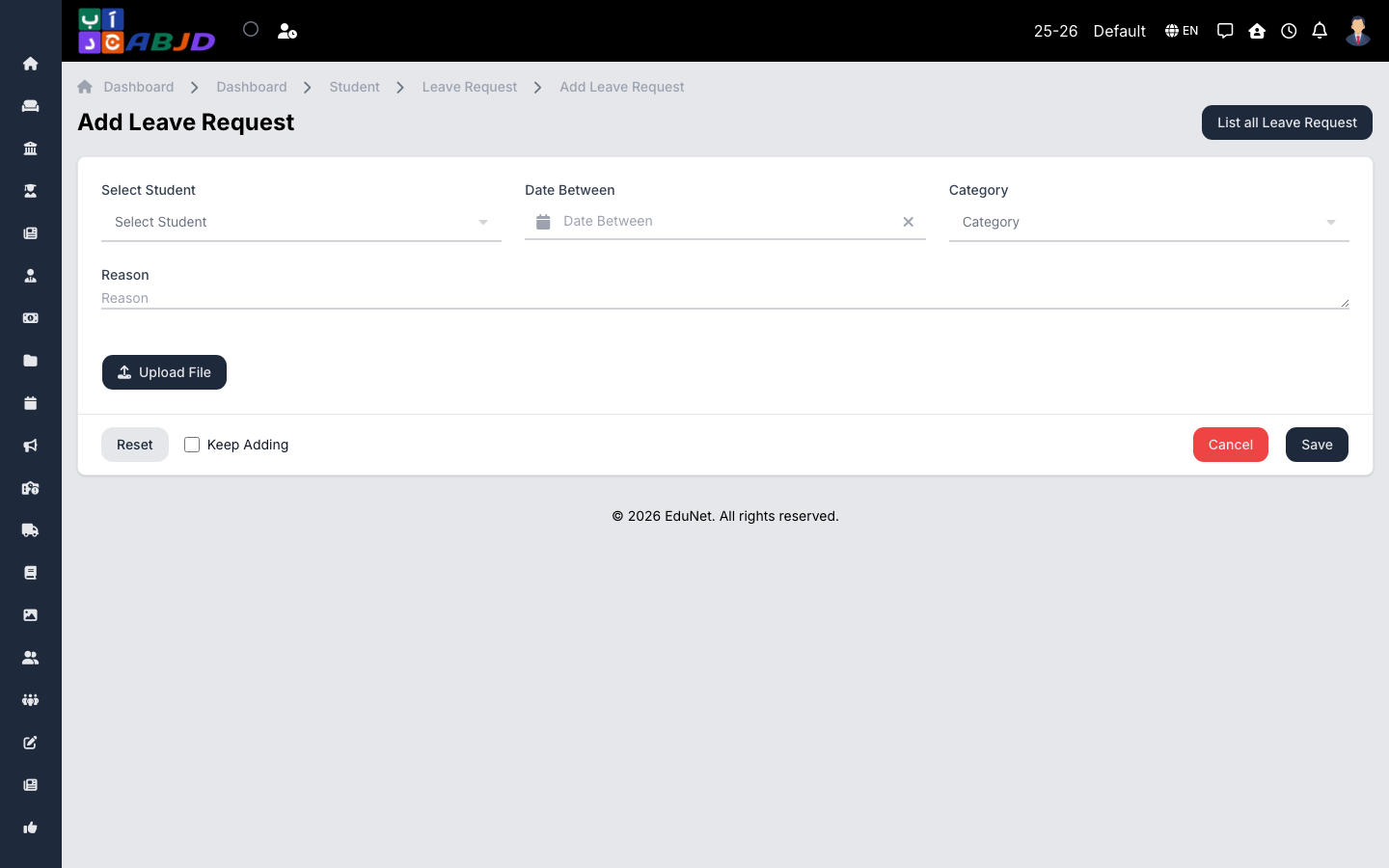
- Click Add Leave Request.
- Select the student, the date range, and the reason/category.
- Attach a supporting document if available.
- Click Save.
Approve or reject
Open the request and use the approve/reject actions. The decision and remark are kept on the request’s history.