
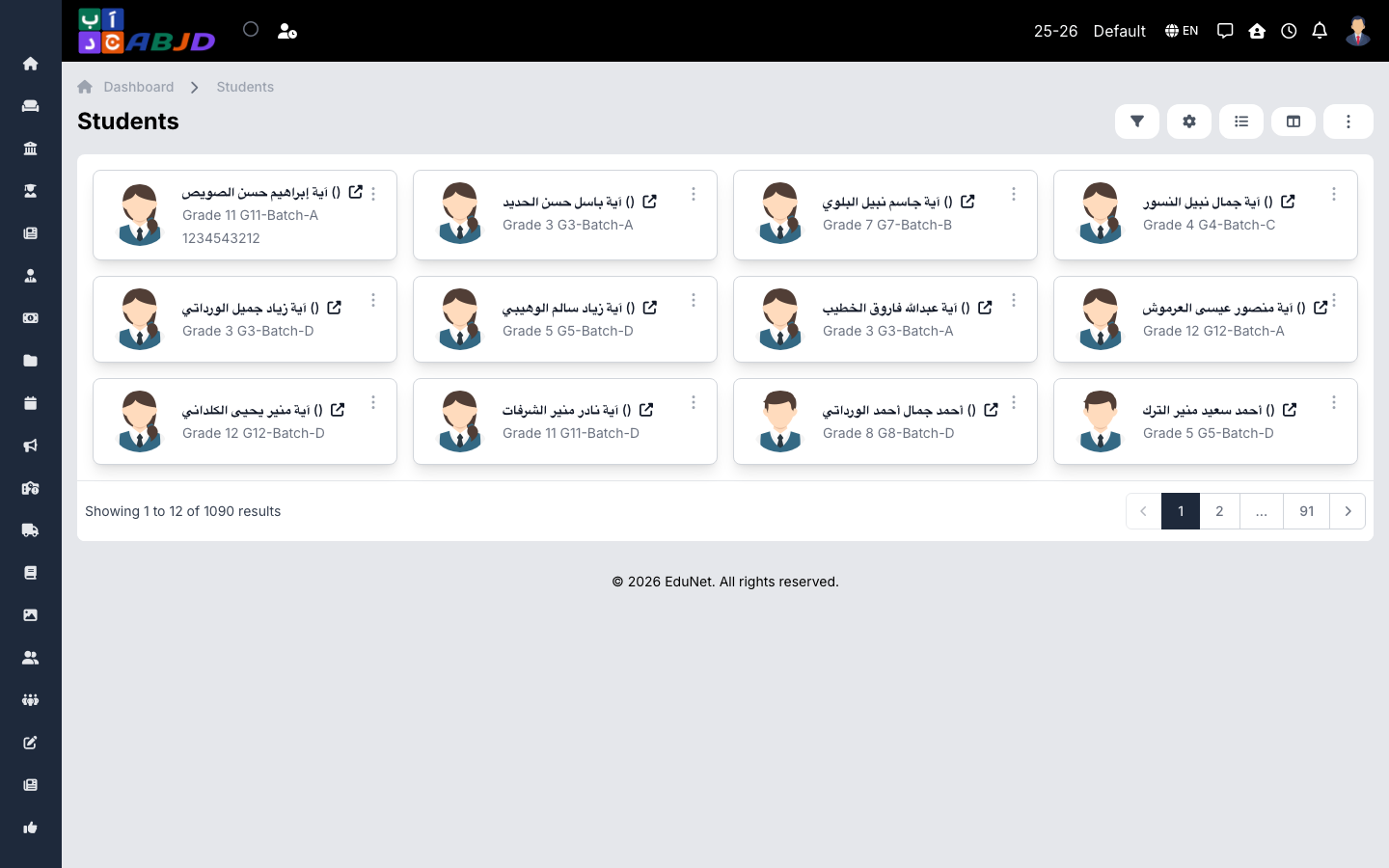
The Students page is the directory of all admitted students in the selected period. From here you reach each student’s full profile.
Open it from the sidebar: Student → Students.
Find a student
- Use the search box for name or admission number.
- Use filters for course, batch, or enrollment status.
- Click a row to open the student’s profile.
The student profile
The profile is organized in tabs:
| Tab | Contents |
|---|---|
| Basic | Personal data, admission info, batch |
| Contact | Email, contact number, addresses (email is the required field; phone is optional) |
| Guardians | Linked guardians with relation and contact numbers |
| Fee | Allocated fees, payments, balance, refunds |
| Attendance | Attendance summary for the period |
| Exam Report | Marks per exam |
| Documents | Uploaded files (ID copies, certificates) |
| Accounts / Wallet | Financial accounts, wallet balance |
| Siblings | Other students sharing a guardian |
Common tasks
- Edit basic or contact data — from the profile’s Edit actions (may require an approved edit request depending on configuration).
- Manage the user login — the User Login tab creates or resets the student’s app account.
- Record a dialogue — the Dialogues tab keeps notes of meetings/conversations about the student.