
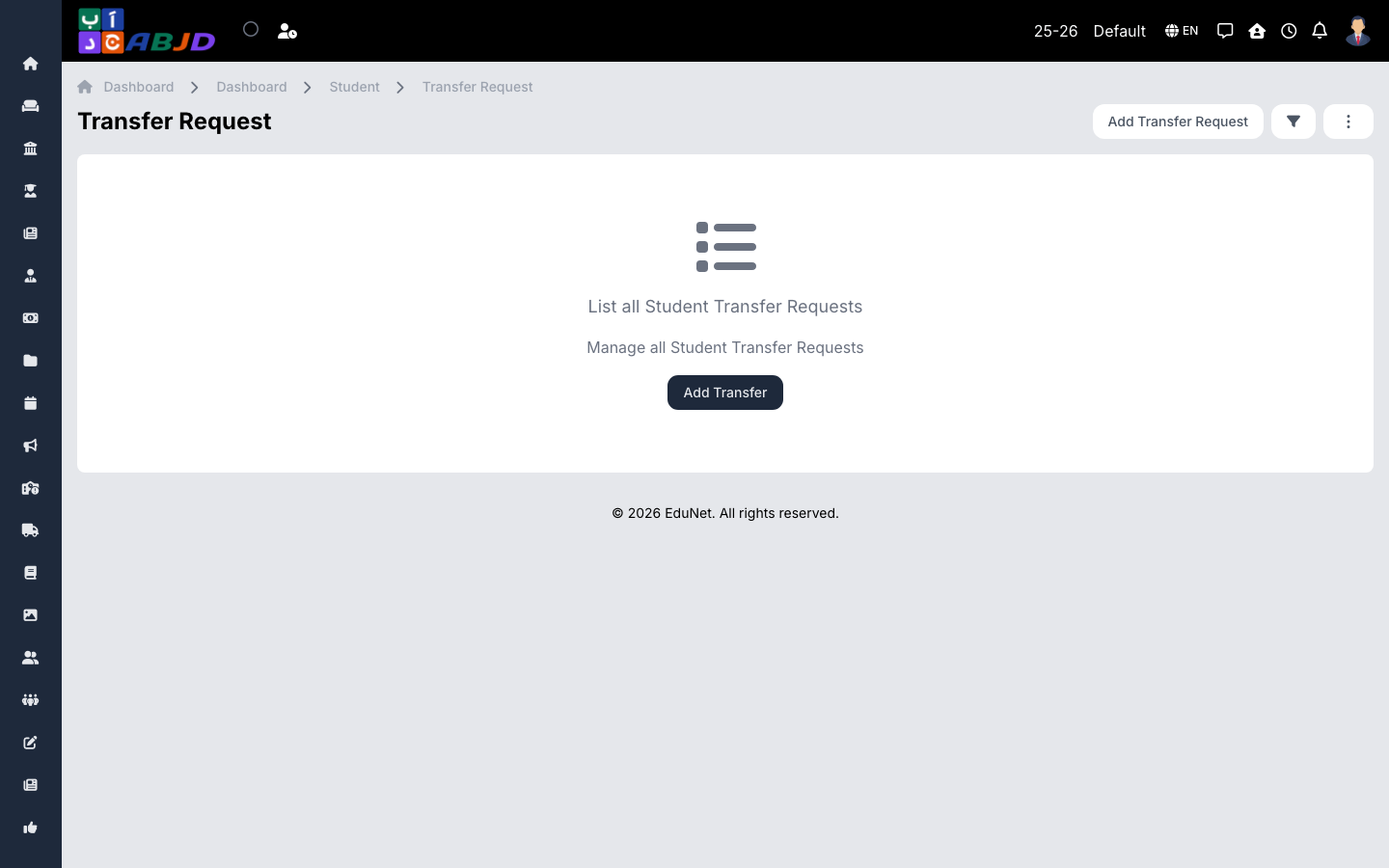
A transfer request starts the process of a student leaving the school. Once processed, the actual transfer is recorded under Transfers.
Open it from the sidebar: Student → Transfer Request.
Create a transfer request
- Click Add Transfer Request.
- Select the student and the requested transfer date.
- Enter the reason and destination school if known.
- Click Save.
Process the request
Open the request to approve or reject it. Approval clears the way to record the transfer itself, which closes the student’s enrollment.