
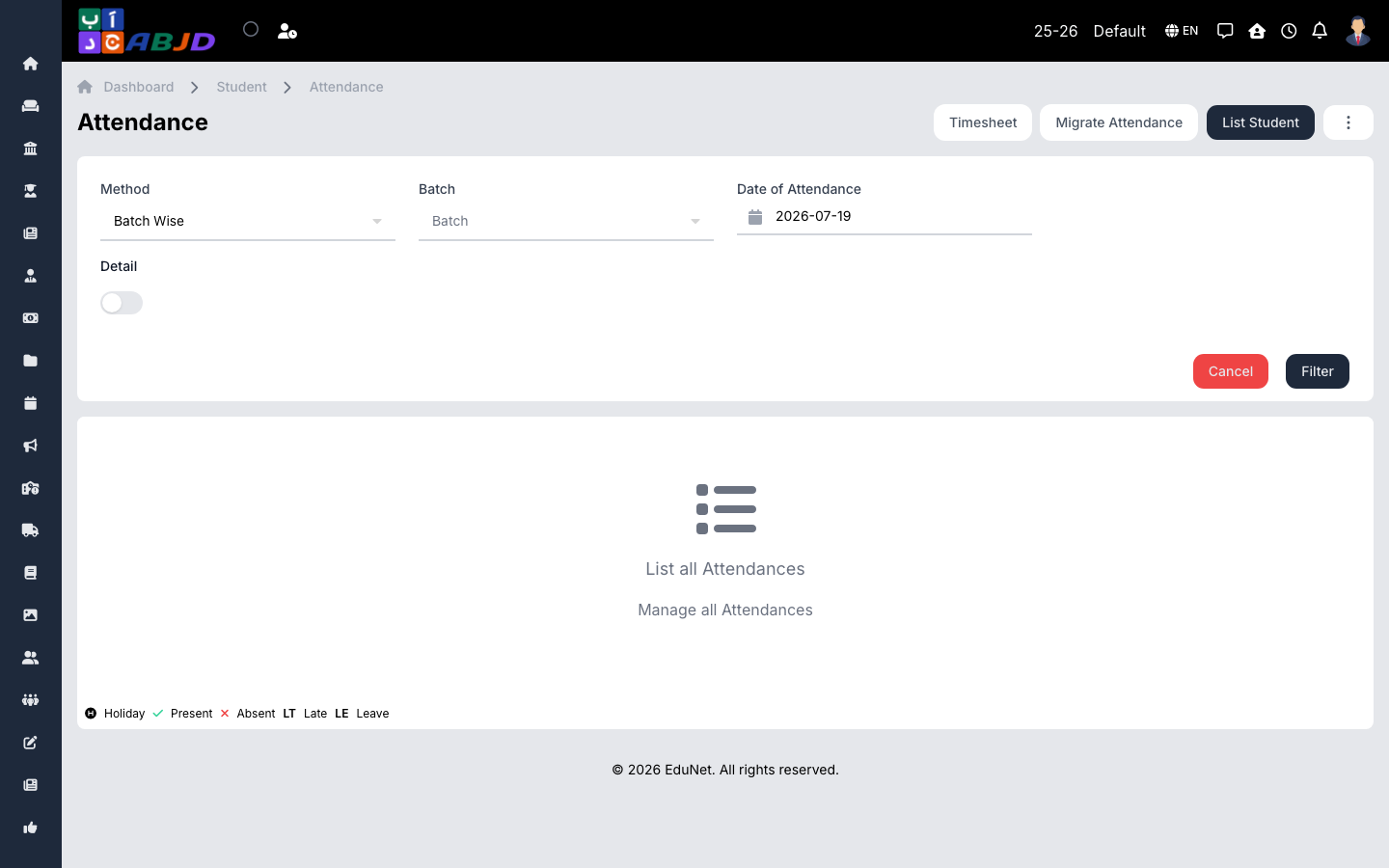
Daily attendance is recorded per batch. Marked attendance feeds the student profile, reports, and — when notifications are enabled — SMS/WhatsApp/push messages to guardians.
Open it from the sidebar: Student → Attendance.
Mark attendance
- Select the batch and the date.
- The student list loads with all students defaulting to present.
- Mark the exceptions — absent, late, half day — per student.
- Click Save.
Re-saving the same date updates the records; use the remove action to clear a day marked in error.
When attendance notifications are enabled in Communication settings, guardians are notified using the student’s phone or, when the student has no phone, the guardian’s own number.