
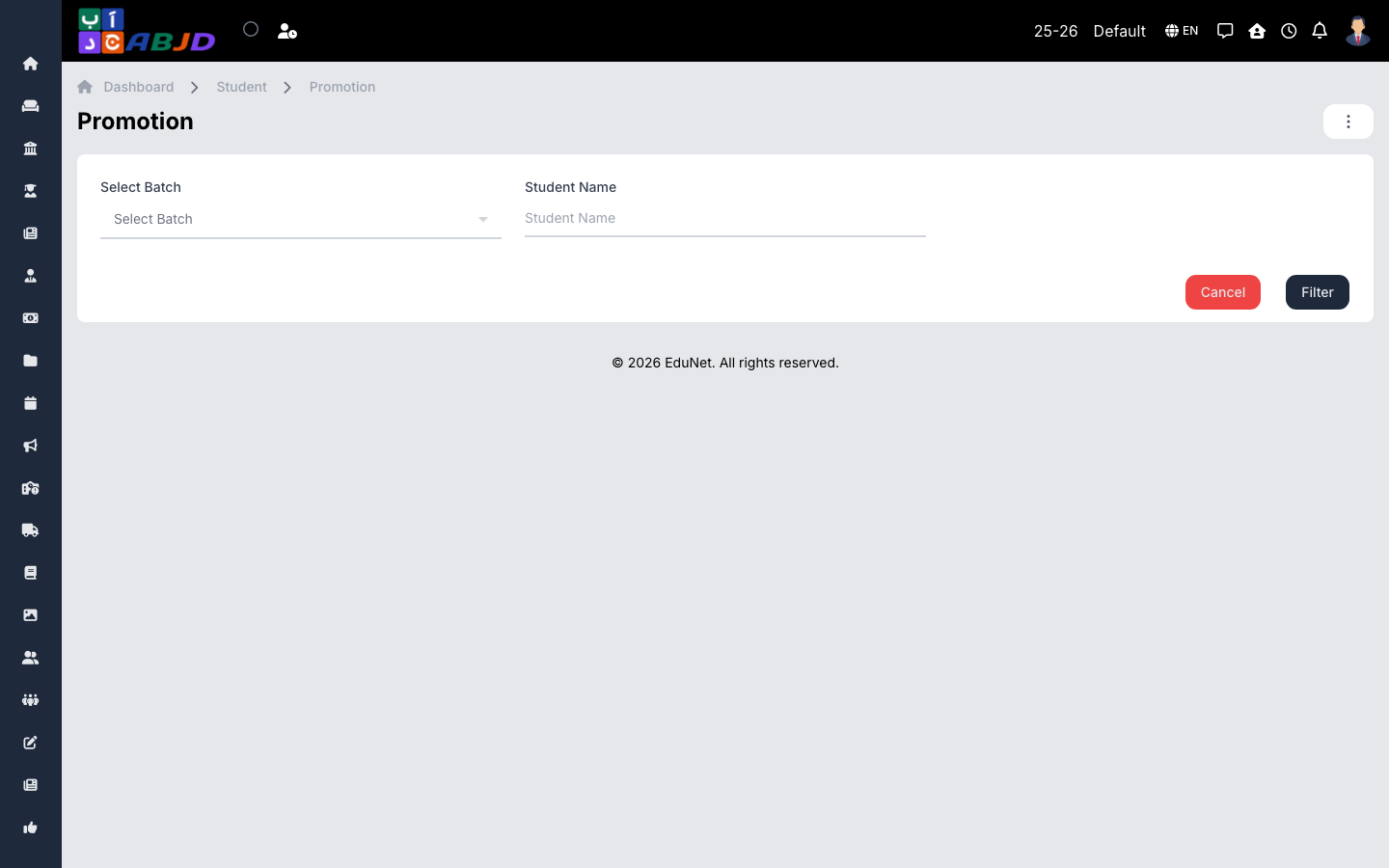
Promotion moves students in bulk from their current batch to the next course/batch — typically at the end of the academic year, into the new period.
Open it from the sidebar: Student → Promotion.
Promote a batch
- Make sure the target period and its courses/batches already exist (see Periods).
- Select the current batch whose students you are promoting.
- Select the target period, course, and batch.
- Review the student list and untick anyone who is not being promoted (repeaters, leavers).
- Click Save to execute the promotion.
Promotion creates the students’ enrollment in the new period while keeping their history in the old one — switch periods in the header to look back at any time.