
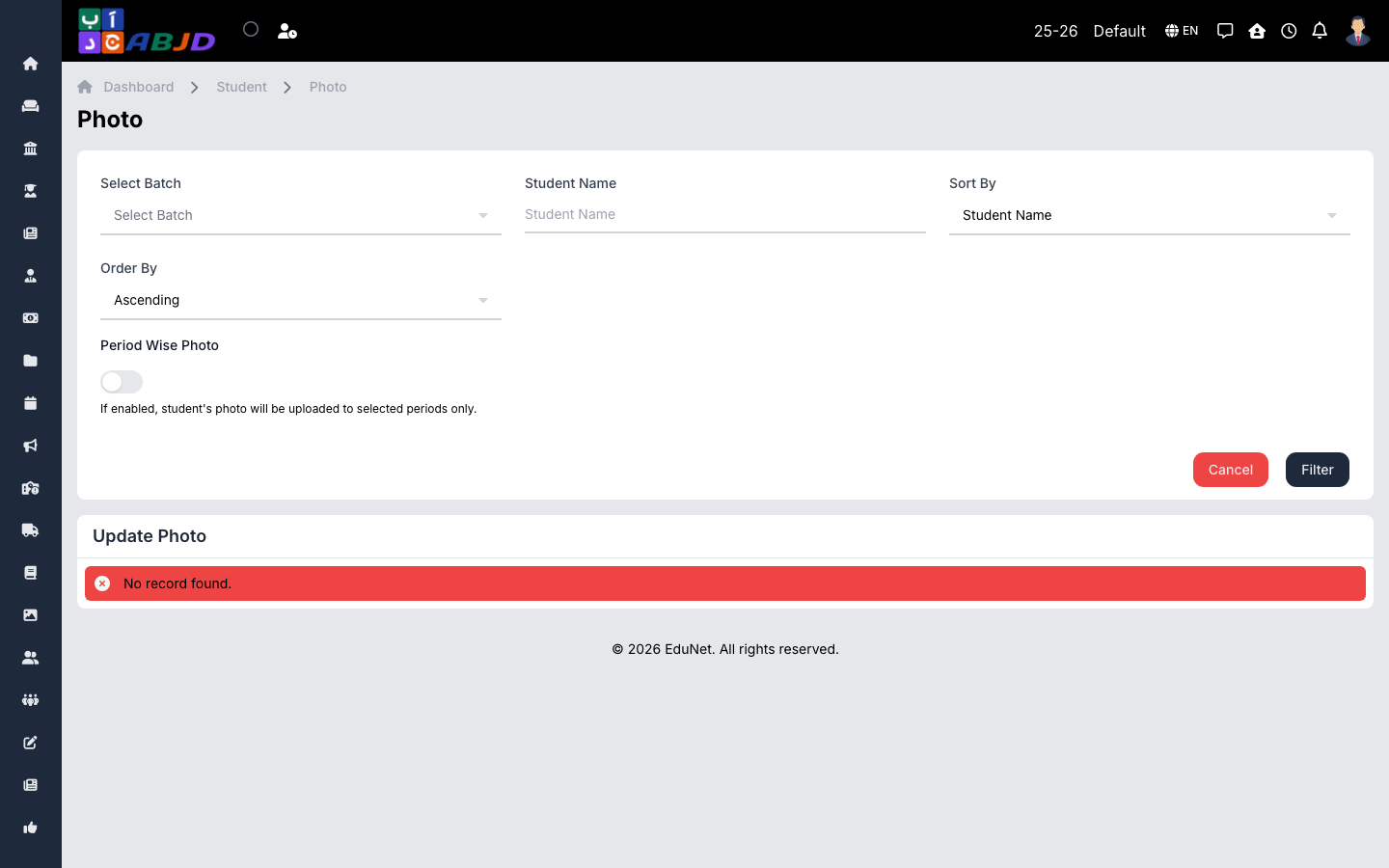
The Photo page uploads student photos in bulk — the photos appear on profiles, ID cards, and the mobile apps.
Open it from the sidebar: Student → Photo.
Upload photos
- Select the batch to load its students.
- Upload a photo per student (passport-style portrait images work best).
- Click Save.