
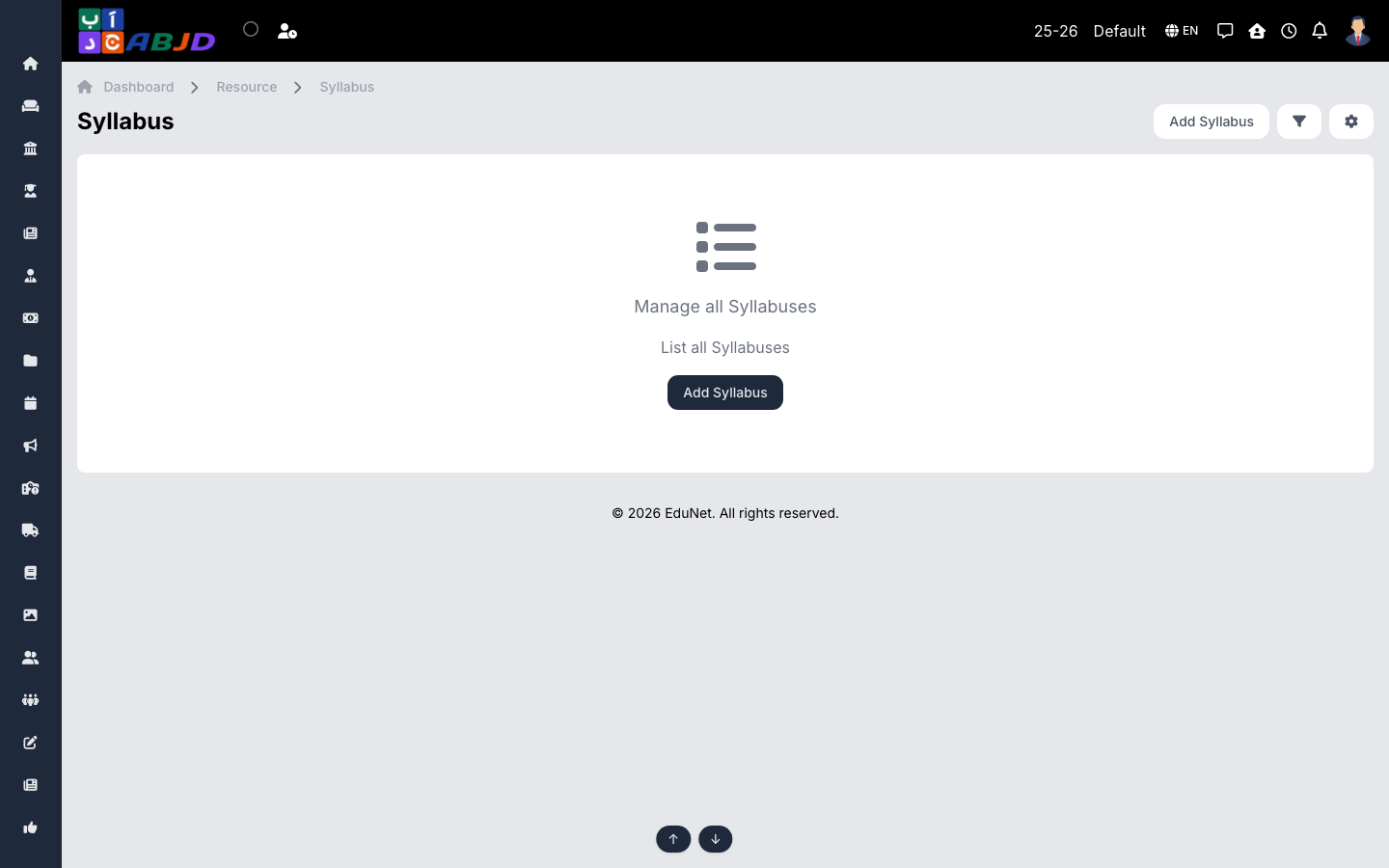
The Syllabus screen publishes what will be taught — units and chapters per batch and subject — so students, parents and teachers share the same plan.
Open it from the sidebar: Resource → Syllabus.
Create a syllabus
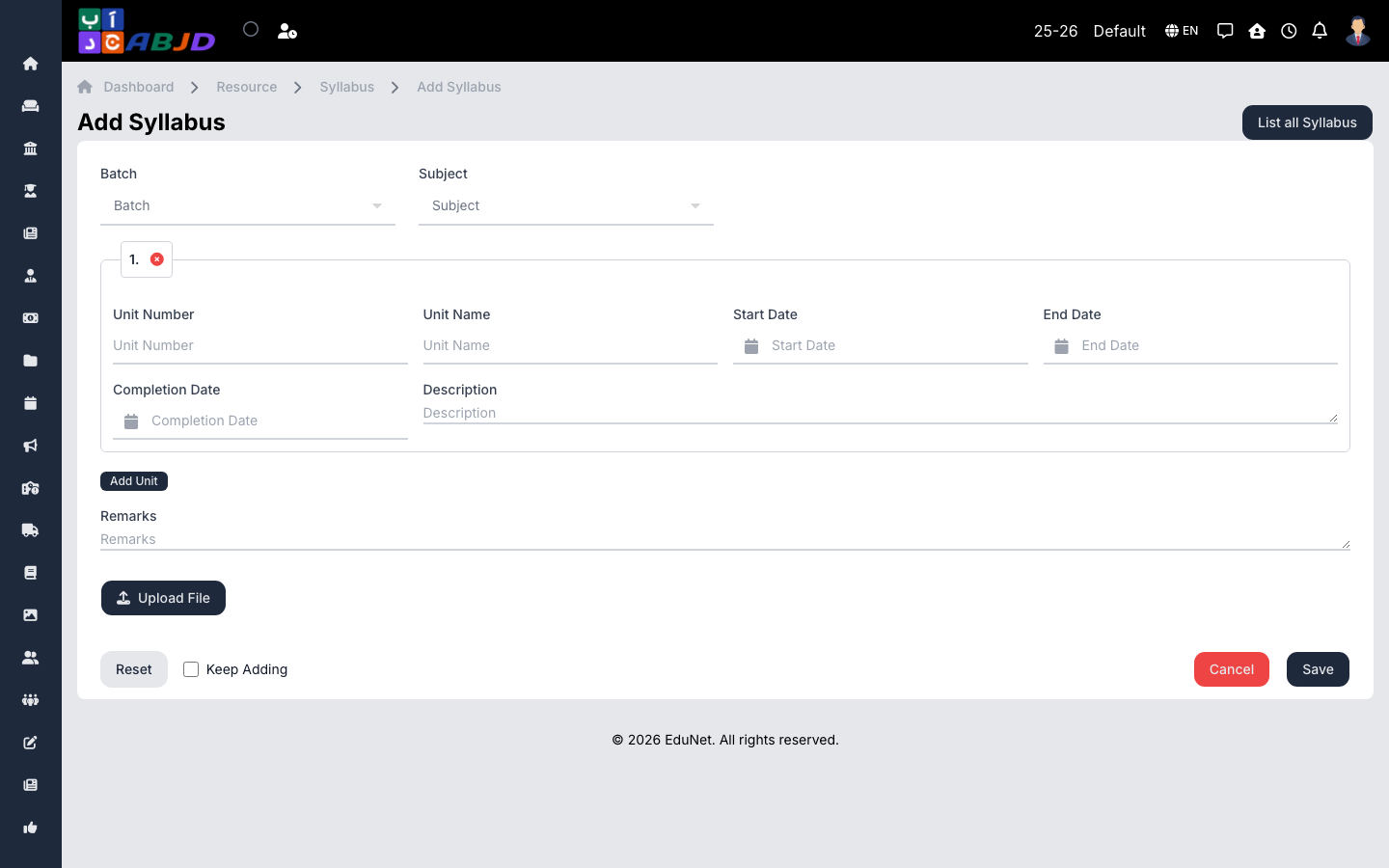
- Click Add Syllabus.
- Select the batch and subject.
- Add the units/chapters with their descriptions; attach a file for the full document if you have one.
- Click Save.
Row actions
- View / Edit — open or update coverage as the term progresses.
- Delete — remove an erroneous syllabus.