
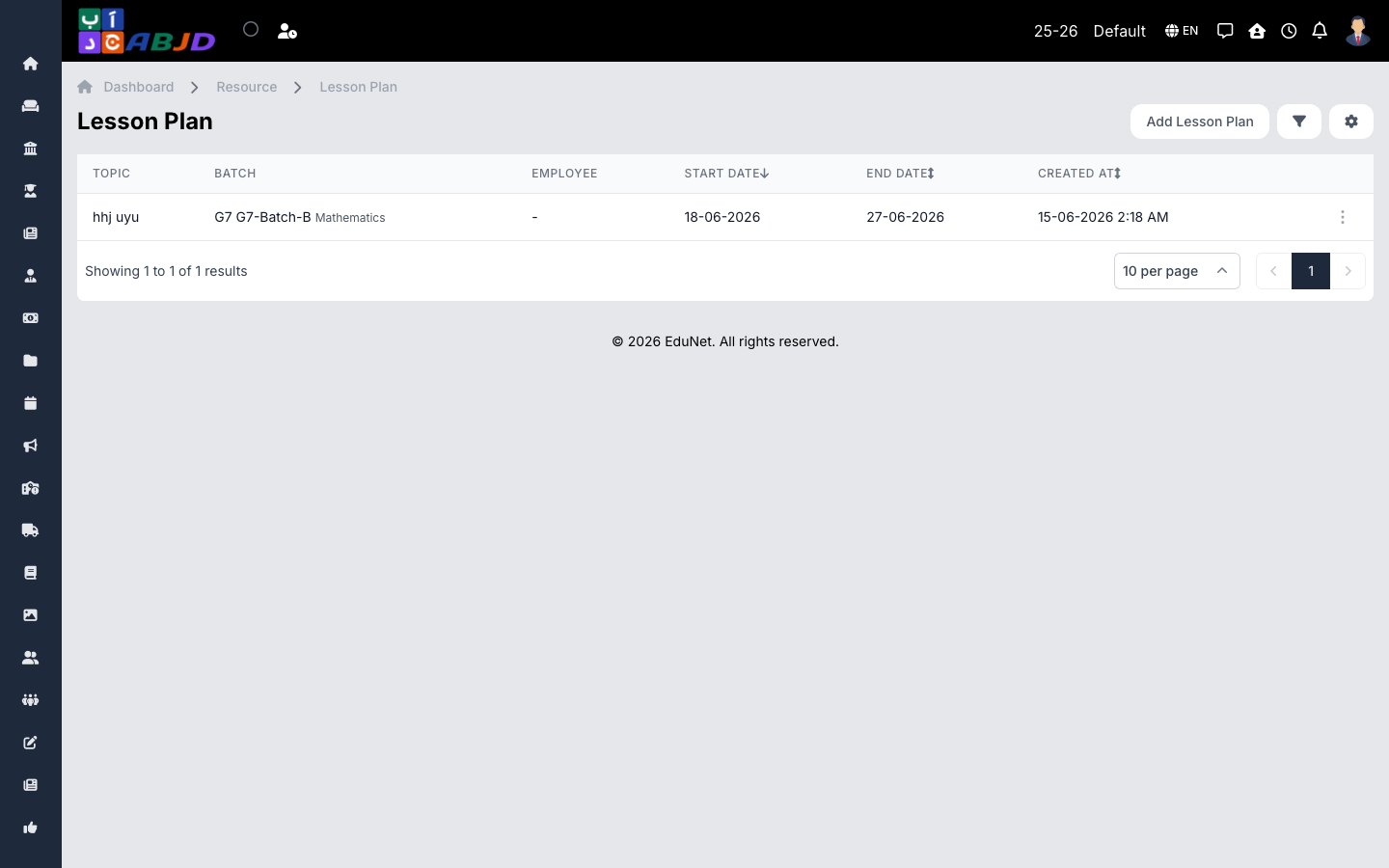
Lesson Plans hold the teacher’s plan for a lesson or week — topic, objectives, method and materials — per batch and subject. Coordinators can review plans across teachers.
Open it from the sidebar: Resource → Lesson Plan.
Create a lesson plan
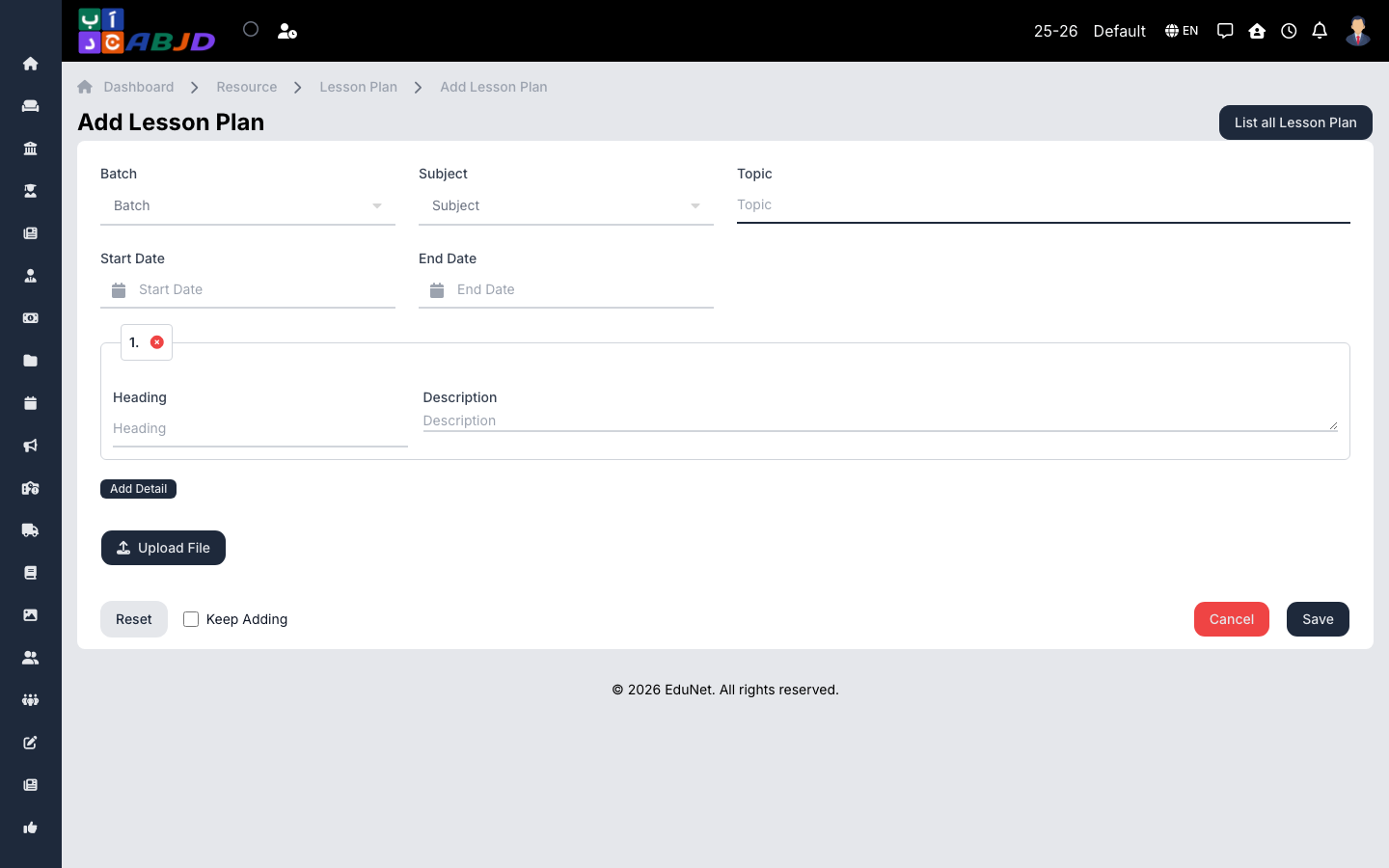
- Click Add Lesson Plan.
- Select the batch, subject and the date range the plan covers.
- Fill in the plan — topic, objectives, activities, resources. Attach files if needed.
- Click Save.
Row actions
- View / Edit — open or update the plan.
- Delete — remove an erroneous plan.