
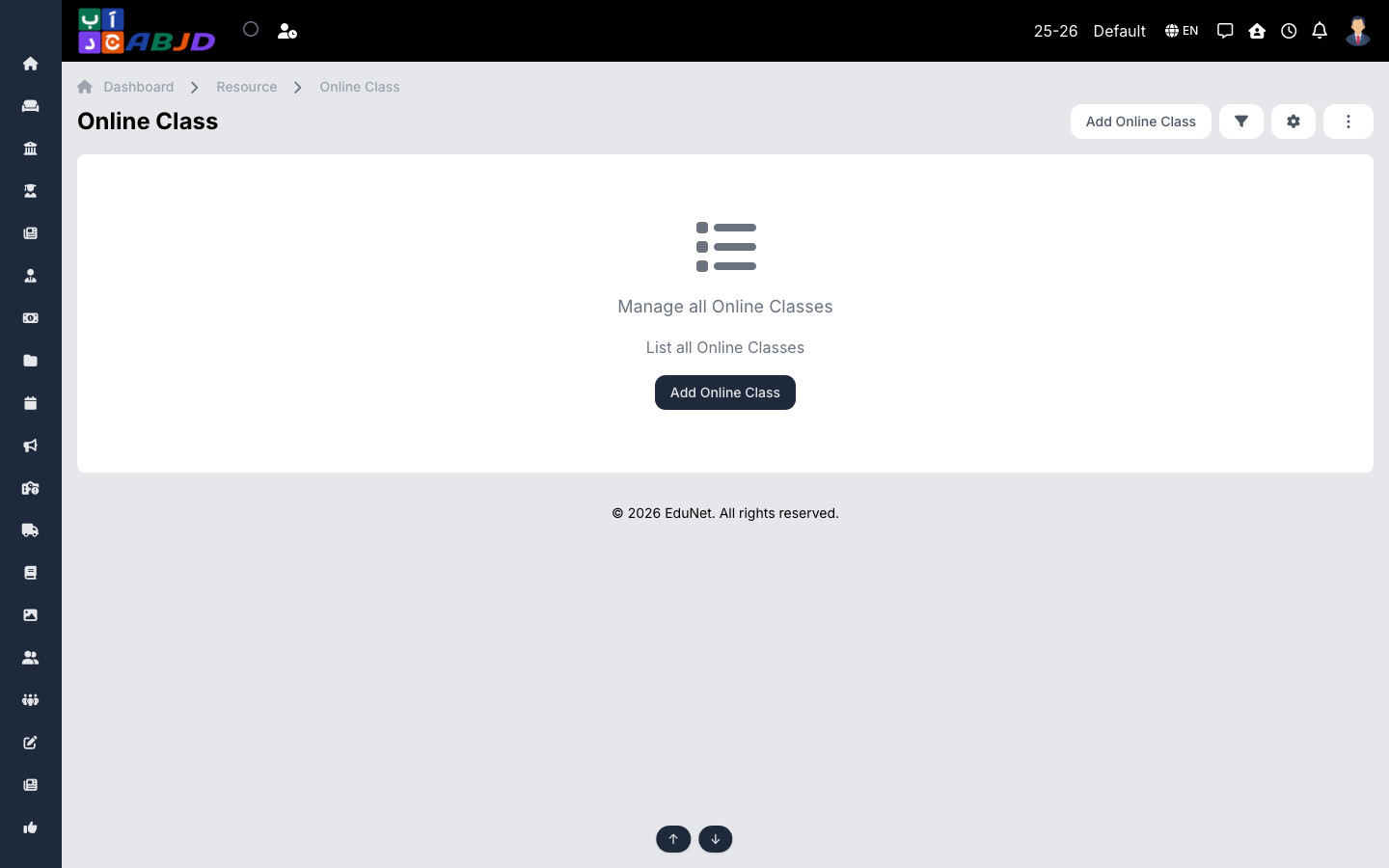
Online Classes schedules live sessions (Zoom, Meet, etc.) for a batch/subject. Students get the timing and the join link in their portal and app.
Open it from the sidebar: Resource → Online Class.
Create an online class
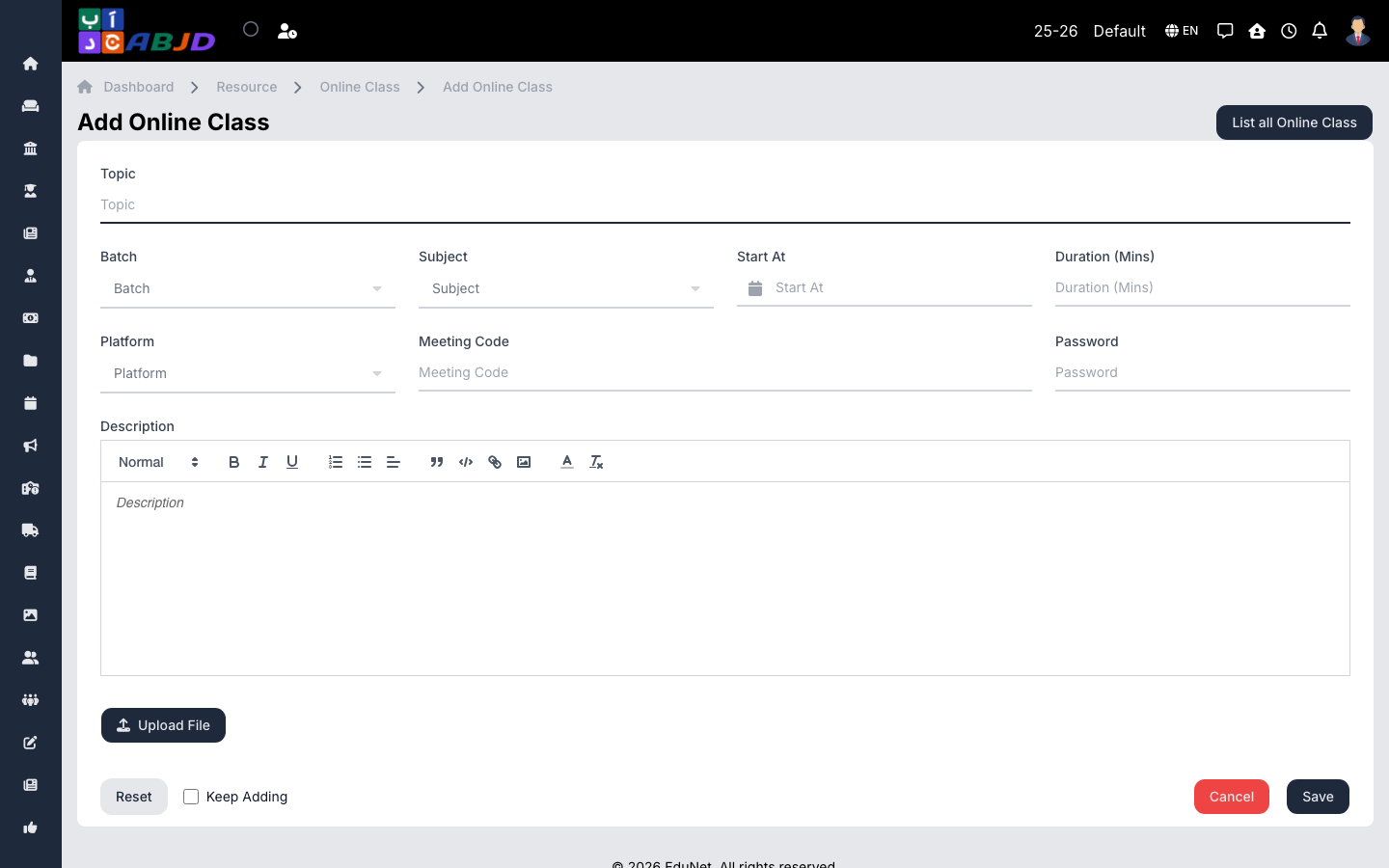
- Click Add Online Class.
- Select the batch and subject, set the date, time and duration.
- Paste the meeting link (and password if any).
- Click Save — students see the session and can join at the scheduled time.
Row actions
- View / Edit — open or change the session.
- Delete — cancel a session.