
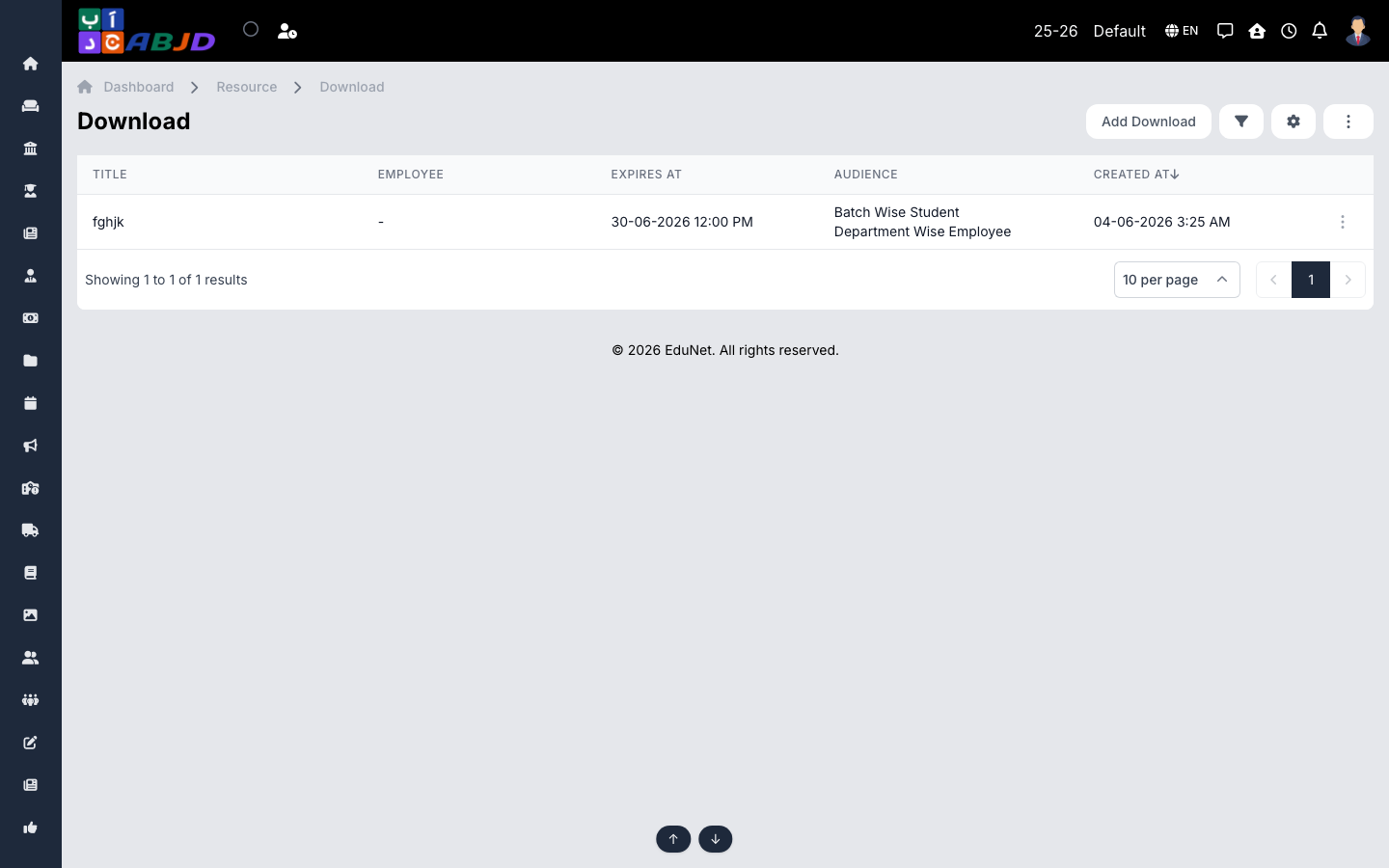
Downloads is a general file area — school forms, circulars, policies — published to a broader audience than a single batch (e.g. all students, all employees).
Open it from the sidebar: Resource → Download.
Add a download
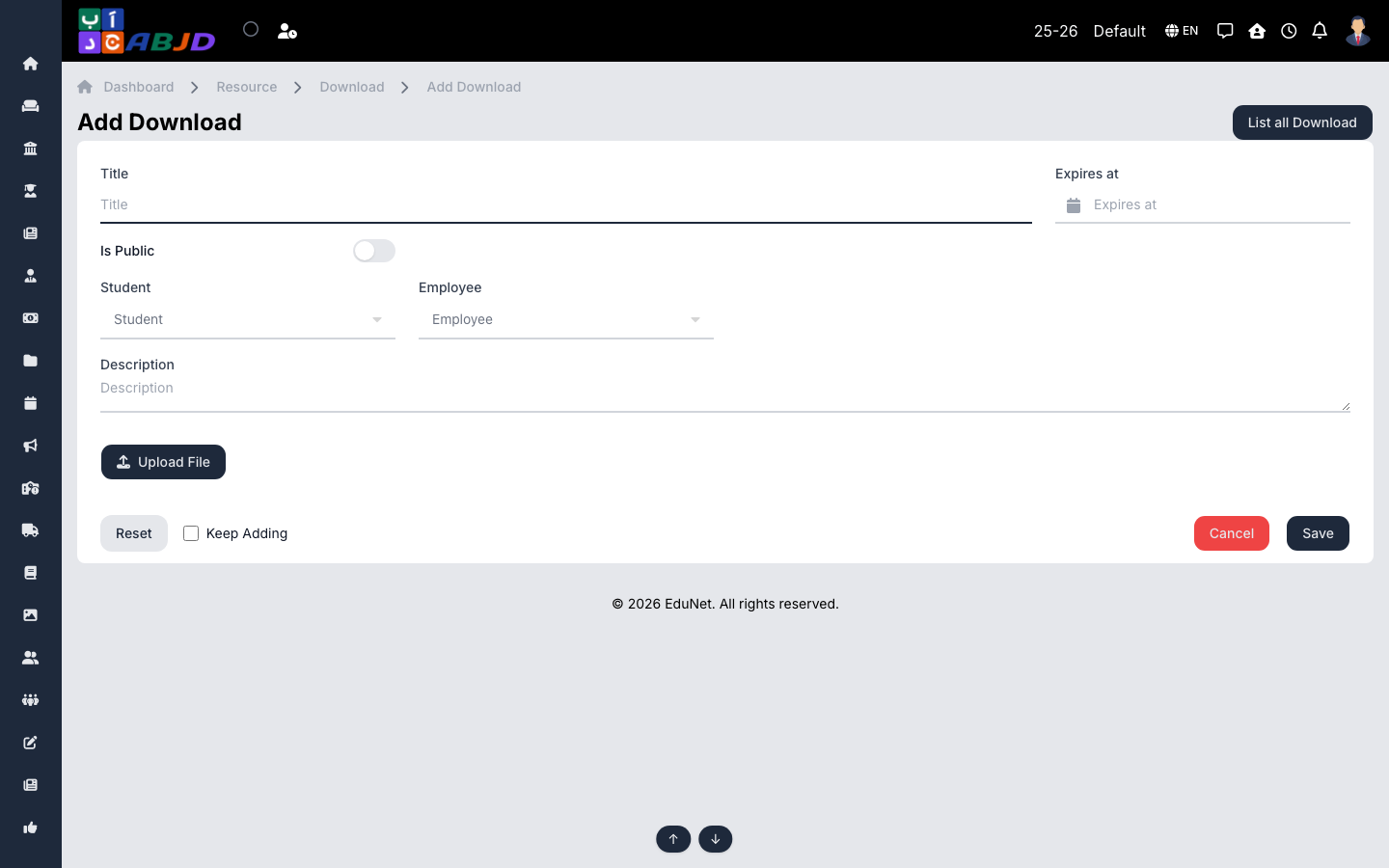
- Click Add Download.
- Enter the title and description, and choose the audience who should see it.
- Upload the file(s).
- Click Save.
Row actions
- View / Edit — open or update the entry.
- Delete — remove an outdated file.