
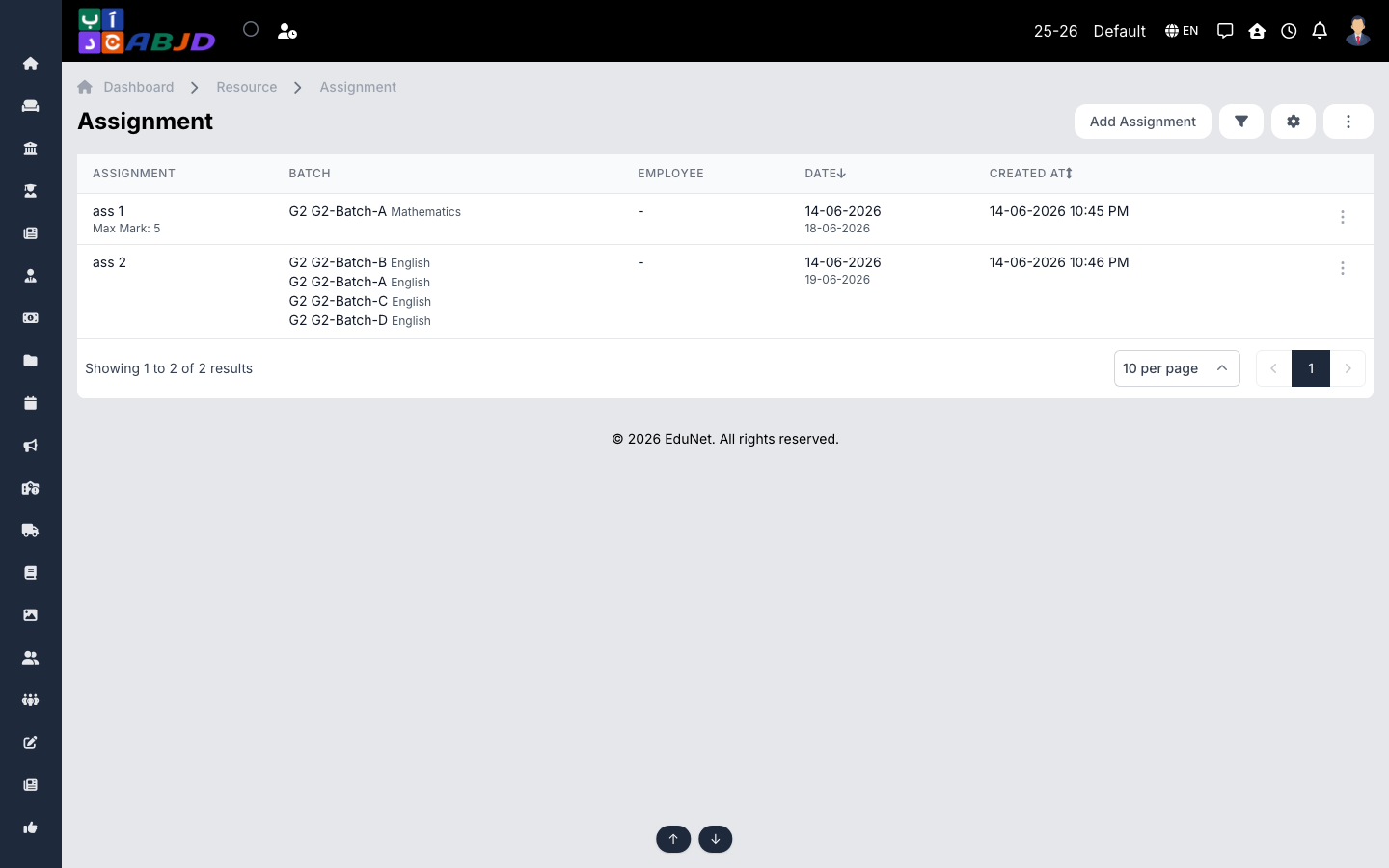
Assignments are tasks set for a batch/subject with a due date. Students see them in the portal and mobile app and can submit their work online; teachers track and review submissions.
Open it from the sidebar: Resource → Assignment.
Create an assignment
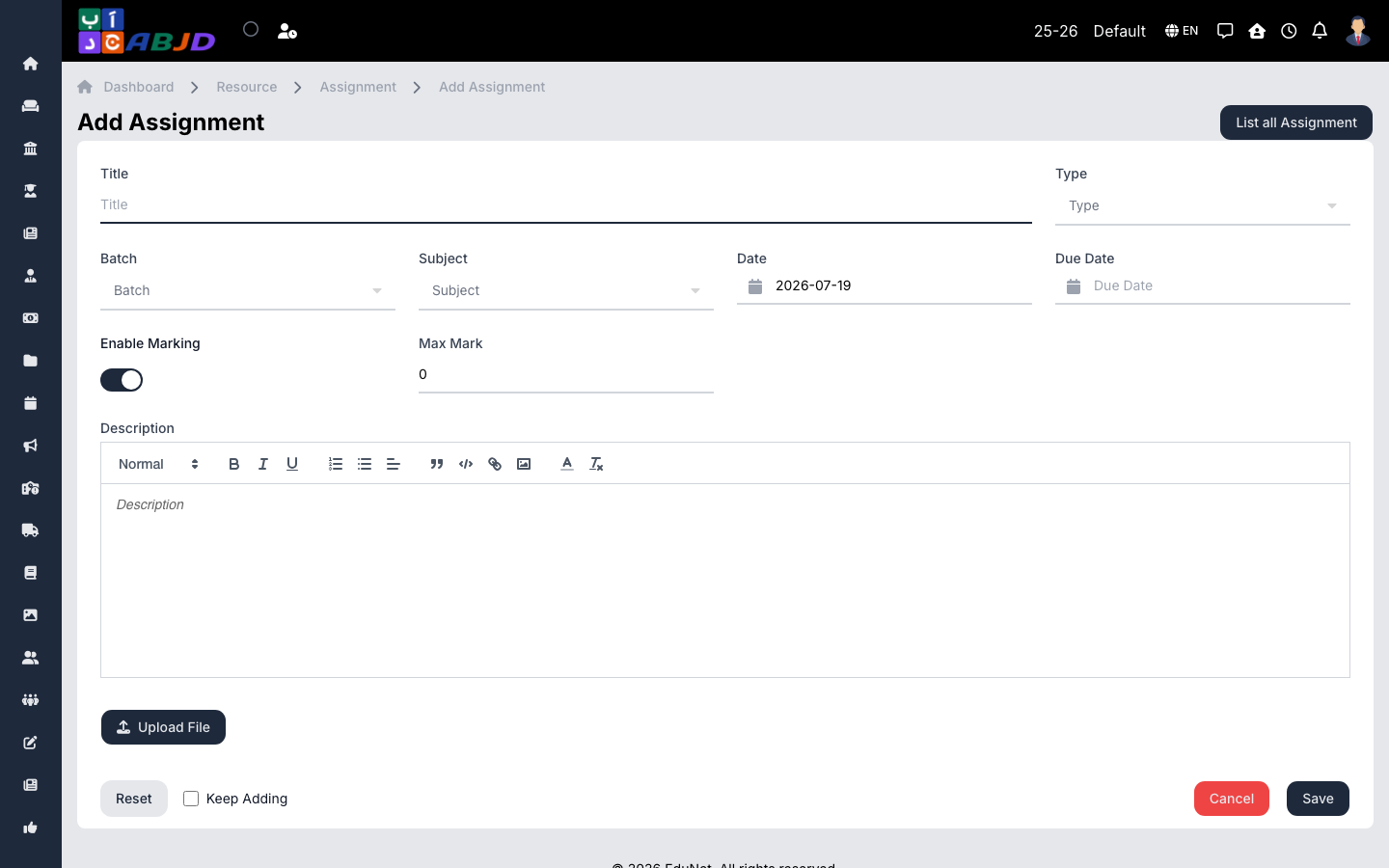
- Click Add Assignment.
- Select the batch and subject, pick the assignment type, and set the due date.
- Write the instructions and attach any files.
- Click Save — students are notified and can submit until the due date.
Row actions
- View — see the assignment with its submissions.
- Edit / Delete — change or remove the assignment.