
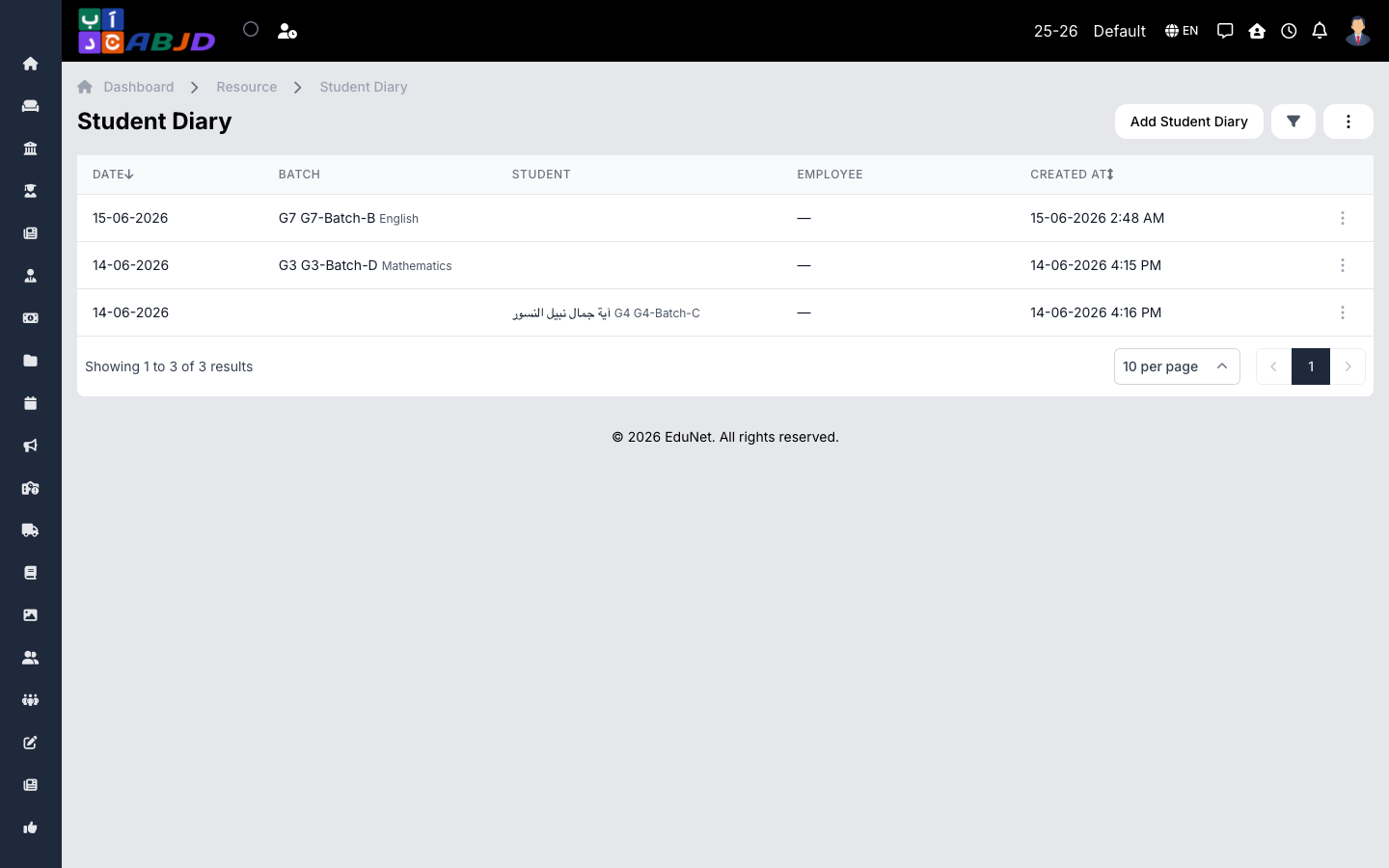
The Diary records what happened in class each day — homework given, notes and reminders. Entries are visible to the students of the batch (and their guardians) in the portal and mobile app.
Open it from the sidebar: Resource → Diary.
Create a diary entry
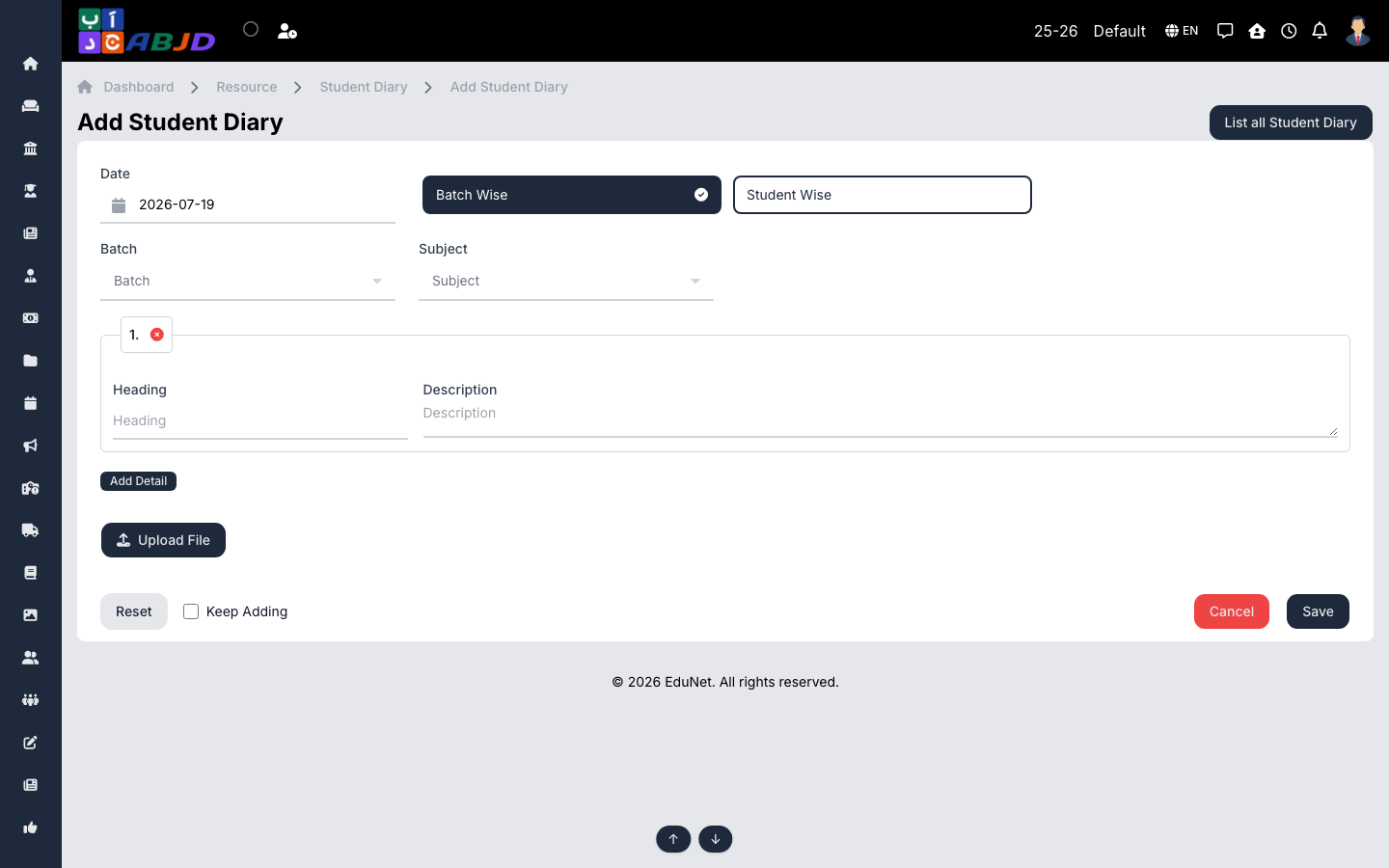
- Click Add Diary.
- Pick the date and the batch (and subject where relevant).
- Write the entry — homework, notes, reminders. Attach files if needed.
- Click Save — students and guardians see it immediately.
Row actions
- View / Edit — open or change an entry.
- Delete — remove an erroneous entry.