
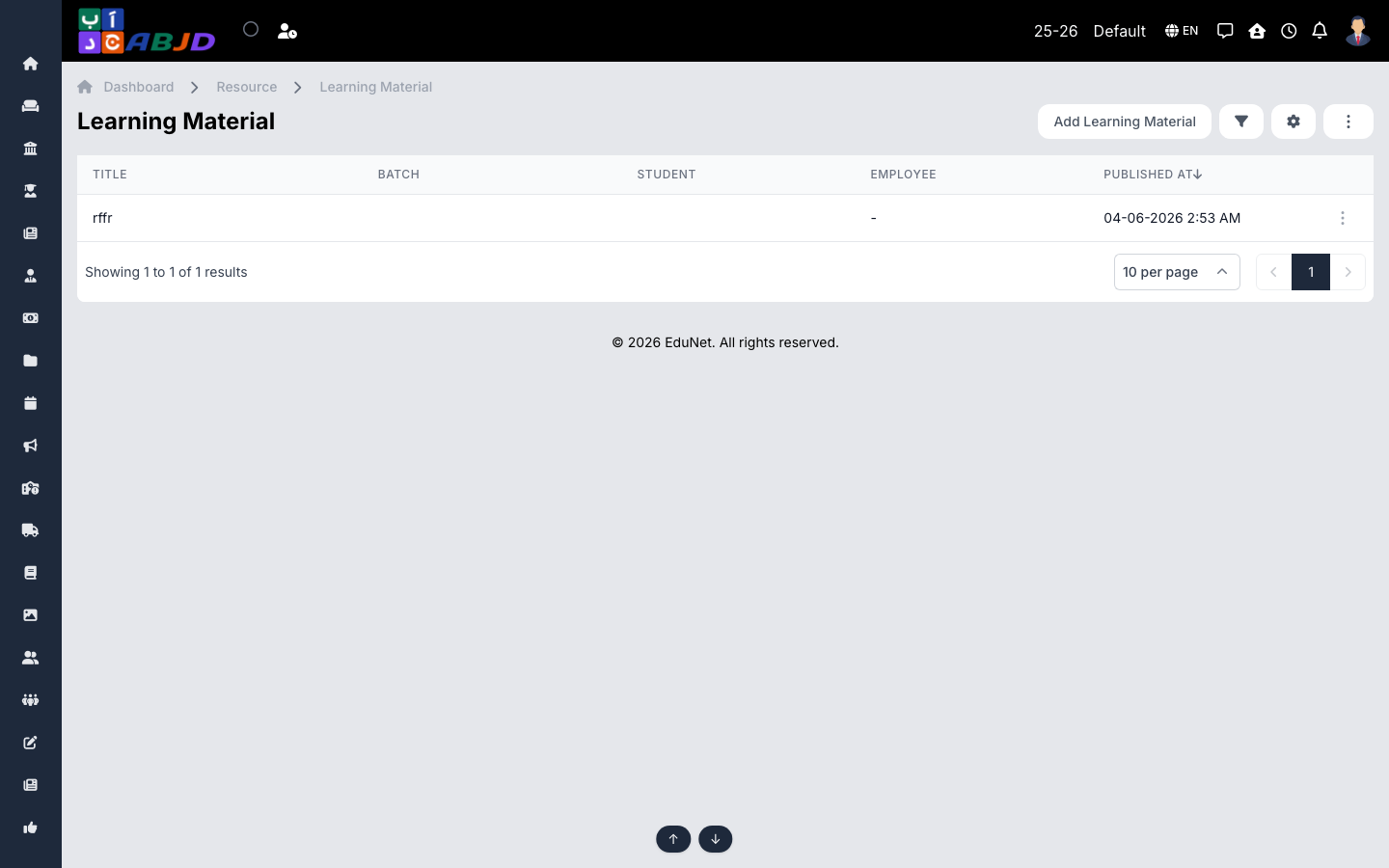
Learning Materials distributes study files — notes, worksheets, slides, videos — to the students of a batch/subject, accessible from the portal and mobile app.
Open it from the sidebar: Resource → Learning Material.
Add learning material
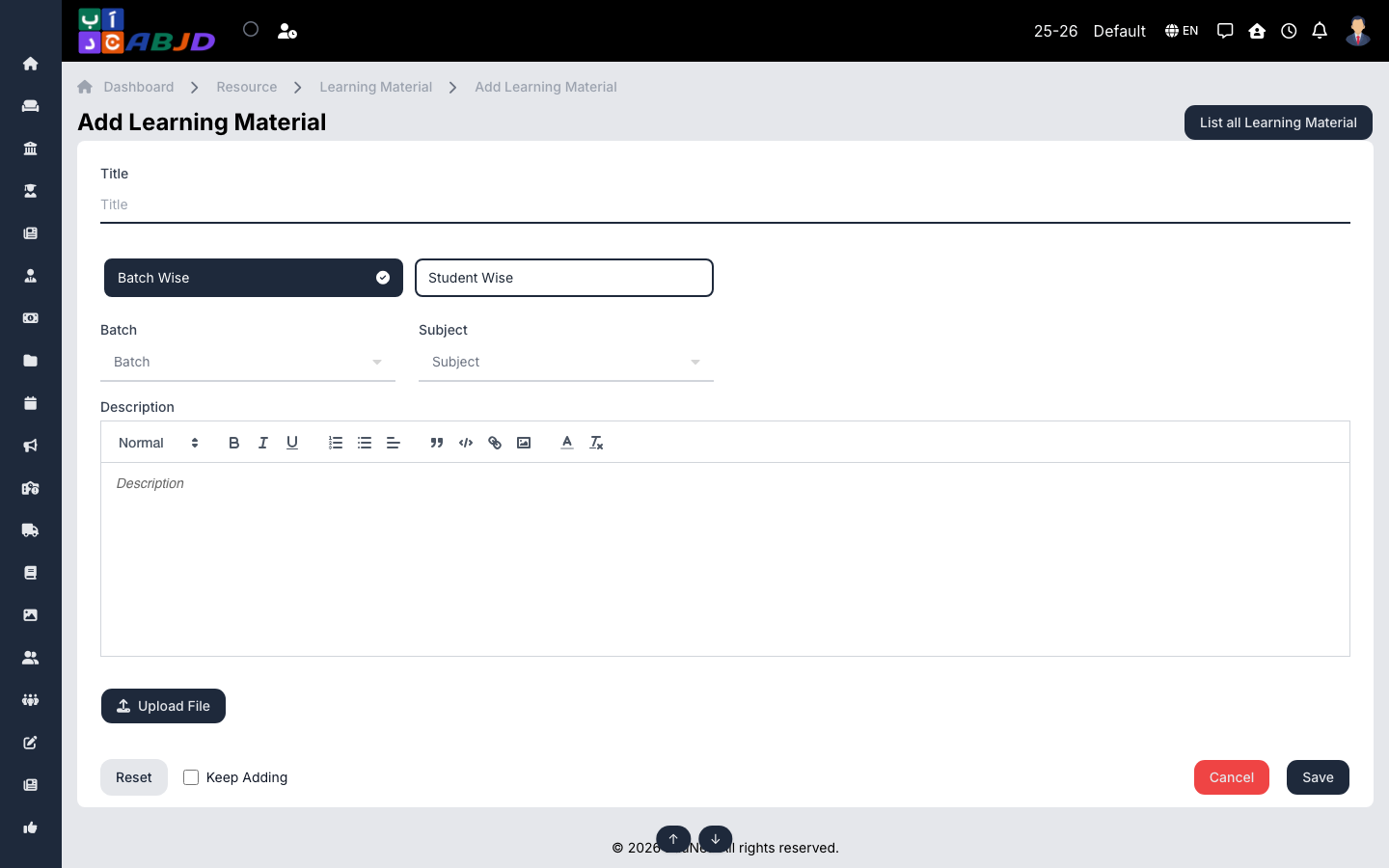
- Click Add Learning Material.
- Select the batch and subject, and give the material a title and description.
- Upload the files (or add links).
- Click Save — students can view and download immediately.
Row actions
- View / Edit — open or update the material.
- Delete — remove outdated material.