
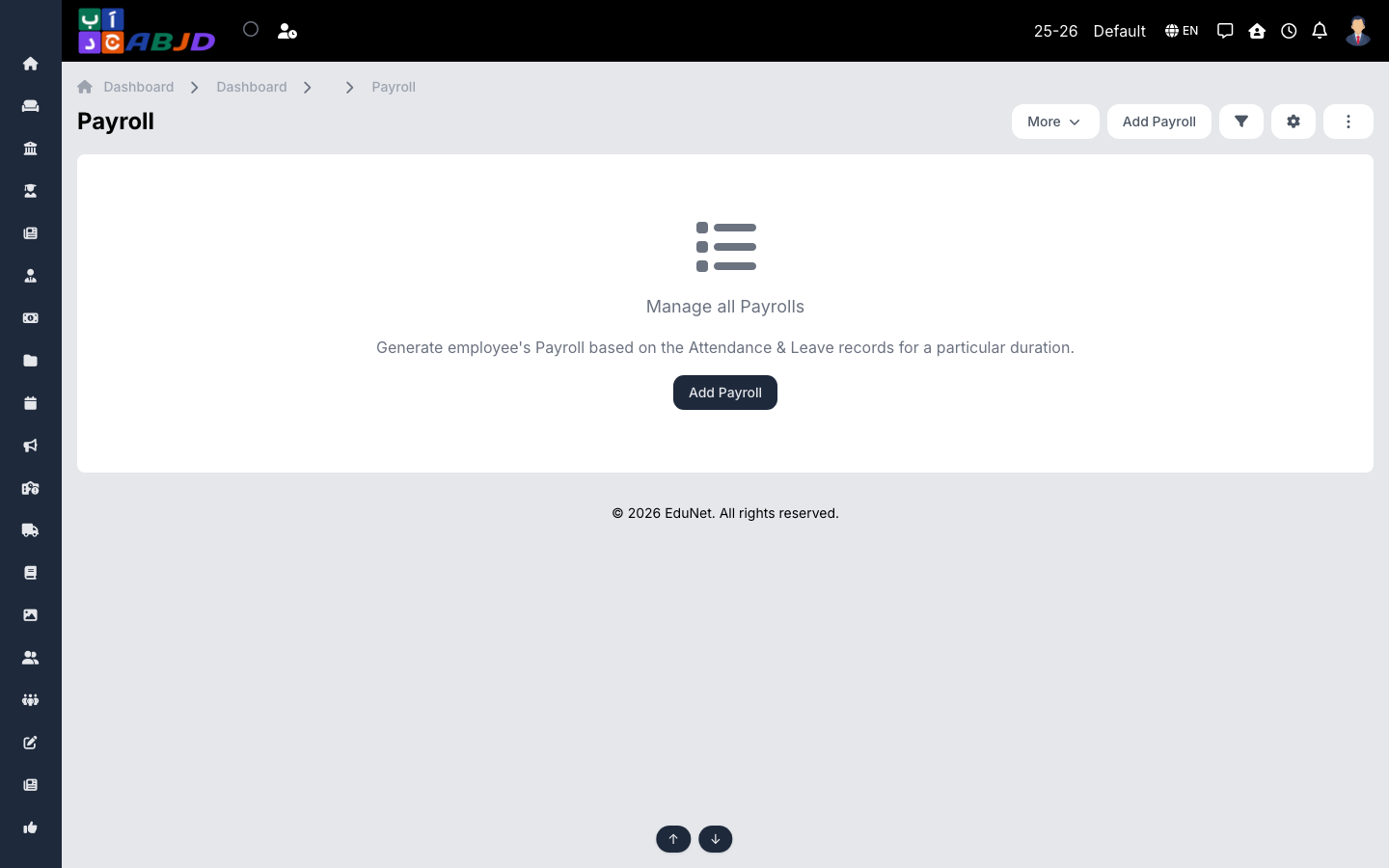
The Payroll screen generates employee salaries for a period based on the employee’s salary structure (pay heads, earnings and deductions) combined with attendance and leave records.
Open it from the sidebar: Employee → Payrolls.
Generate a payroll
- Click Add Payroll.
- Select the employee(s) and the duration (month).
- The system computes earnings and deductions from the salary structure, attendance and approved leave.
- Review and save — the payroll can then be viewed, edited and marked as paid.
Prerequisites
- Pay heads — the earning/deduction lines (basic, allowances, deductions).
- Salary templates & structures — templates define the pay-head composition; a structure assigns amounts to an employee.
Both are set up under Employee → Payroll configuration screens.
Row actions
- View — the payslip with its full breakdown.
- Edit — adjust before payment.