
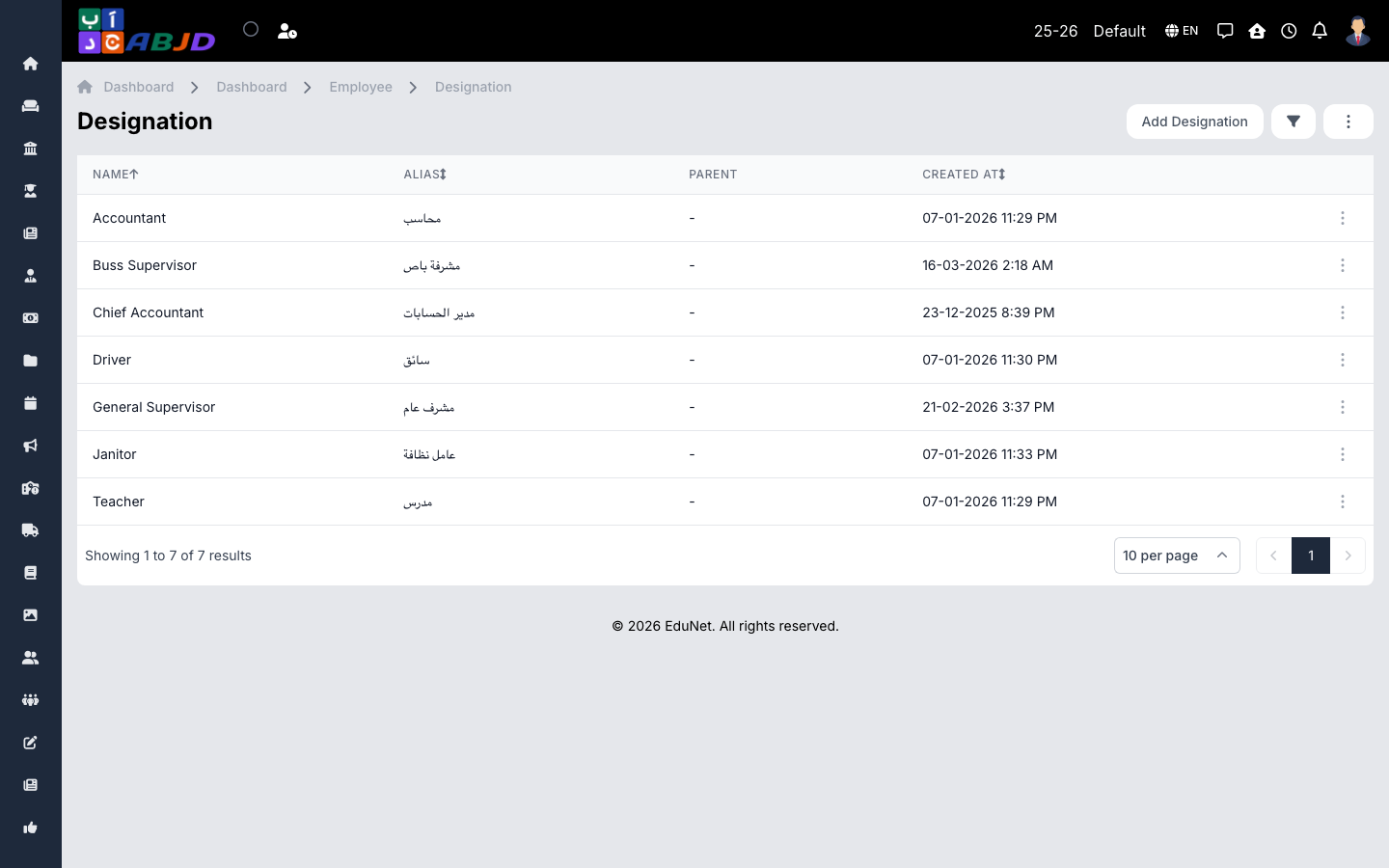
Designations are job titles — Teacher, Senior Teacher, Accountant, Principal. Each employment record carries a designation, which also appears on ID cards and payroll.
Open it from the sidebar: Employee → Designations.
Create a designation
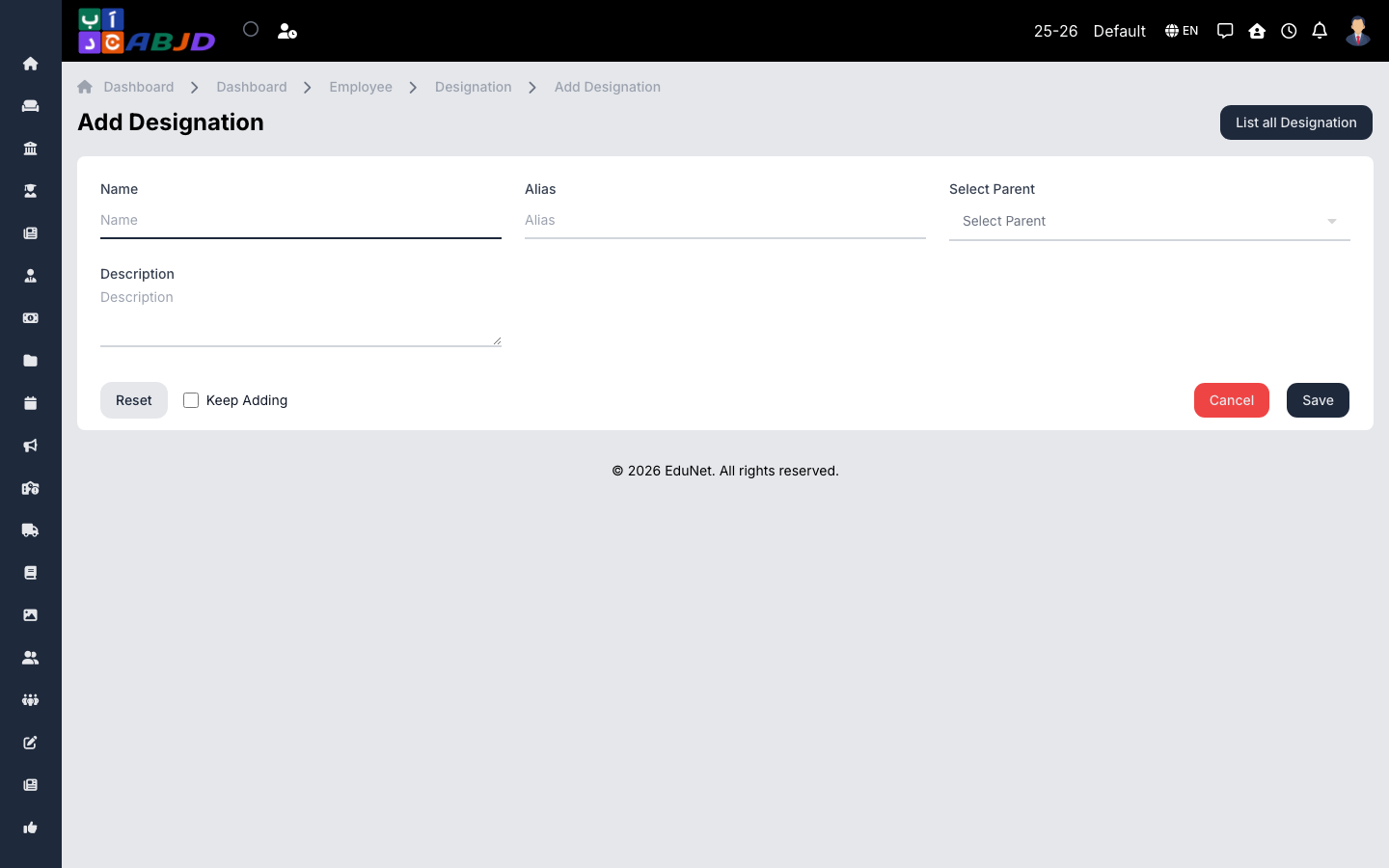
- Click Add Designation.
- Enter the name and an optional description.
- Click Save.
Row actions
- View / Edit — open or change the designation.
- Delete — only possible while no employment records use it.