
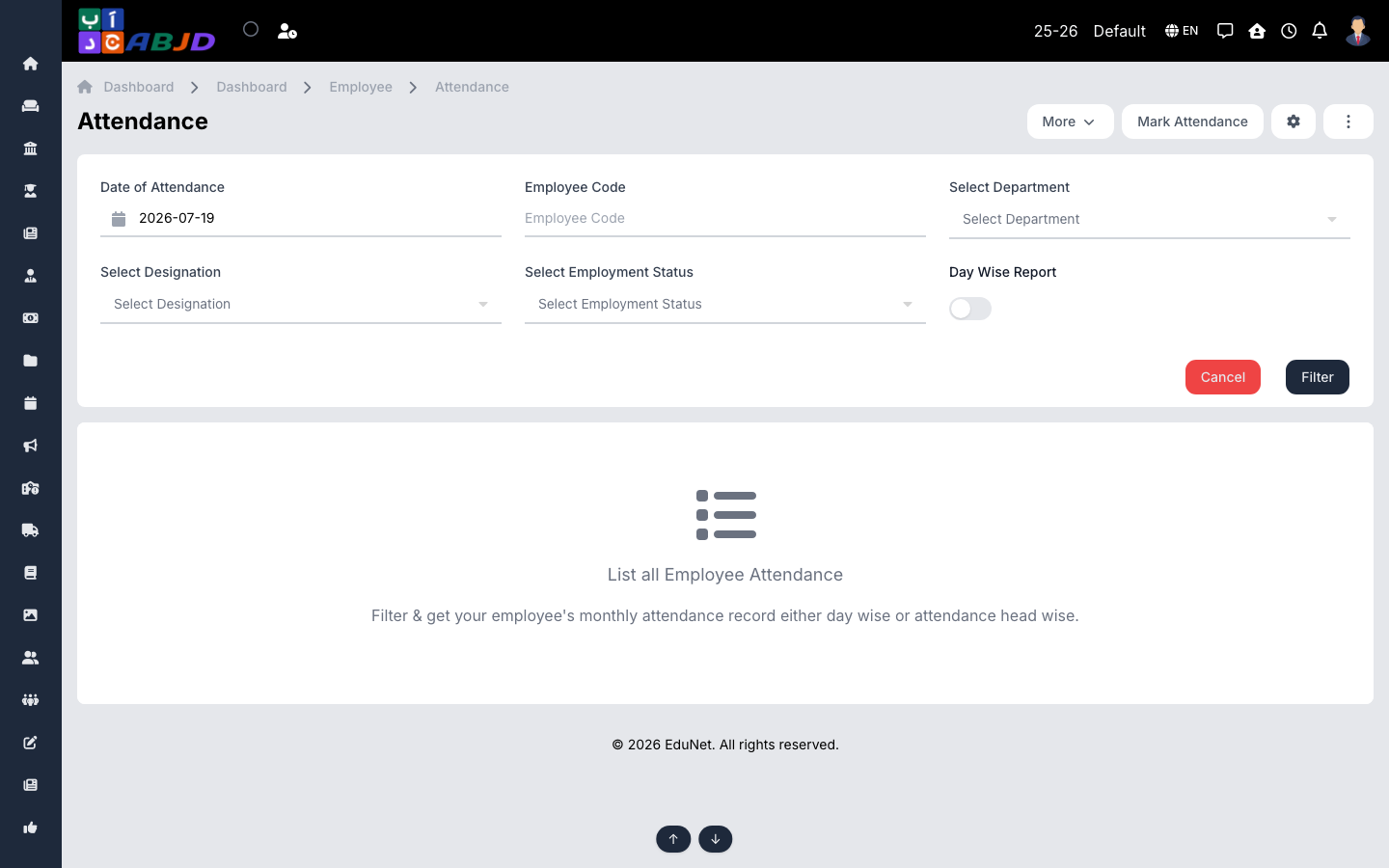
The Attendance screen records and reviews staff attendance. Filter by date, department, designation or employment status, and view monthly records day-wise or summarised per attendance type.
Open it from the sidebar: Employee → Attendance.
Mark attendance
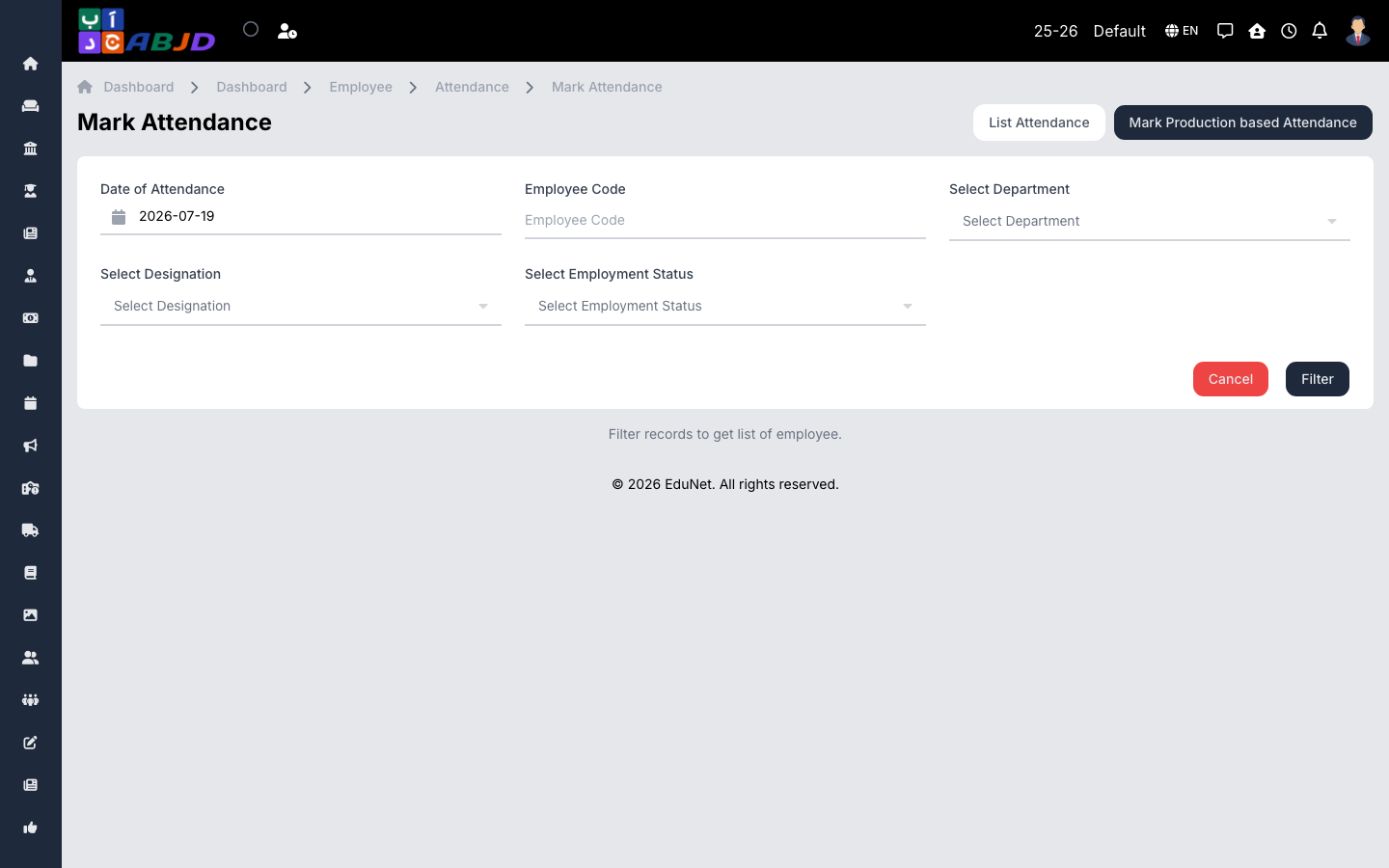
- Click Mark Attendance.
- Pick the date and filter the staff list if needed.
- Set each employee’s status — present, absent, or any custom attendance type (half day, late…).
- Save.
Review records
- Set the date and filters on the main screen, then click Filter.
- Toggle Day Wise Report to switch between the day view and the monthly summary.
Tip: attendance and approved leaves feed straight into payroll — accurate marking here means correct salary calculations.