
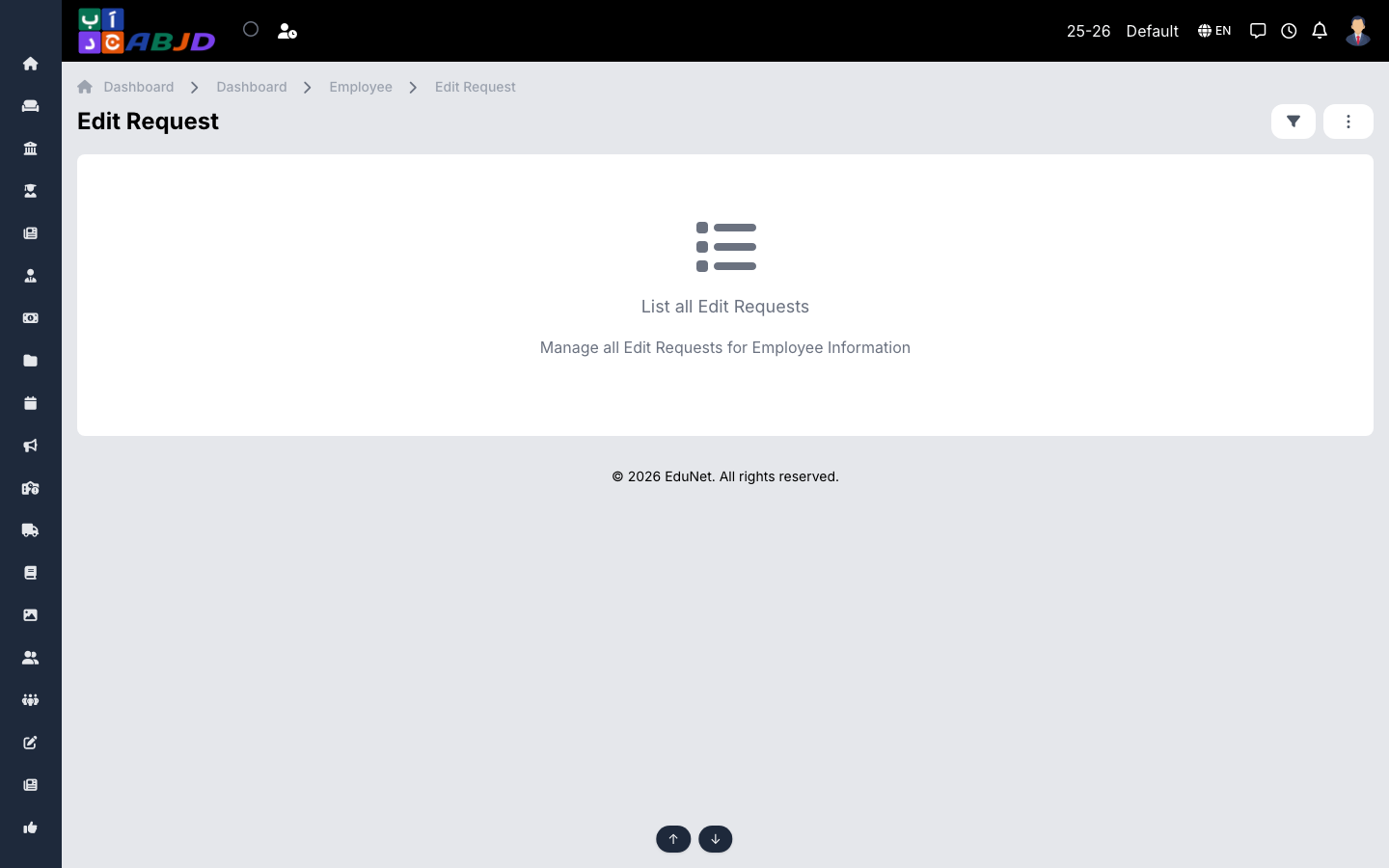
Edit Requests lists changes employees have requested to their own profile (contact details, documents…). Instead of editing records directly, staff submit a request that HR reviews.
Open it from the sidebar: Employee → Edit Request.
Process a request
- Open a pending request to see the requested changes side by side with the current data.
- Approve to apply the change to the profile, or Reject with a comment.
Tip: this keeps HR in control of the master data while still letting staff update their own details from the portal or app.