
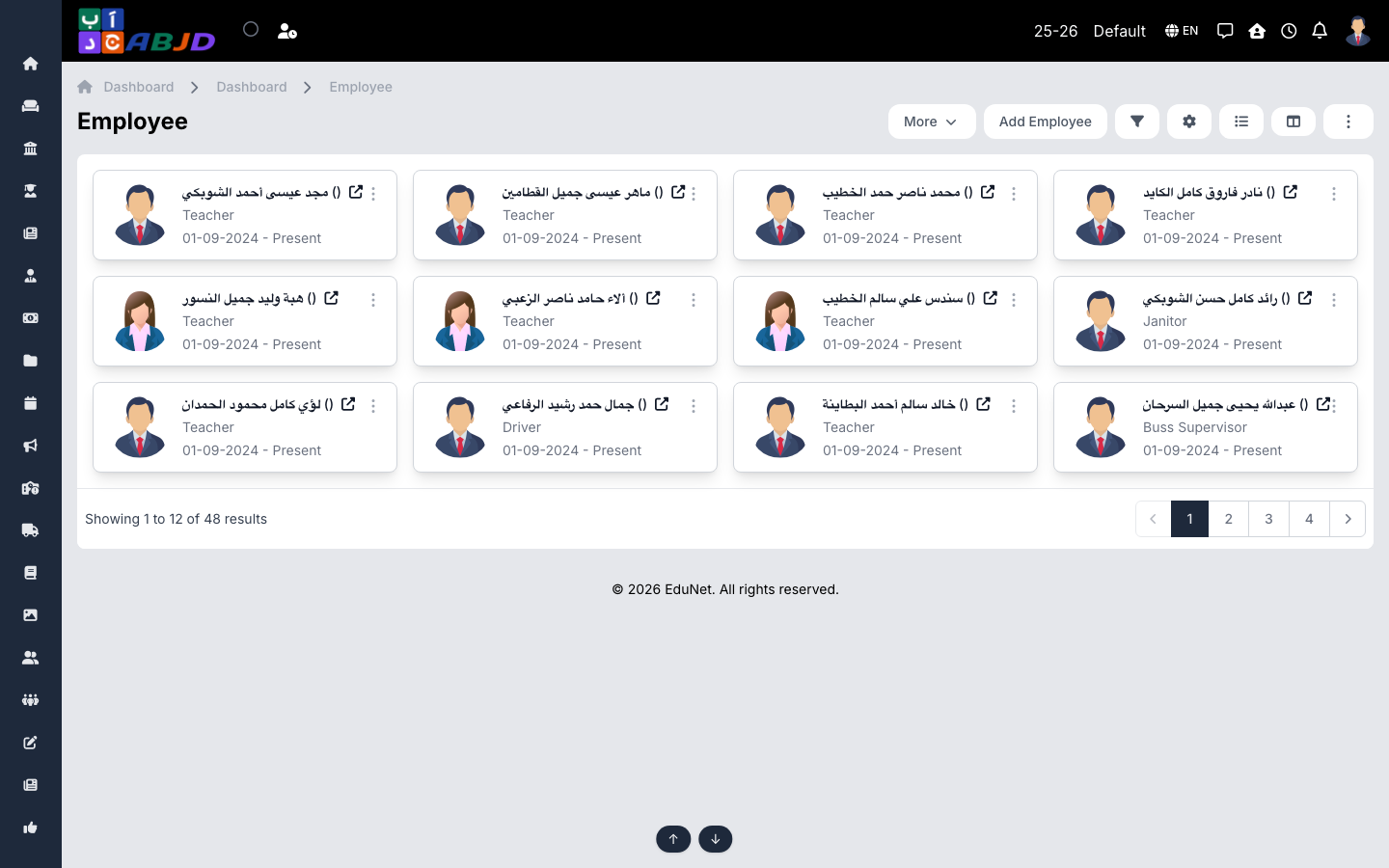
The Employees screen is the staff register. Each employee has a full profile — personal details, employment records (department, designation, joining date), qualifications, experiences, documents and bank accounts.
Open it from the sidebar: Employee → Employee.
Add an employee
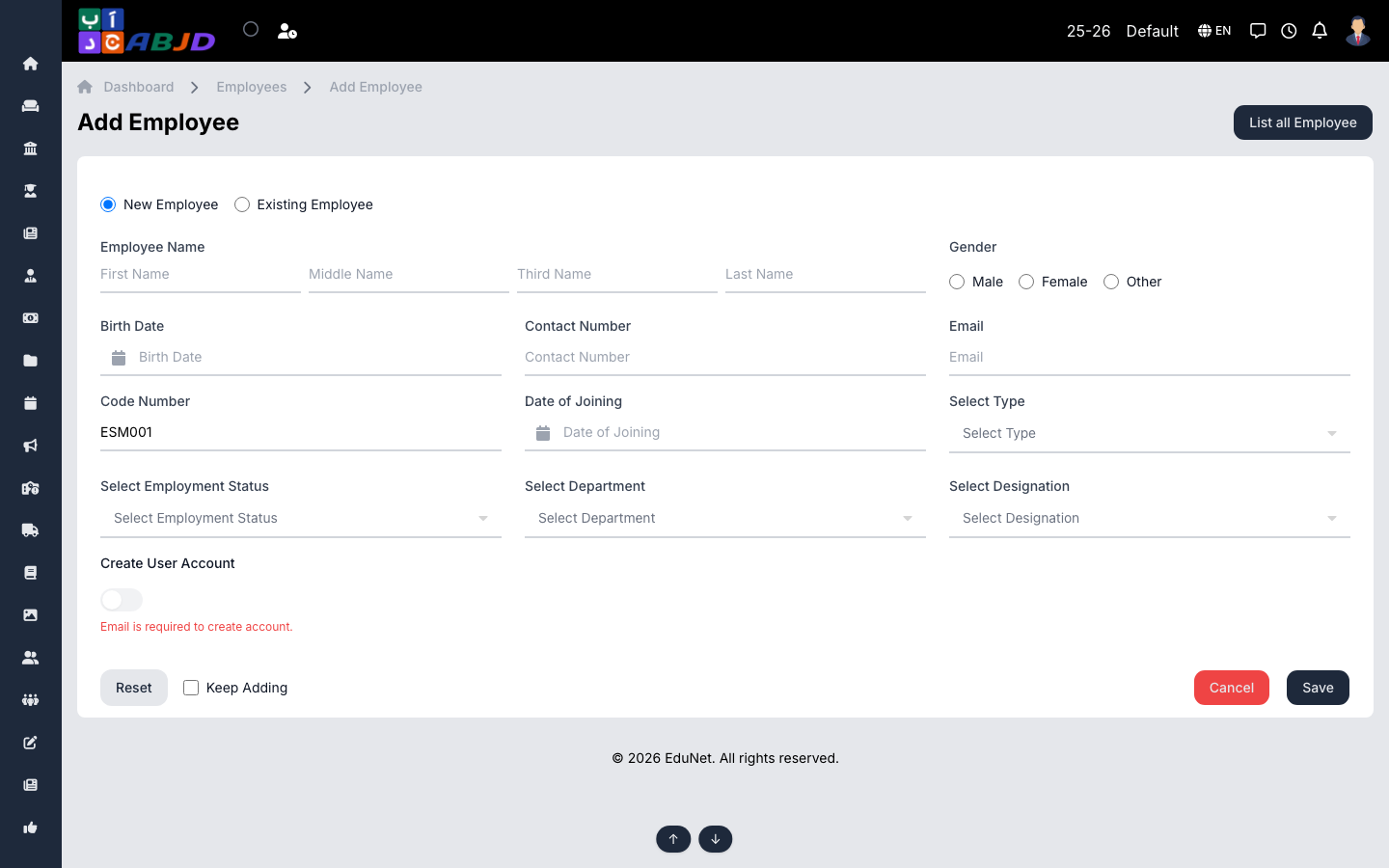
- Click Add Employee.
- Enter the personal details — name, gender, birth date, email and contact number. The email becomes the employee’s login.
- Set the employment details — employee code, department, designation and joining date.
- Click Save. Open the profile afterwards to add documents, qualifications, experiences and account details.
Row actions
- View — open the full profile with its tabs (records, documents, qualifications…).
- Edit — change the basic details.
Tip: the employee’s user account (role, permissions, login) is managed from the profile — assign the right role so they see the correct menus.