
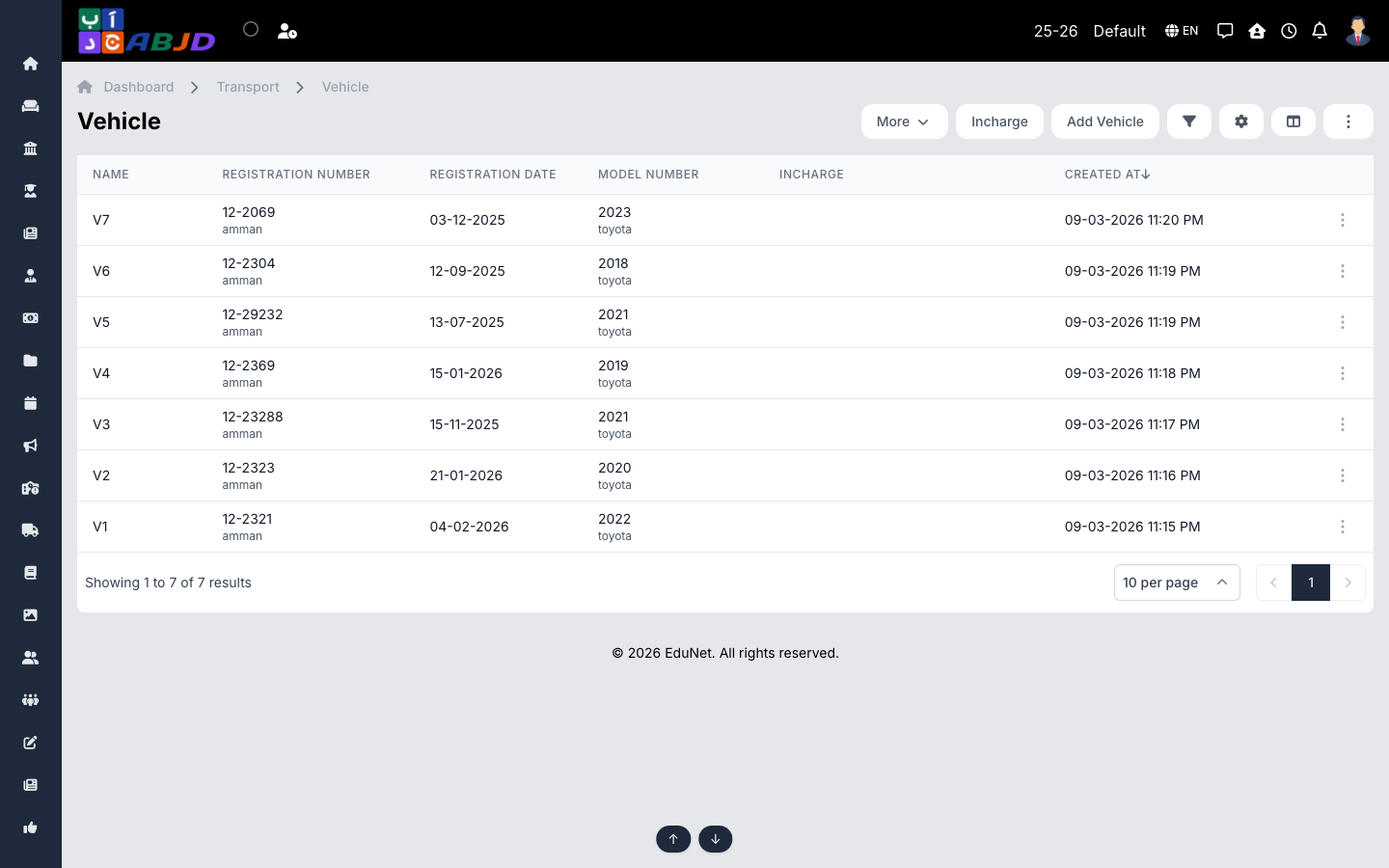
Vehicles is the fleet register. Each vehicle carries its registration details and capacity, plus operational records — documents (license, insurance with expiry), fuel records, service records, trip logs and incharges.
Open it from the sidebar: Transport → Vehicle.
Add a vehicle
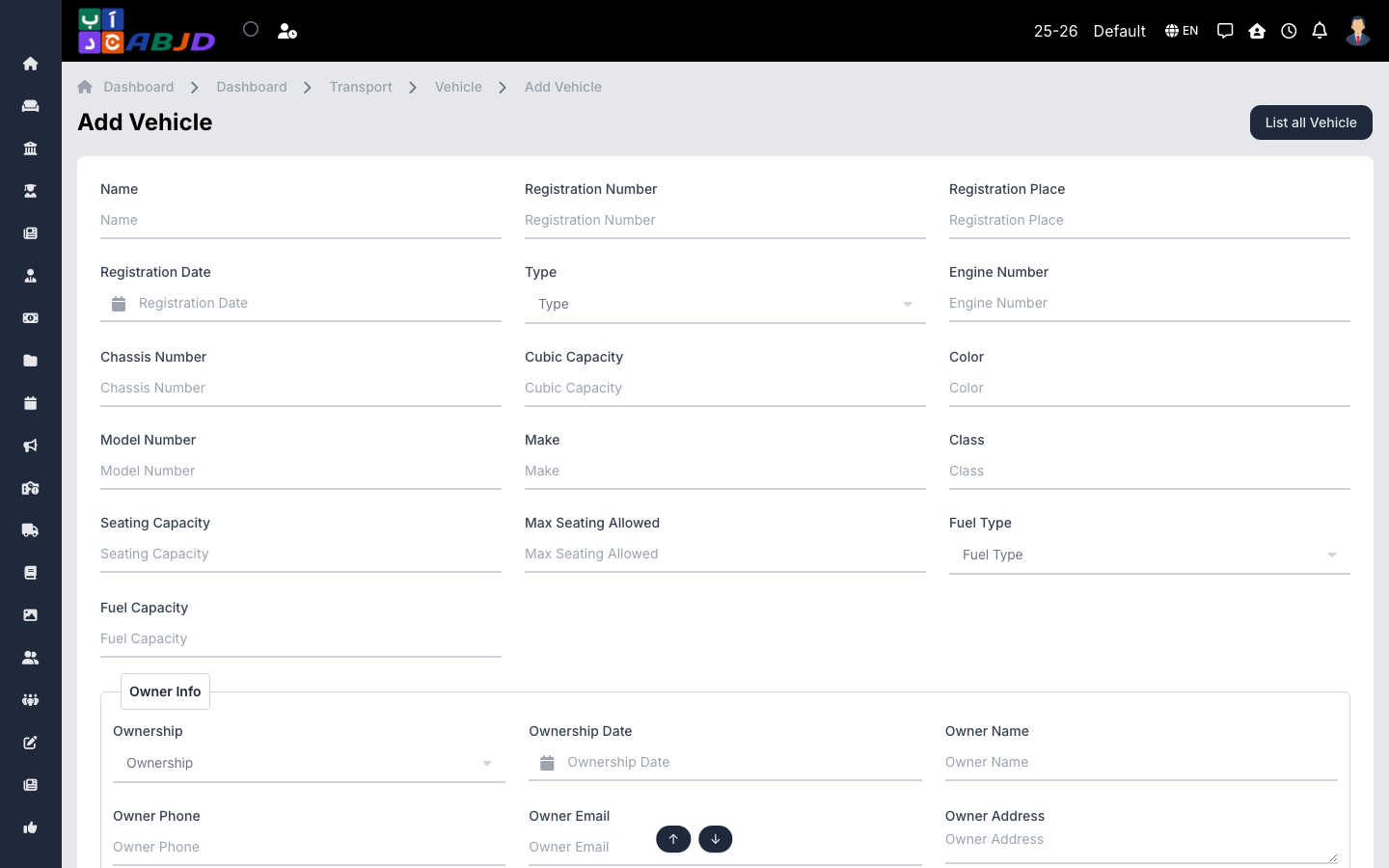
- Click Add Vehicle.
- Enter the name/number, registration details and seating capacity.
- Click Save. Open the vehicle afterwards to add documents, fuel, service and trip records.
Row actions
- View — the vehicle profile with its record tabs.
- Edit / Delete — change or remove the vehicle.
Tip: keep document expiry dates updated — insurance and license renewals are visible at a glance in the vehicle’s documents tab.