
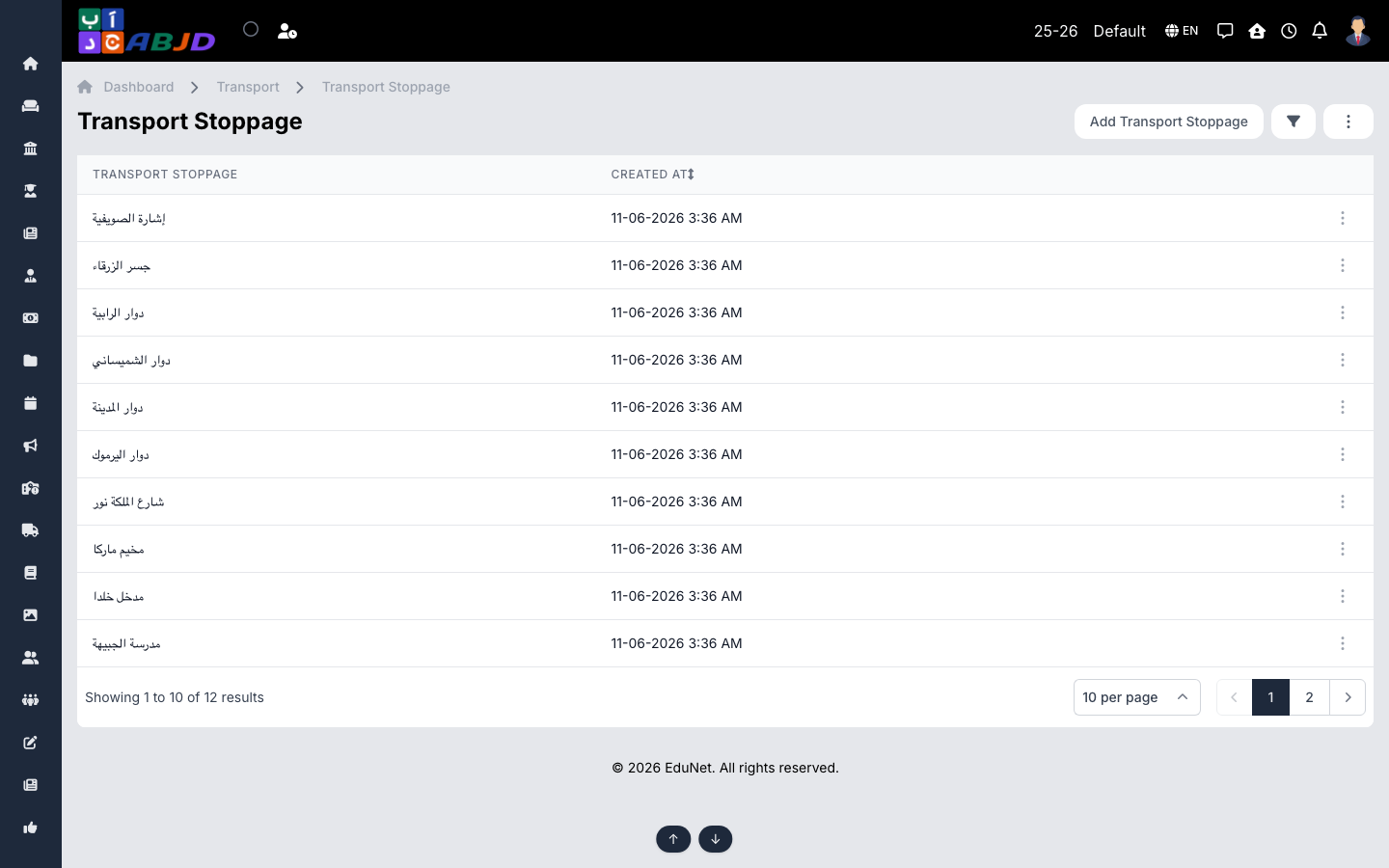
A stoppage is a pickup/drop point — a named location where the bus stops. Each stoppage belongs to a circle (which prices it) and appears in the ordered stop list of routes.
Open it from the sidebar: Transport → Stoppage.
Create a stoppage
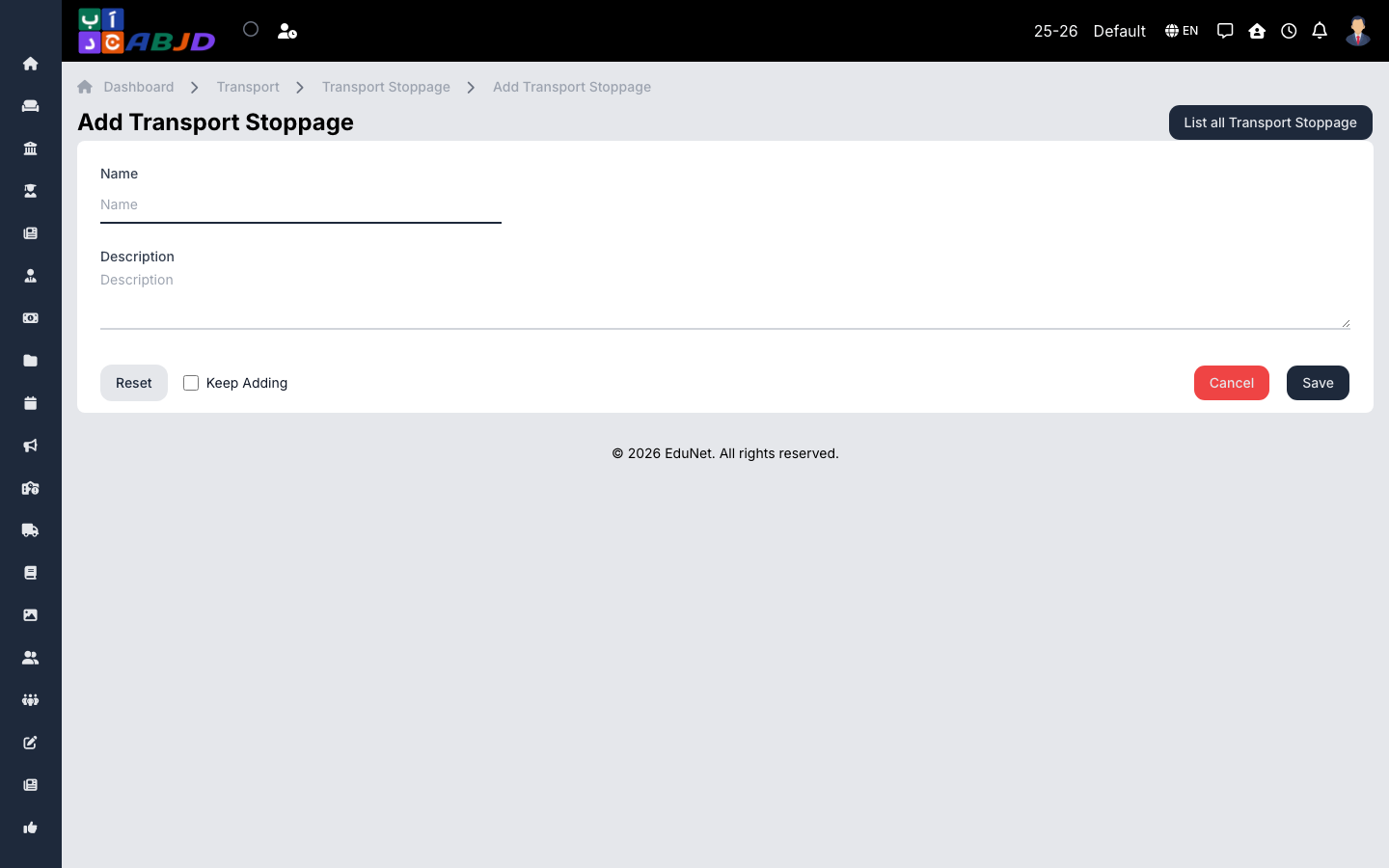
- Click Add Stoppage.
- Enter the name (e.g.
Sports City Gate) and pick the circle. - Click Save.
Row actions
- View / Edit — open or change the stoppage.
- Delete — only possible while no routes or students use it.