
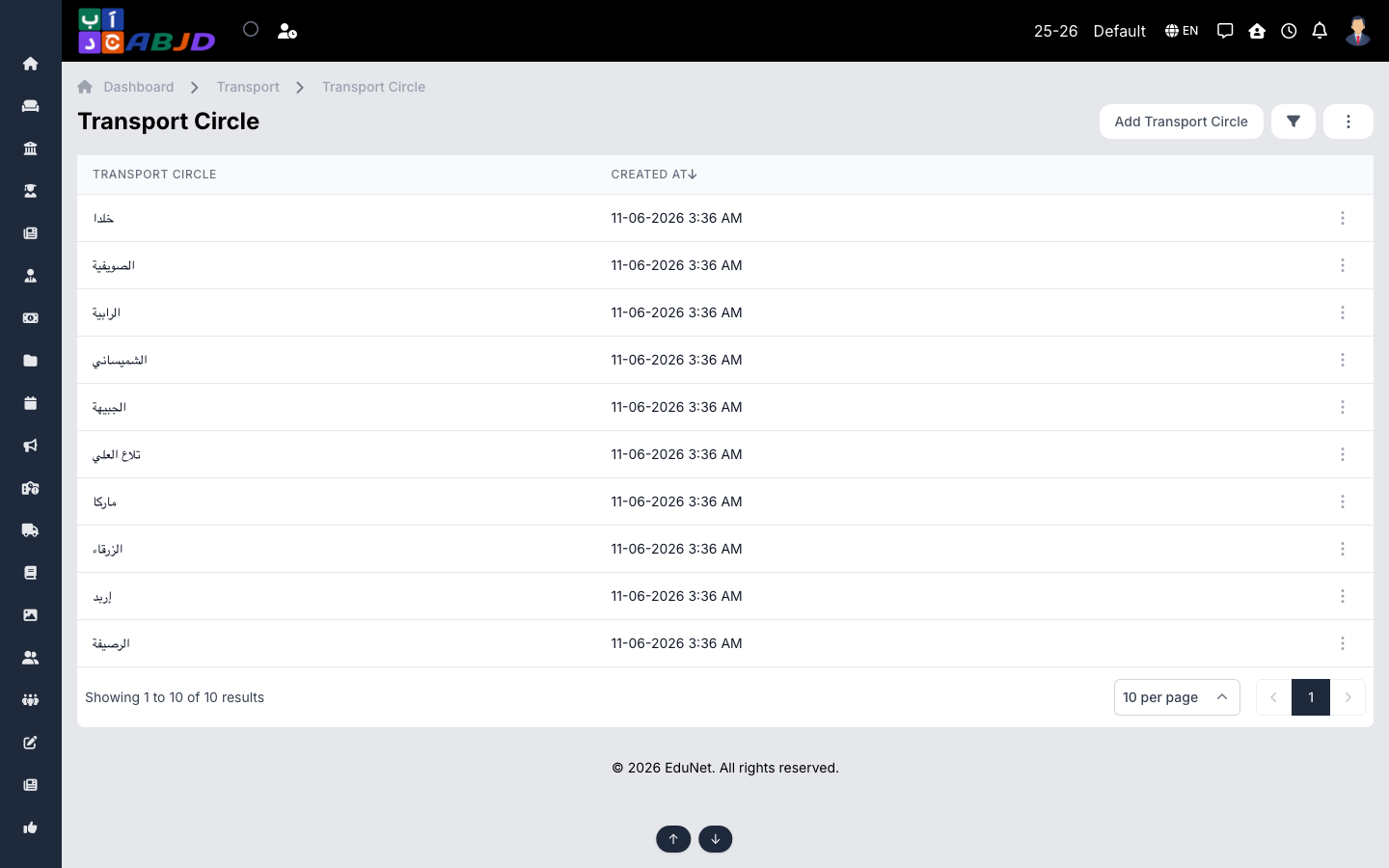
A circle is a transport zone — a distance band or area of the city. Circles group stoppages and drive transport fee pricing: students pay the fee of the circle their stoppage belongs to.
Open it from the sidebar: Transport → Circle.
Create a circle
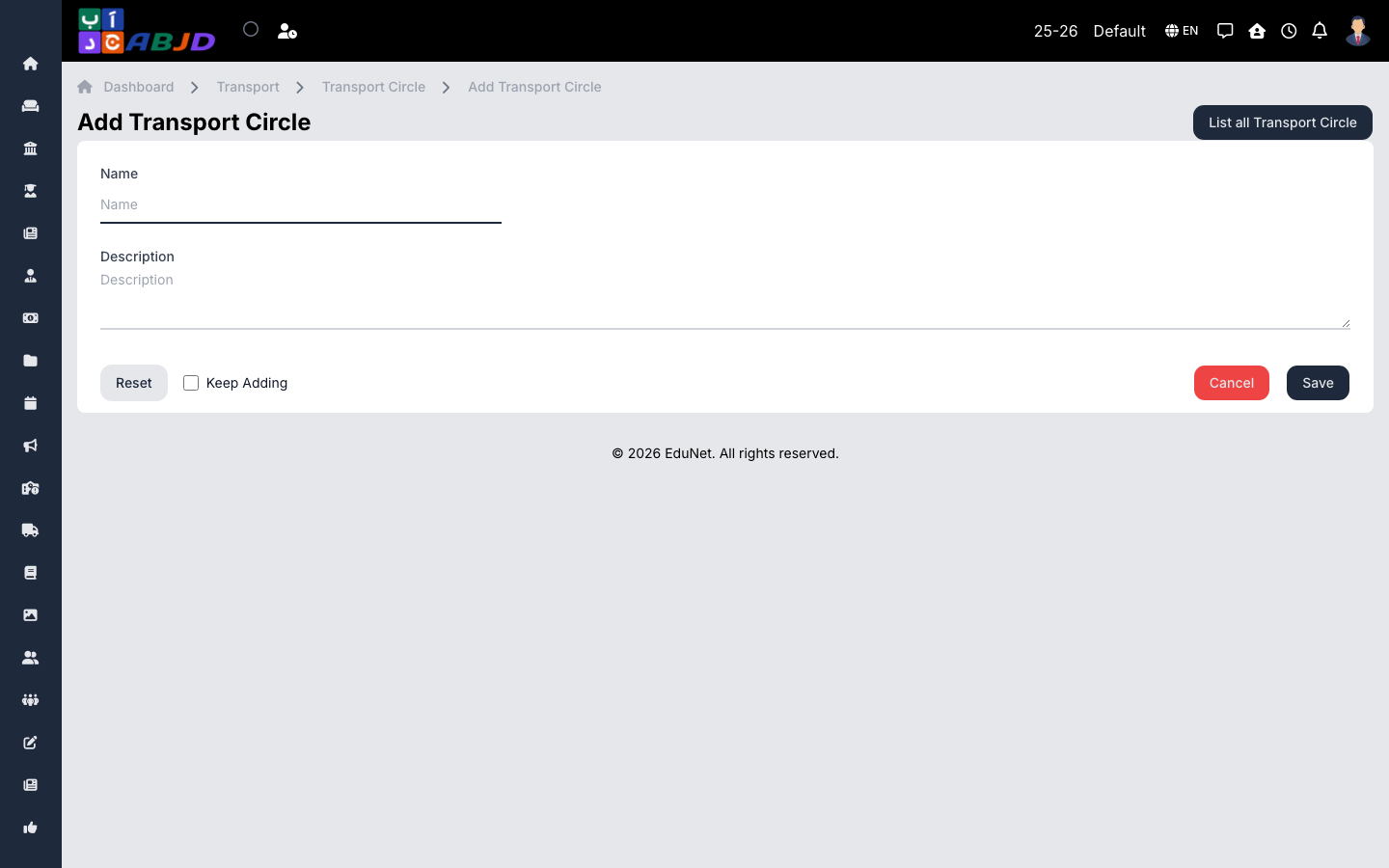
- Click Add Circle.
- Enter the name (e.g.
Zone A — within 5 km) and an optional description. - Click Save.
Row actions
- View / Edit — open or change the circle.
- Delete — only possible while no stoppages or fees reference it.