
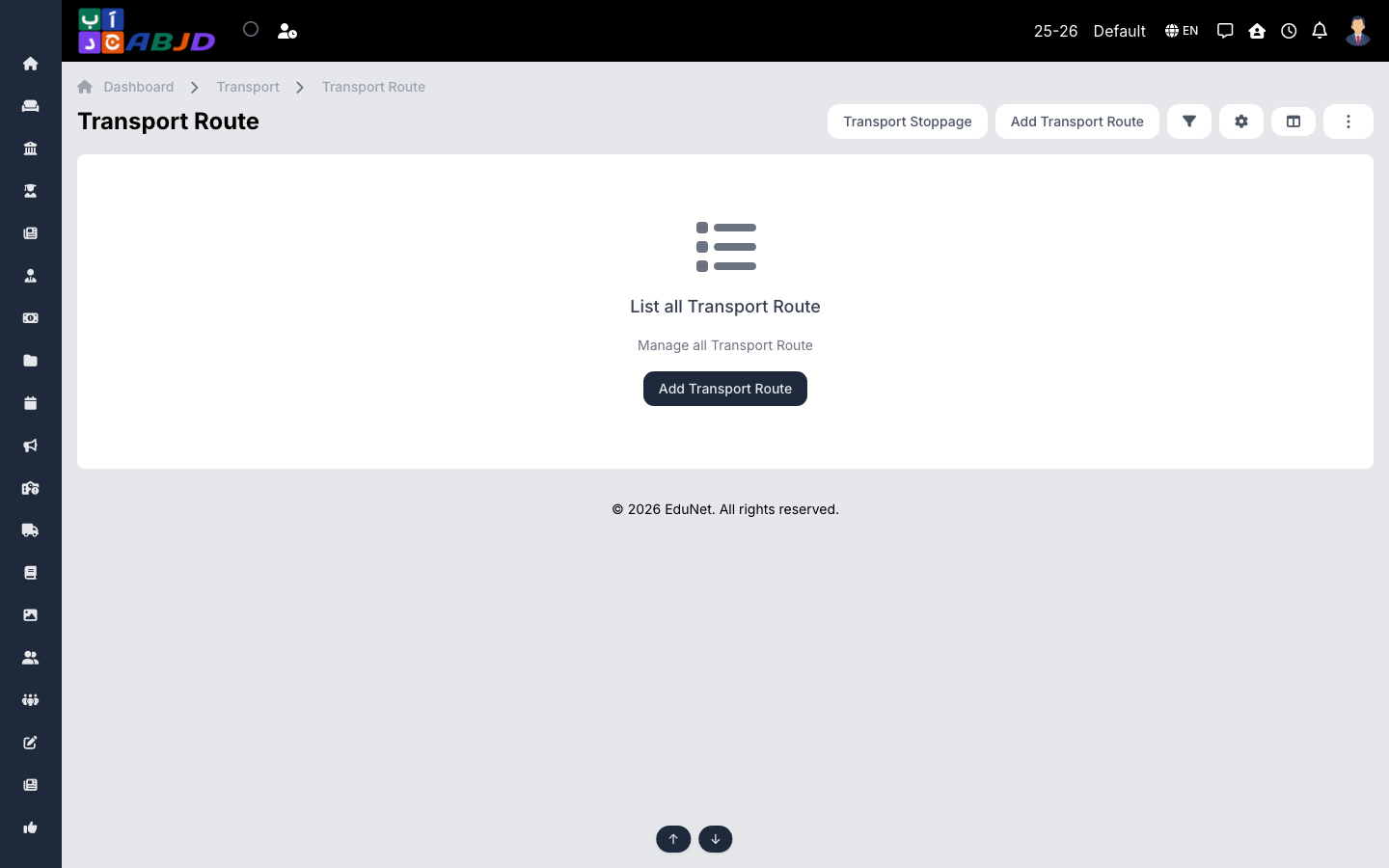
A route is a bus line — an ordered set of stoppages served by a vehicle, with its direction (pickup/drop) and timing. Students are assigned to routes through their transport circle and stoppage.
Open it from the sidebar: Transport → Route.
Create a route
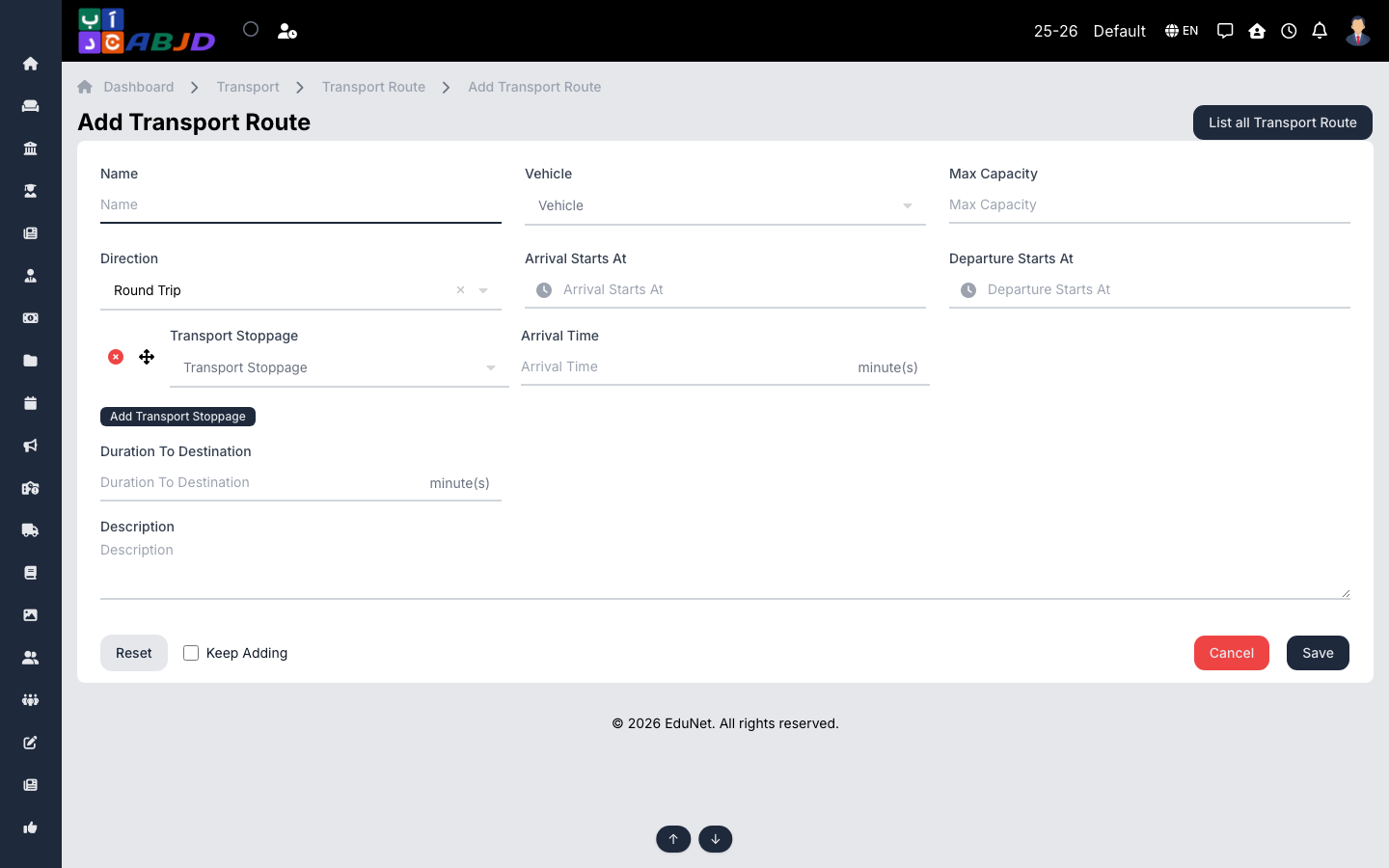
- Click Add Route.
- Enter the name, choose the direction (arrival/departure) and assign the vehicle.
- Add the stoppages in order, with their times.
- Click Save.
Row actions
- View / Edit — open or change the route.
- Delete — only possible while no students are allocated to it.